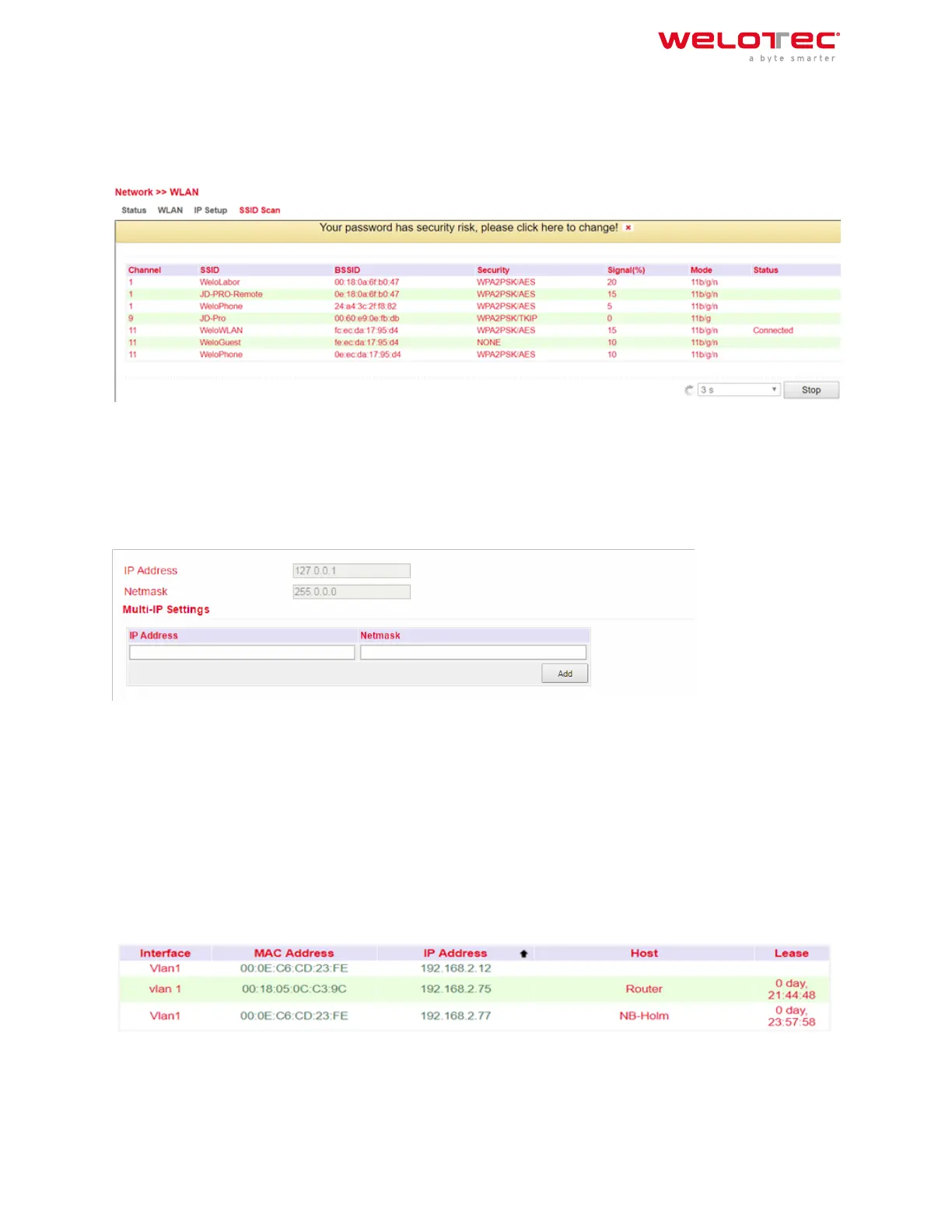
3.2.5.4. SSID Scan
Under Network > WLAN > SSID Scan you can search for available WLAN networks. If you have configured the TK 800
as a WLAN client, it is possible to scan the WLAN networks within range for their SSID at this point. If the TK 800 is
connected to a WLAN as a client, this is indicated in the status with Connected.
3.2.6 3.2.6. Loopback
3.2.6.1. Loopback Configuration
Under Network > Loopback you can enter further loopback IP addresses. The default loopback IP address 127.0.0.1
cannot be edited.
3.3 3.3. Services
3.3.1 3.3.1. DHCP
The Dynamic Host Configuration Protocol (DHCP) is a communication protocol in computer technology. It allows
the assignment of the network configuration to clients by a server.
3.3.1.1. DHCP Status
Under Services > DHCP > Status you can see who is currently connected to the router via which interface.
Welotec GmbH
Zum Hagenbach 7
48366 Laer
www.welotec.com
info@welotec.com
+49 2554 9130 00
Page 60



 To Next Page