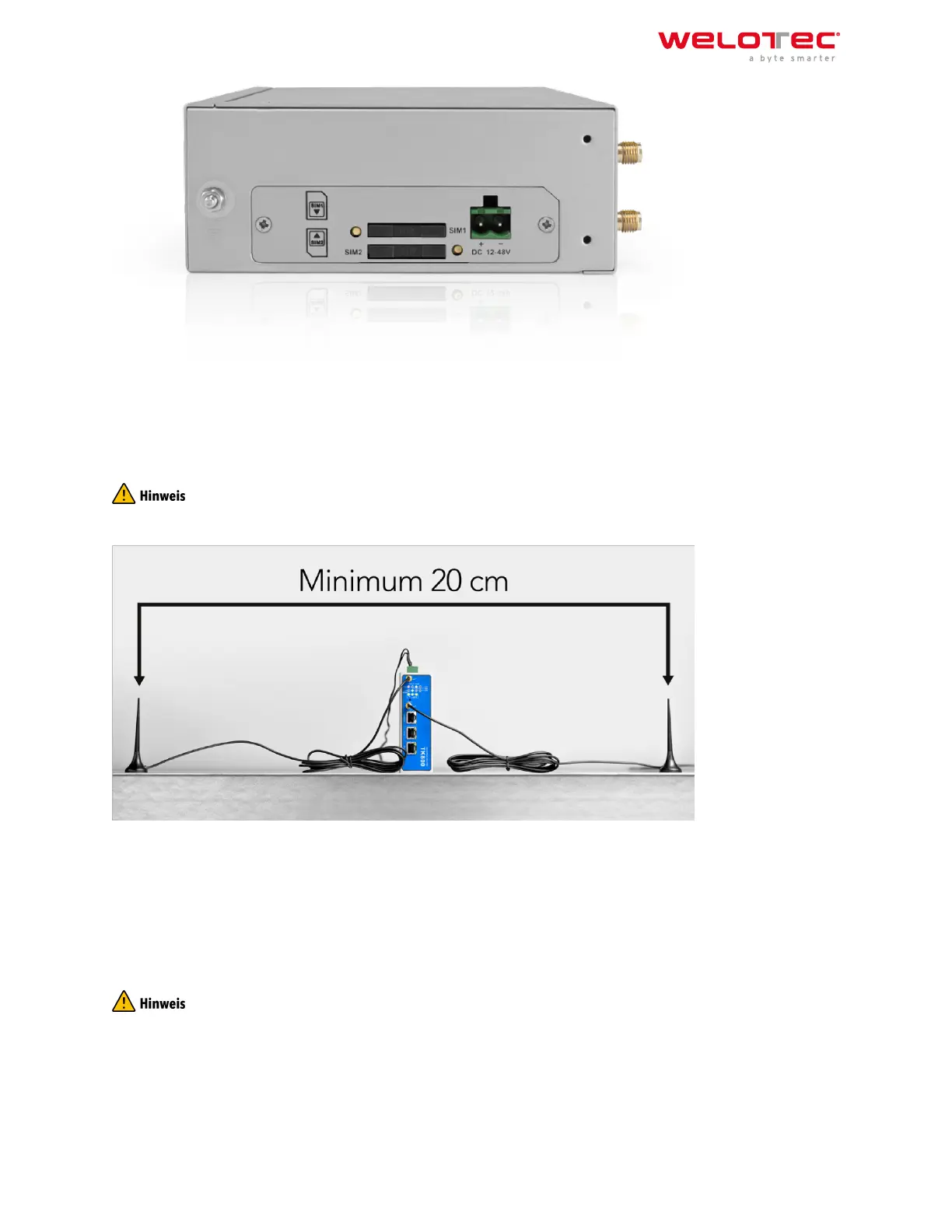
2.5 2.5. Antennas Installation
Plug the antennas onto the SMA connectors and turn the external attachment on the antenna cable until the con‑
nection is tight.
For optimal performance, place the antennas at least 20 cm apart.
2.6 2.6. Installation of the Power Supply
Remove the terminal block from the top of the router. Loosen the corresponding screws on the terminal block and
route the wires to the corresponding terminals. The terminals are marked accordingly on the top of the router.
Tighten the screws and then reinsert the connector block into the router.
To ground the device, use the grounding screw on the device.
To prevent interference due to electromagnetic influence, the housing of the router must be grounded via the
grounding screw.
Welotec GmbH
Zum Hagenbach 7
48366 Laer
www.welotec.com
info@welotec.com
+49 2554 9130 00
Page 8



 To Next Page