Factory default settings
IP: 192.168.2.1
Netmask: 255.255.255.0
Username: adm
Password: 123456
Serial parameter: 115200‑N‑8‑1
2.12.2 2.11.2. Web Method
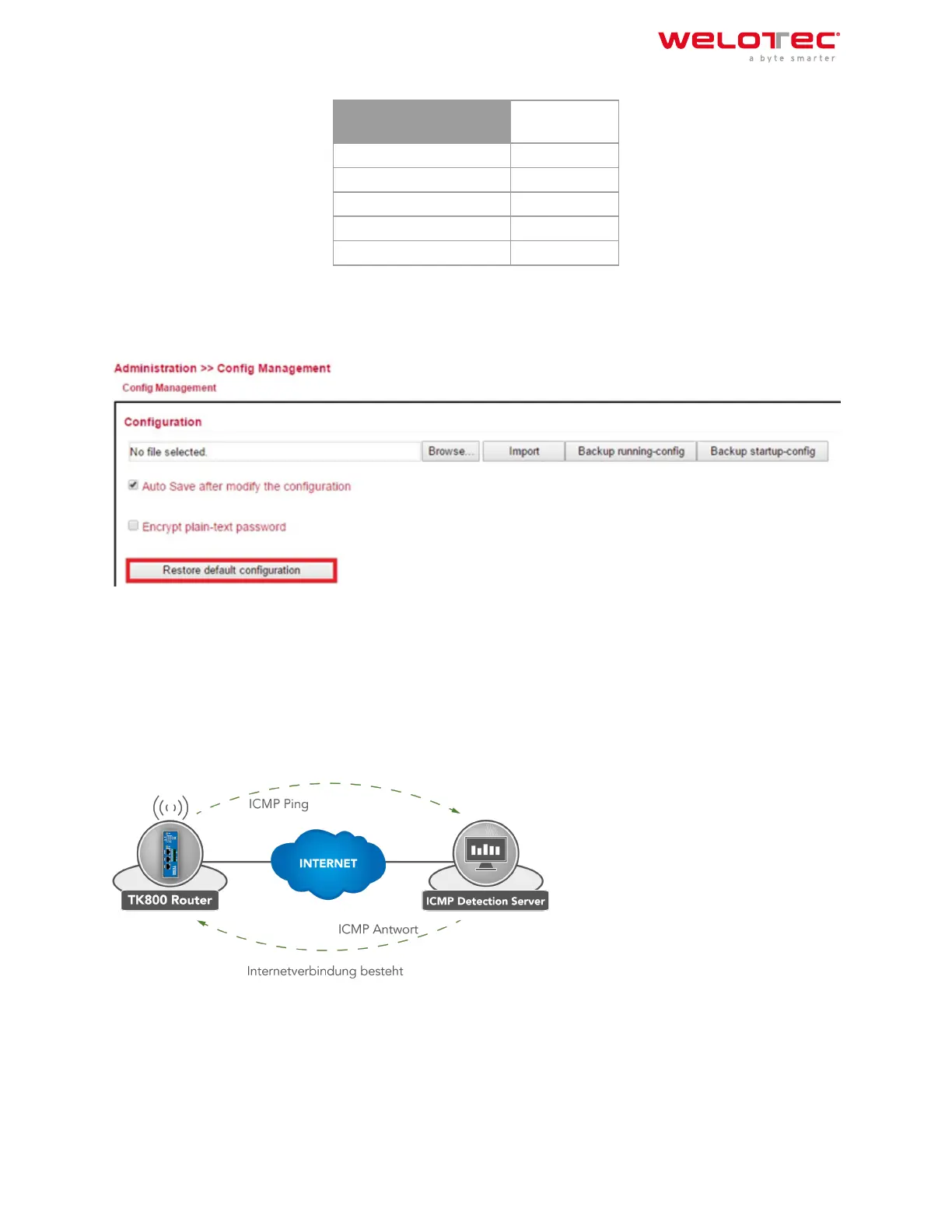
1) Go to the Config Management submenu via the Administration menu:
2) Click Restore Default Configuration to reset the TK800 to its default settings.
Aer a few seconds you will receive the following message. The router has now been successfully reset.
3) Aer clicking reboot the router reboots to factory defaults.
2.13 2.12. Watchdog
2.13.1 2.12.1. Self Monitoring of the Router
Welotec GmbH
Zum Hagenbach 7
48366 Laer
www.welotec.com
info@welotec.com
+49 2554 9130 00
Page 14



 To Next Page