VPN
PWR ERR PWR ERR
SIM
VPN
MODEM MODEM
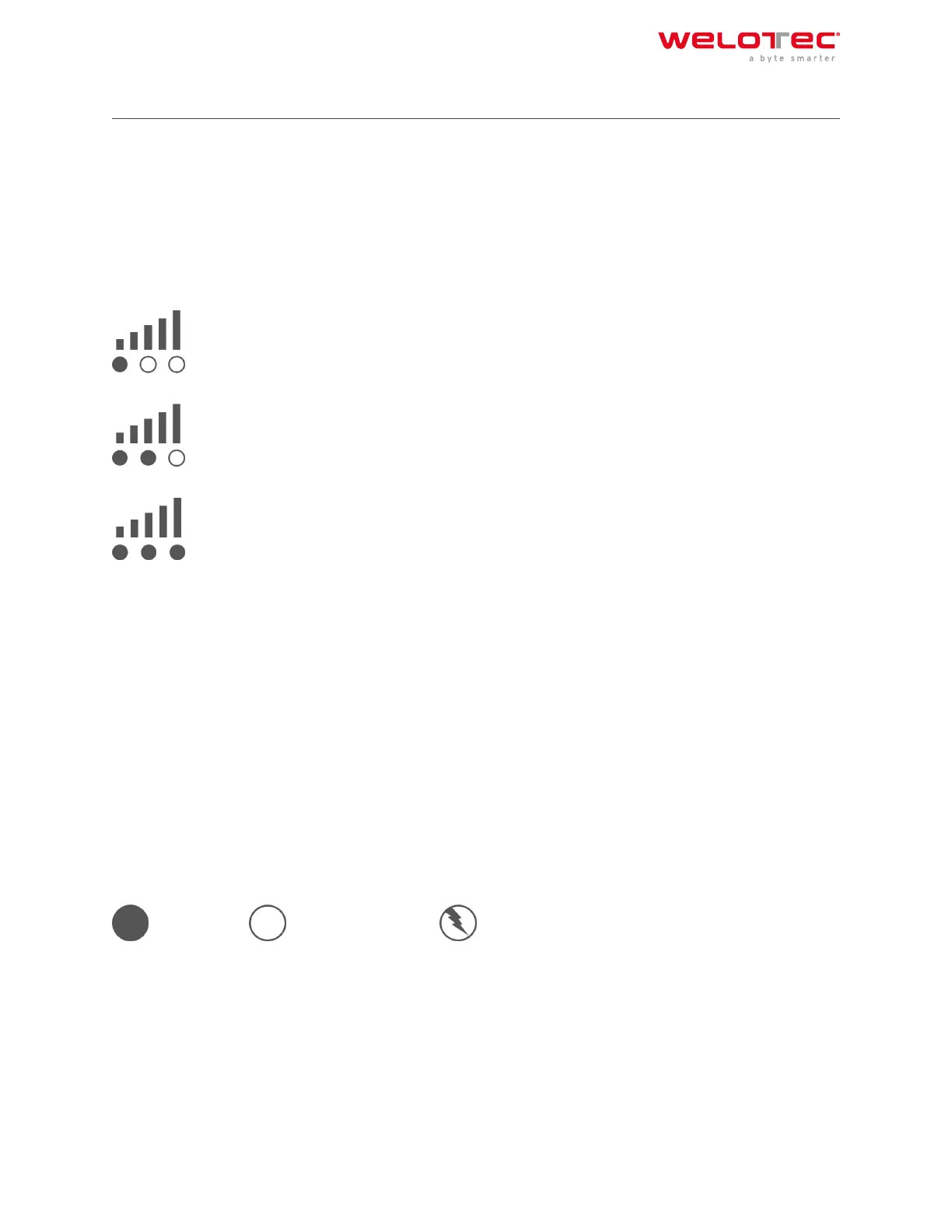
2.11.2 Signal strength
Signal: 1‑9
(poor signal, the router can not work correctly, please check the antenna connection and the local signal strength
of the mobile network).
Signal: 10‑19
(Router operates normally)
Signal: 20‑31
(Perfect signal level)
2.12 2.11. Factory Reset
2.12.1 2.11.1. Hardware Method
Symbol explanation
= LED lights up = LED does not light up = LED flashes
1) Press and hold the RESET button while turning on the TK800:
Welotec GmbH
Zum Hagenbach 7
48366 Laer
www.welotec.com
info@welotec.com
+49 2554 9130 00
Page 12



 To Next Page