BDA CS 300 – 06/15 – REV. B Page 64 / 84
7.1 Set the lowest ram position
To be able to mount the tool head or adapter, the ram of the machine has to be in the lowest
position.
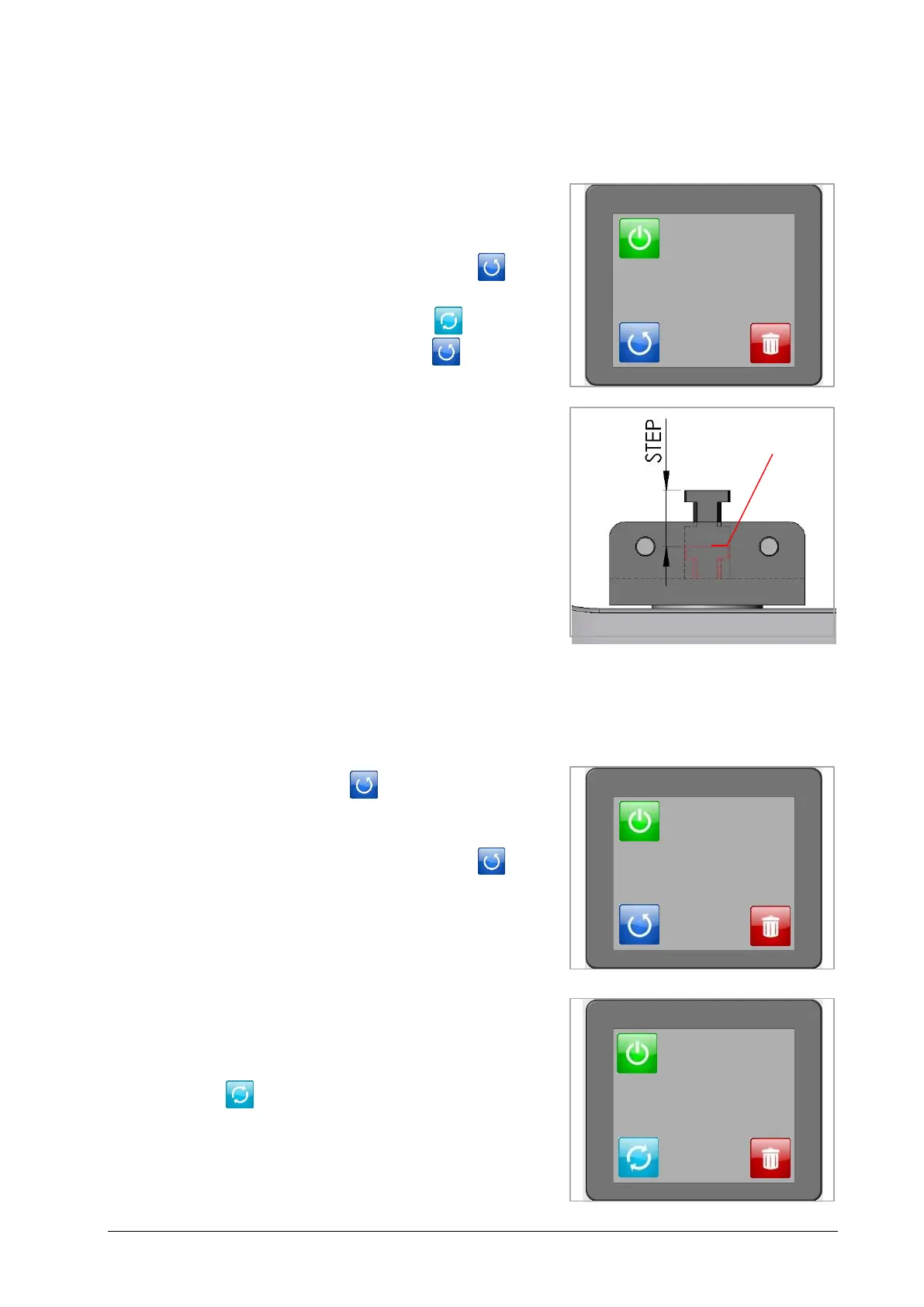
+ Switch the machine on and turn the key
switch to key position II.
+ Pay attention to the fact that the machine
is set for the full working cycle
(Fig. 7.1).
If this is not the case, touch icon . After
step 10 the following icon appears . The
machine is now in the full working cycle.
+ Keep the foot pedal and simultaneously
one of the safety buttons on the right or
left side pressed until the full cycle is
finished. The ram is now in the lowest
position (Fig. 7.2).
7.2 Double Step Mode
The electric Crimping Machine CS 300 is set by the manufacturer for the full crimping cycle.
Alternatively it can be operated in double step mode. In the double step mode the contact is
fixed in the first step and crimped in the second step.
The machine is set by the manufacturer for
the full crimping cycle .
The machine can be operated also in “double
step” mode. After having touched the
icon, the machine can be operated in two
separate steps:
+ first step (Fig. 7.4) for holding the inserted
contact,
+ second step (Fig. 7.5) for crimping and
moving back into the final position.
The ram position can be adjusted to the
respective contact material by touching the
icon . Adjustments of ram position 1 (min.)
to 10 (max.) are possible.


 To Next Page