BDA CS 300 – 06/15 – REV. B Page 76 / 84
11.2 List of Error Prompts
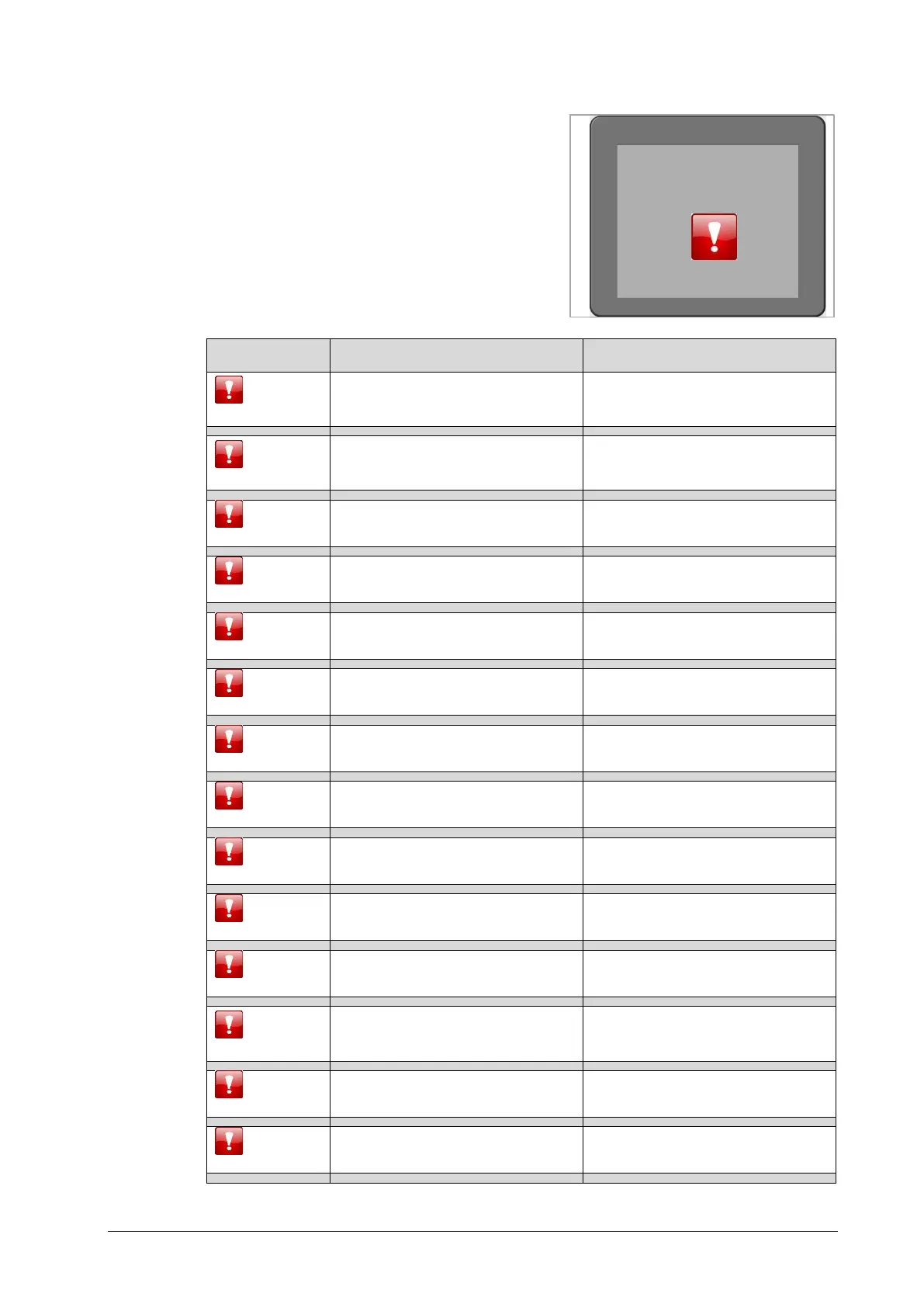
If an error occurs, an error prompt appears on
the display, like for example in Fig. 11.1.
Below you will find a list of the error prompts
with the corresponding explanation:
Supply voltage is too high
Move the voltage selector at the
back side of the machine to the
right voltage.
Supply voltage is too low
Move the voltage selector at the
back side of the machine to the
right voltage.
Wrong battery or battery wrongly
inserted
Insert the battery correctly.
Fuse 1 on control board has
tripped
Send the machine back to the
manufacturer.
Fuse 2 on control board has
tripped
Send the machine back to the
manufacturer.
Power frequency cannot be
determined
Send the machine back to the
manufacturer.
Error prompt not assigned
Send the machine back to the
manufacturer.
Motor control error no. 1
Send the machine back to the
manufacturer.
Motor control error no. 2
Send the machine back to the
manufacturer.
Breaking error (Blackout of the
electrical brakes)
Send the machine back to the
manufacturer.
Display problems (if the display
fails, this error prompt cannot be
displayed)
Send the machine back to the
manufacturer.
Send the machine back to the
manufacturer.
Motor is missing or defect
Send the machine back to the
manufacturer.


 To Next Page