BDA CS 300 – 06/15 – REV. B Page 65 / 84
INFORMATION
After ram position 10 the machine returns into the full crimping cycle mode.
7.3 Set-up Menu Key Position I
The set-up menu is only allowed to be used by supervisors or authorized personnel. Settings
to remedy mechanical errors or dysfunctions can be made in this menu.
INFORMATION
+ Key position I is only allowed to be used by supervisors or authorized personnel!
Key position I:
Set- Up Mode. The safety function of safety
buttons is deactivated. The machine can be
operated by pressing the foot pedal (only for
supervisors or authorized personnel!).
The display shows the following symbol: .
Touching the icon to enter the set-up
menu (Fig. 7.8).
To quit the Set-Up Mode, touch icon
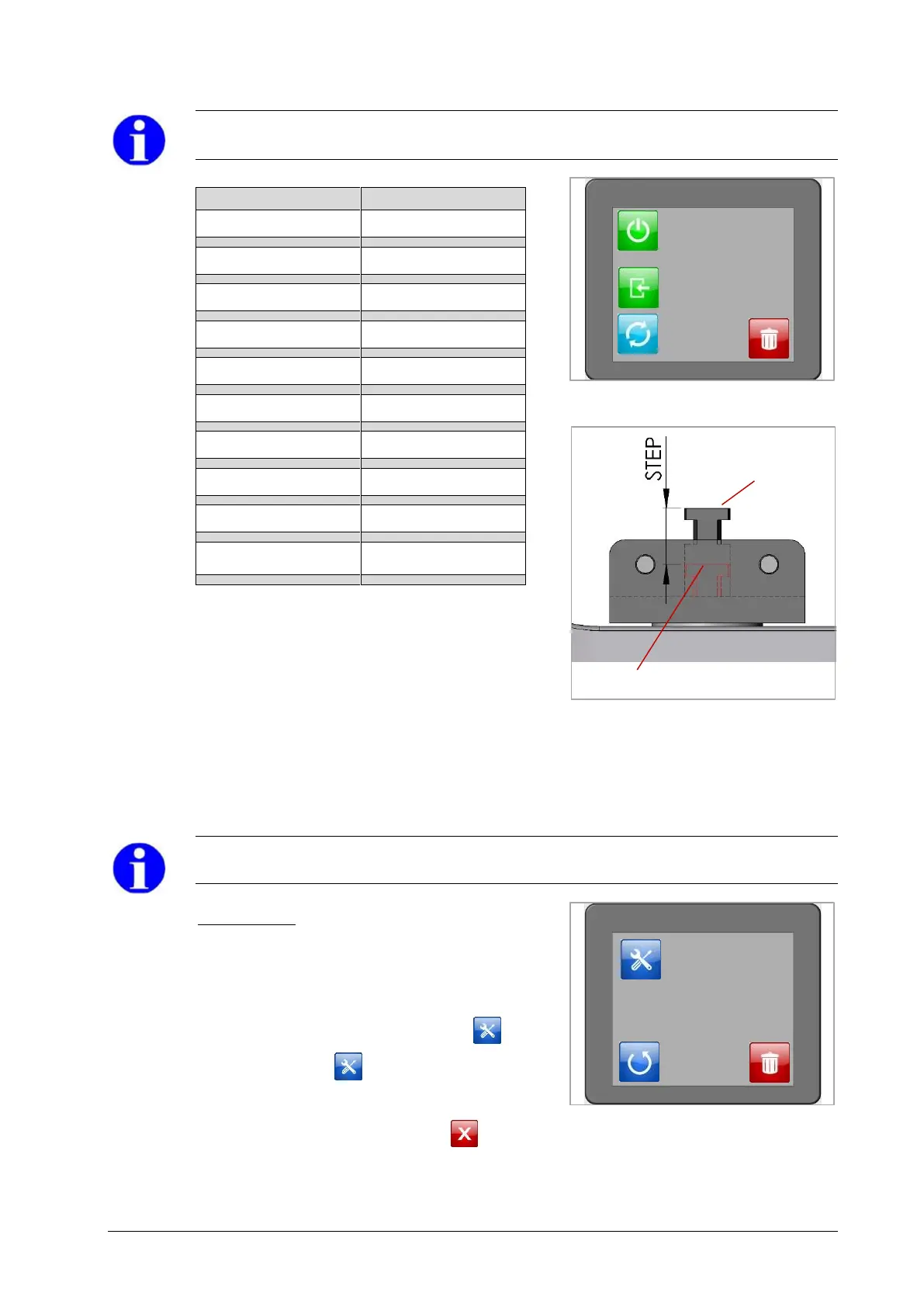
max. position
of the ram
(position 10)
min. position of the ram (position 0)


 To Next Page