6400 Reference Manual
34
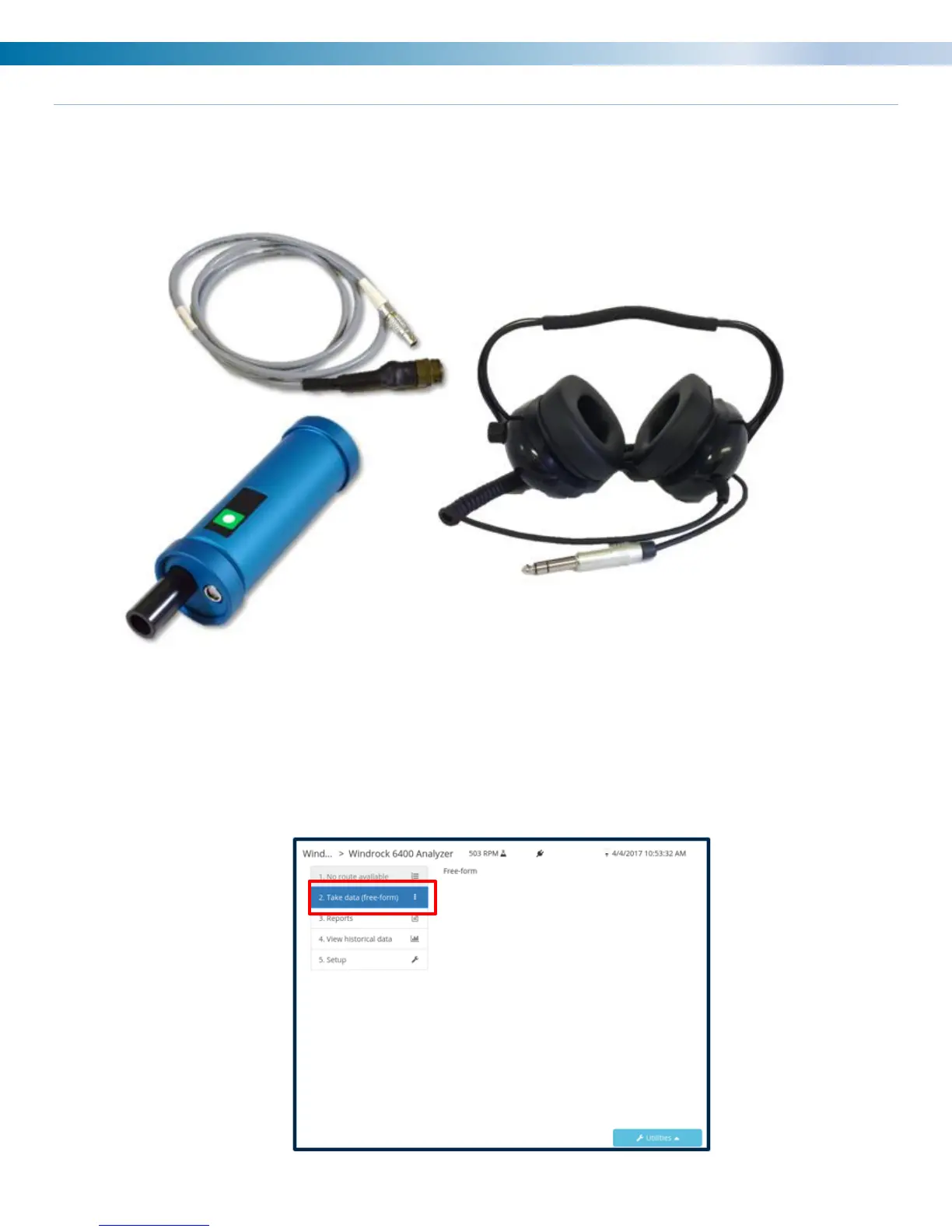
Headphones
The 6400 analyzer is available with optional accessory headphones. When used in conjunction with the
ultrasonic sensor the headphones allow the user to listen and detect internal and external gas leakage during
the walk-around assessment.
1) Plug the headphones into the headphone jack port on the 6400 analyzer.
2) Plug the ultrasonic sensor into any of the analyzer channels.
3) On the analyzer select a Station and Machine, then select option 2 “Take data (free-form)”.


 To Next Page