24
CREATING & PRINTING 3D DESIGNS
Now that you have tried printing from the supplied MicroSD card, it is time to explore the world
of 3D designs! 3D designs can be accessed from multiple website sources or can be created using
modelling software.
To access optimised and GCODE ready free 3D designs, visit the Cocoon Creator Library at
www.cocoonproducts.com.au/3dcreator.
You can also download 3D designs from alternate sources, however these les are typically
formatted as STL les and require formatting to GCODE using a slicer program.
8.1 Slice to GCODE
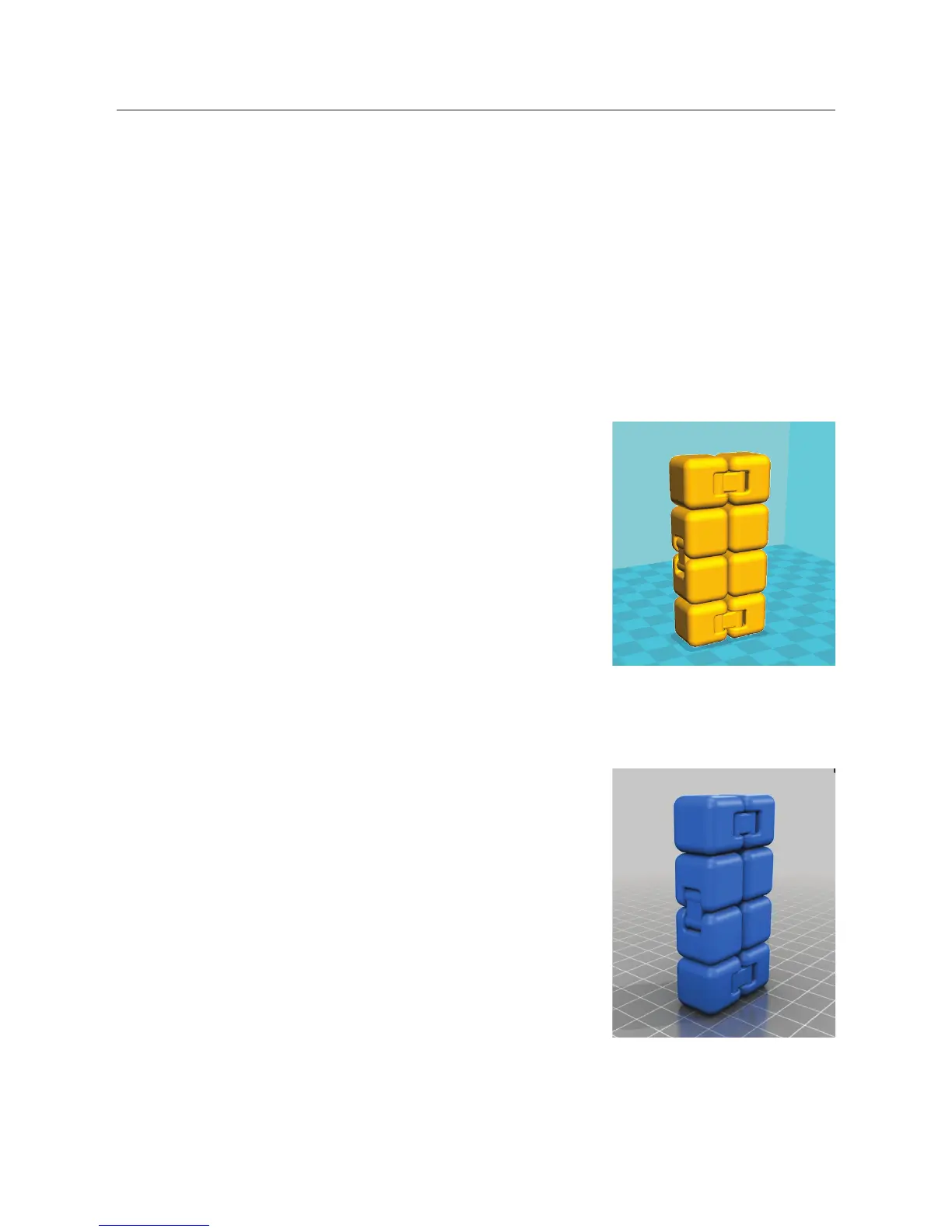
A ‘Slicer’ program converts a 3D design (usually an .STL or .AMF
format) into a series of 3D printable layers. It then generates
the machine code (such as GCODE) that the 3D printer will use
for printing. There are a number of ‘Slicer’ programs available
however we recommend the program Cura as it uses a simple
interface and includes a large amount of support material. Cura is
free Open Source slicer software released on the AGPLv3 license. It
is available on MacOS X and Windows.
For more information about installing the latest version of Cura, see page 25.
8.2 3D Modelling Software
To create your own 3D design using 3D modelling software,
programs such as SketchUp or Blender can be used. Some practice
may be needed before successfully modelling your 3D design.
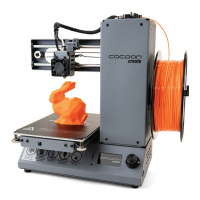
After you’ve nished your 3D design, you can export it as an .STL
le, which will then need to be imported into a ‘Slicer’ program
such as Cura to convert it to a GCODE for printing.


 To Next Page