Chapter 5: Panel Console Management
EN-105
5.8 Hotkey
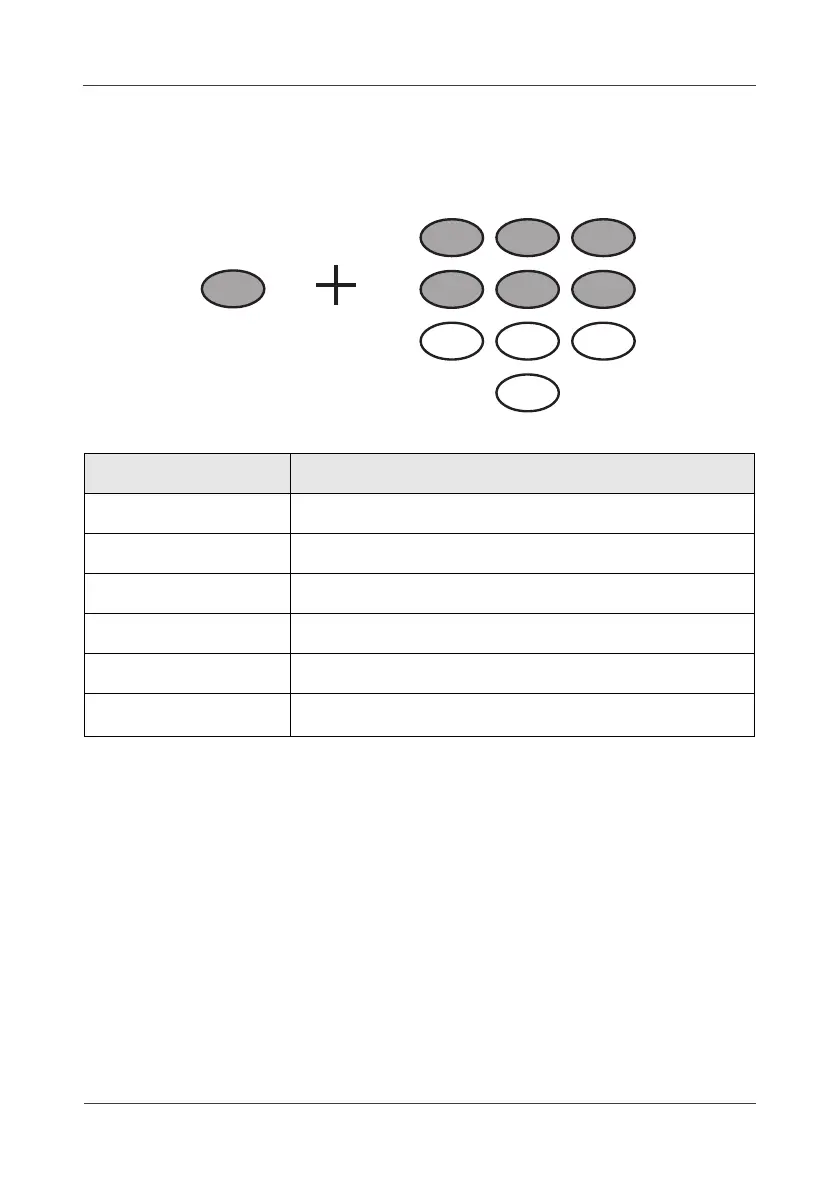
With the hotkey features, you can use a combination of keys to access or
control the specific device.
The hotkey list as the following:
Combination keys Device Type
“C” + “1” Wireless Temperature/Humidity Sensor
“C” + “2” Wireless Power Switching
“C” + “3” Wireless Lock Switch
“C” + “4” Wireless Relay Switch
“C” + “5” Wireless Alarm Switch
“C” + “6” Wireless CO
2
, Temperature & Humidity Sensor



 To Next Page