Chapter 2: Getting Started
EN-11
12. Enter the password and click LOGIN.
The default password is “123”.
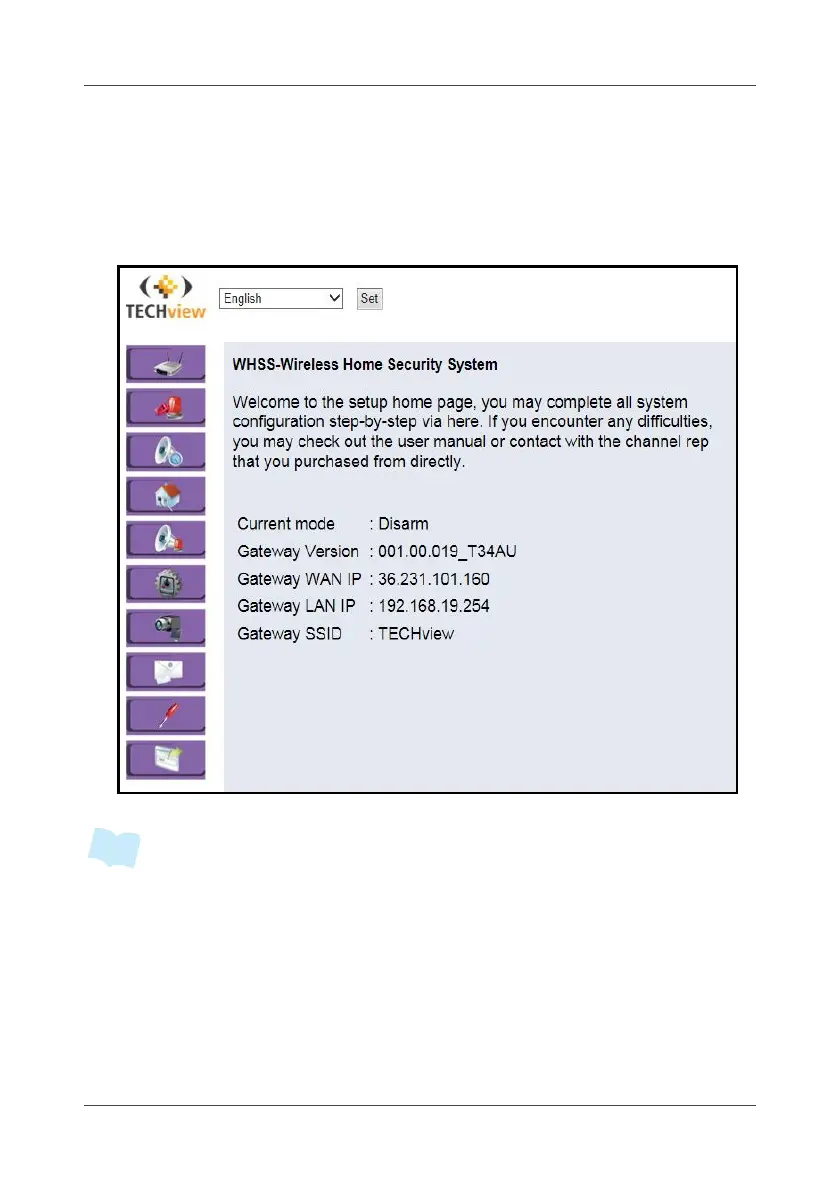
13. After passed the password authorization, the home page of Wireless
Home Turnkey System (WHTS) shows up on the screen. To change the
appropriate settings, "4.1 System" on page 56..
• Short press the SET button to join the device.
• Press and hold the SET button for 15 seconds to reset all settings to the factory
default settings.
• Unplug the power adapter from the Gateway and plug in again to reboot the
system.



 To Next Page