Chapter 2: Getting Started
EN-10
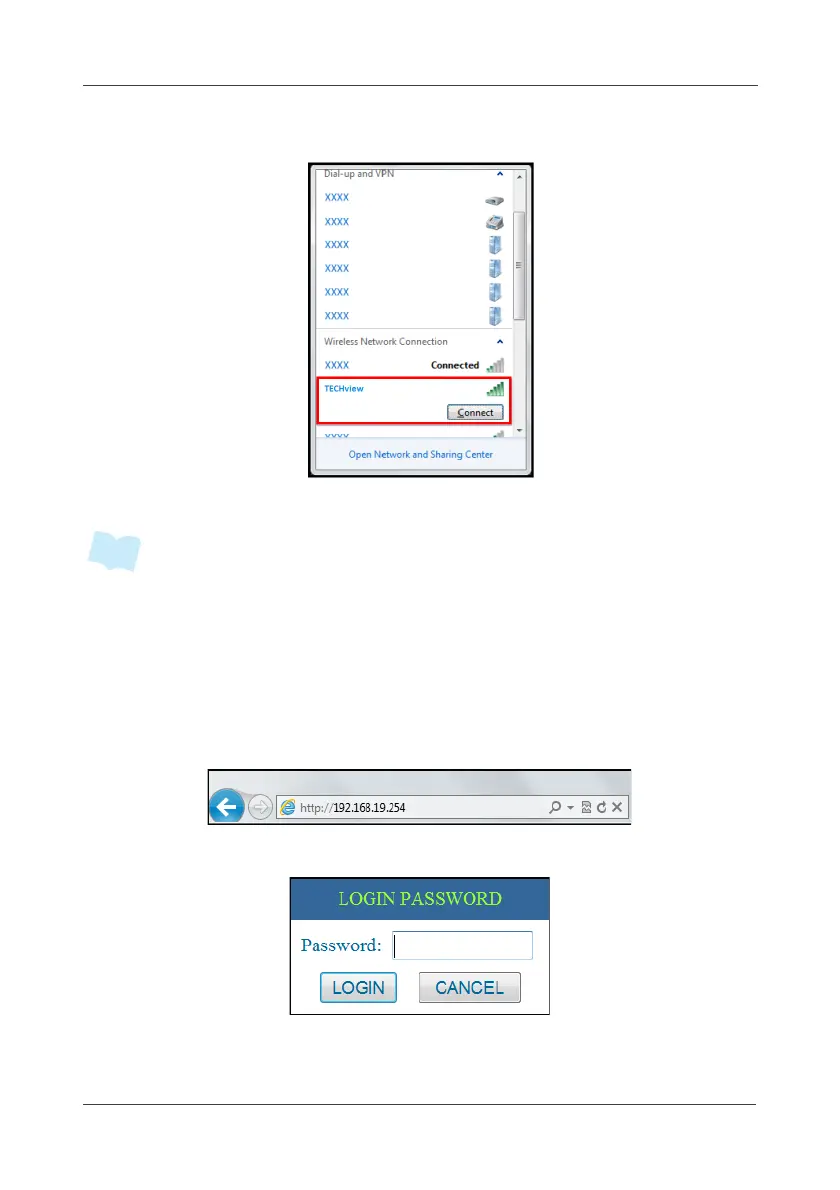
7. Choose the Gateway SSID, and click Connect.
8. Enter the password and tap OK.
• The default wireless network setting of the gateway:
SSID: TECHview
Password: (none)
IP address: 192.168.19.254
9. Start your web browser. (It is recommended to use IE7.0 or above)
10. Enter the Gateway IP address in the Address field and press Enter.
11. Once connected to the Gateway, the Login Password window appears.



 To Next Page