Chapter 2: Getting Started
EN-9
LED indicators
The following table describes the Gateway LEDs:
4. Wait for around 60 seconds for the Gateway to boot up. The Power
LED lights blue.
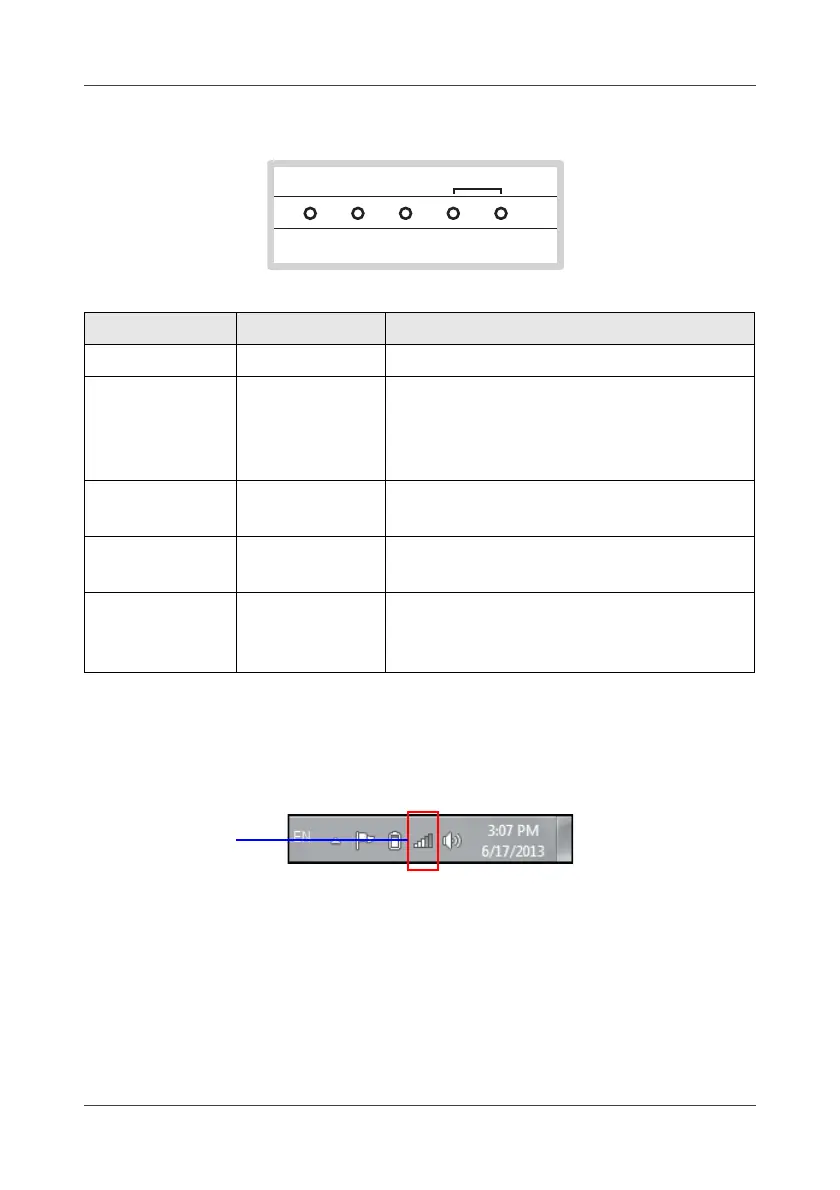
5. Start up your computer and enable the wireless network interface. Look
for the wireless network icon at the bottom right of the screen.
6. Click the wireless connection icon.
Wireless Network Connection Status window will be displayed on the
screen.
LED location Color Indication
Power Blue (solid) Power on.
USB/SD card
Orange
(blinking)
Normal: SD card or USB disk drive is
inserted.
IP camera join: When long press the
WPS button.
WAN
Blue
(blinking)
Communication via Internet service
provider (via WAN interface).
PAN
Green
(blinking)
Sensor network status.
Alarm Red (blinking)
Normal: Alarm is triggered.
Device join: When long press the SET
button.
POWER USB/
SD CARD
WAN PAN ALARM
SENSORS



 To Next Page