Chapter 4: Web Management
EN-59
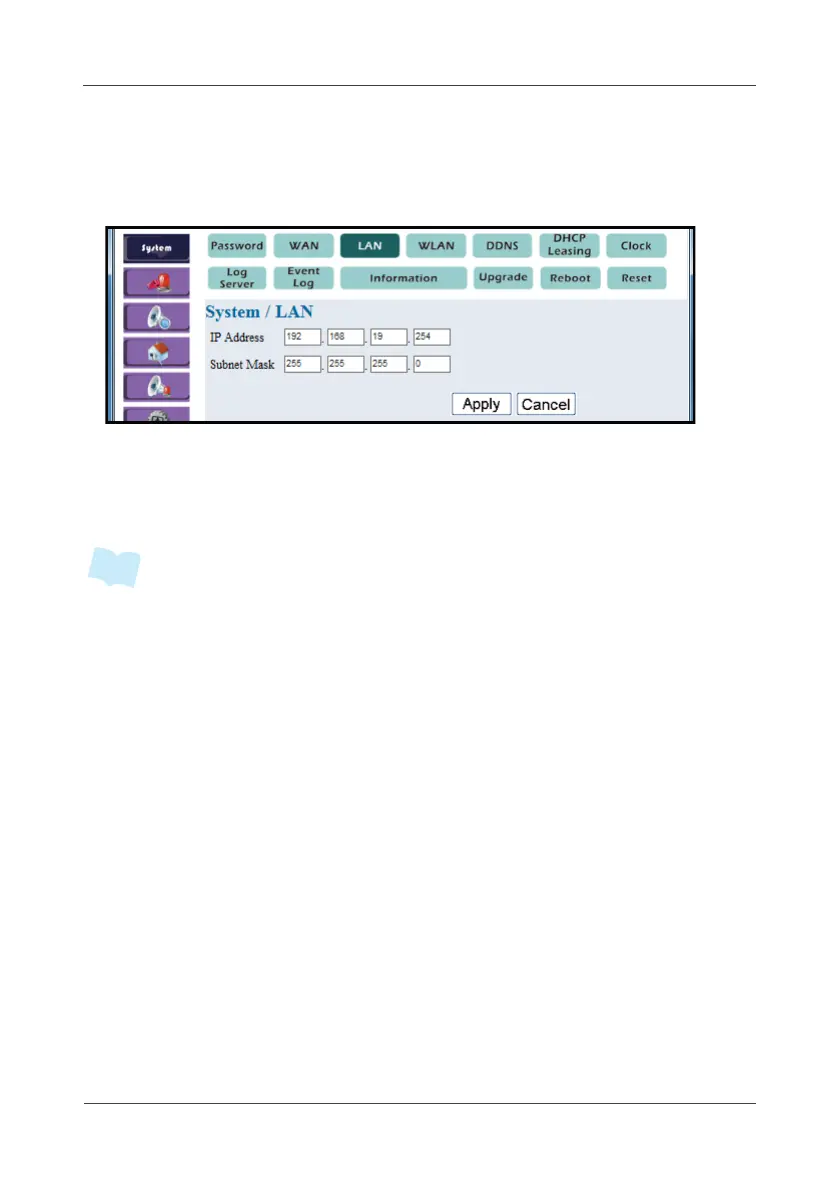
4.1.3 LAN
This option allows you to configure the Gateway LAN interface.
1. Select System > LAN.
2. Enter IP Address and Subnet Mask as your preferred.
The default IP address is “192.168.19.254”.
3. Click Apply.
• Here below is the default fixed assignment for the last field of IP address (i.e.
xx.xx.xx.60)
a. 60 ~ 99 is reserved for IP camera use.
b. 100 ~ 253 is reserved for DHCP client use.



 To Next Page