Chapter 4: Web Management
EN-64
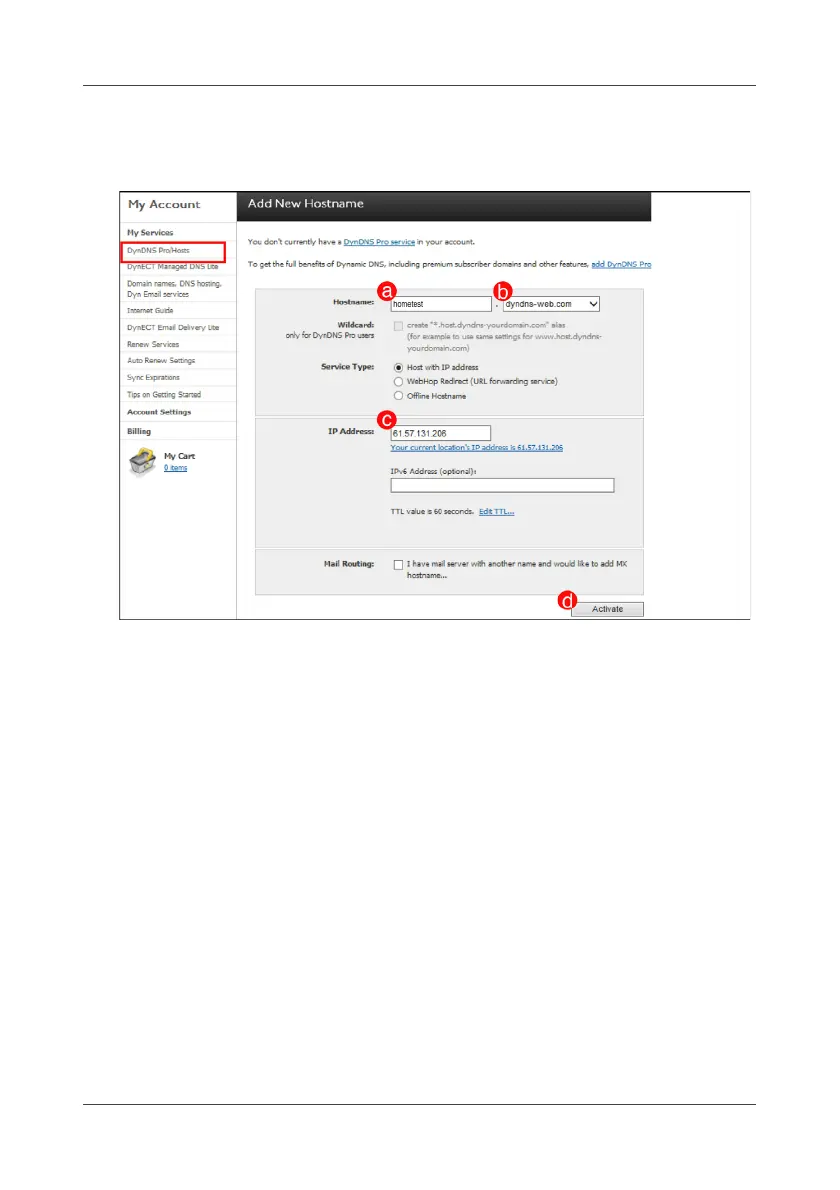
7. Create a new hostname and click Activate.
Enter a hostname and IP address and select a DDNS server.
After all settings are complete, the DDNS alias will be the combination
of “hostname” and “DDNS server”.
For example:
Hostname: xxx; DDNS server: dyndns-web.com
DDNS alias: xxx.dyndns-web.com



 To Next Page