14 | MULTI- ZONE / FROZEN FOOD VENDOR • 3576 • 4222618A
3 OPTIONS
3.1 FORCE VEND
See GVC2 Programming Manual (P/N 4215507) for more information.
3.2 BILL ESCROW
See GVC2 Programming Manual (P/N 4215507) for more information.
3.3 MULTI VEND
See GVC2 Programming Manual (P/N 4215507) for more information.
3.4 FREE VEND
See GVC2 Programming Manual (P/N 4215507) for more information.
3.5 FAST CHANGE
See GVC2 Programming Manual (P/N 4215507) for more information.
3.6 OPTICAL VEND
See GVC2 Programming Manual (P/N 4215507) for more information.
3.7 POINT OF SALE MESSAGE (POS)
See GVC2 Programming Manual (P/N 4215507) for more information.
3.8 SETPOINT
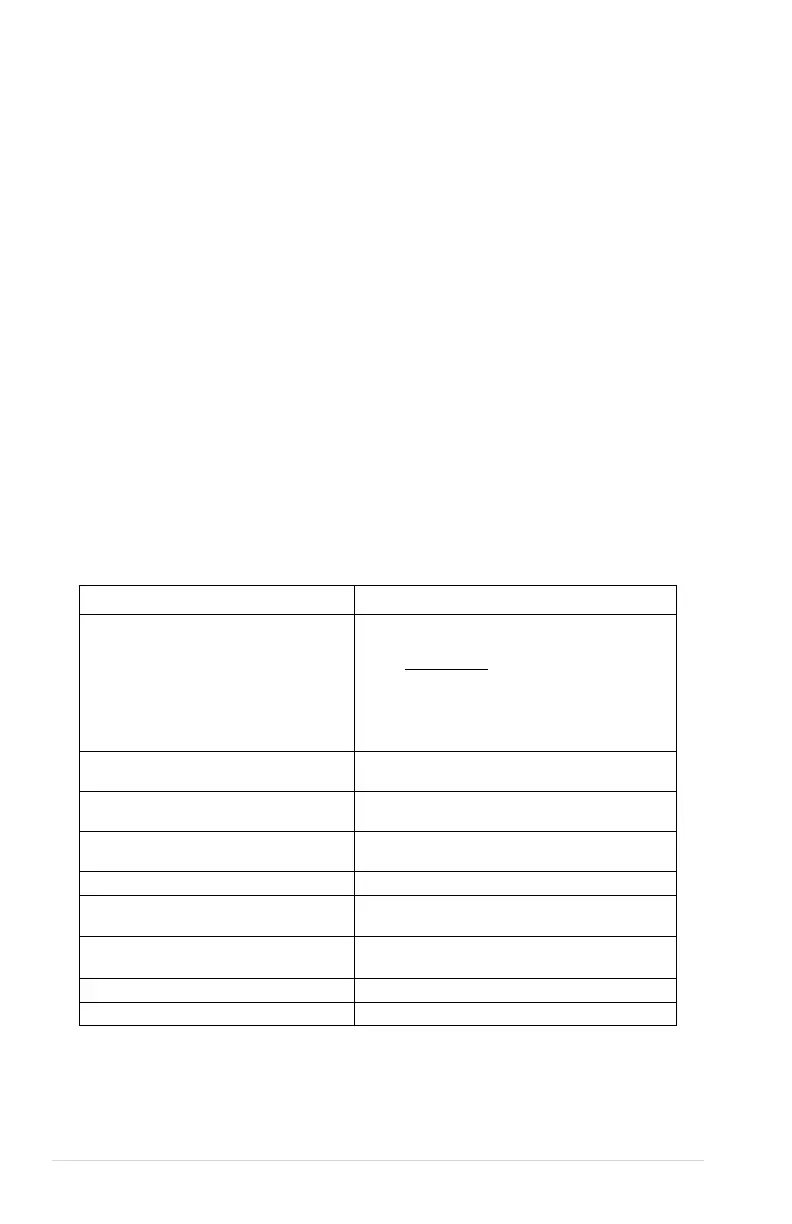
The following are the factory default SET POINT temperature settings for each
machine type:
• Slackened
• Cold
• Chilled
• Snack
• Dual Zone
NOT USED
Multi-Zone Food (MZF)
• Bottom Zone -10F (-23C)
• Top Zone 36F (2C)
Multi-Zone Food-2 (MZF-2)
• Bottom Zone -12F (-24C)
• Top Zone 36F (2C)
Multi-Zone Food-5 (MZF-5)
• Bottom Zone-15F (-26C)
• Top Zone 36F (2C)
Single-Zone Frozen (SZ FROZEN)
Single-Zone Frozen (SZ FROZEN-
• -12F (-24C)
Single-Zone Frozen (SZ FROZEN-
Single-Zone Cold (SZ COLD)
Single-Zone Cold (SZ COLD-1)
These temperatures should not be adjusted, and it is not recommended. The
temperatures have been set according to NAMA specifications for optimal product safety.
Before making any adjustment see Health Safety section.



 To Next Page