10
User manual WMF bistro!
Operation
Chapter 2 Operation
2.1 Switch on coffee machine
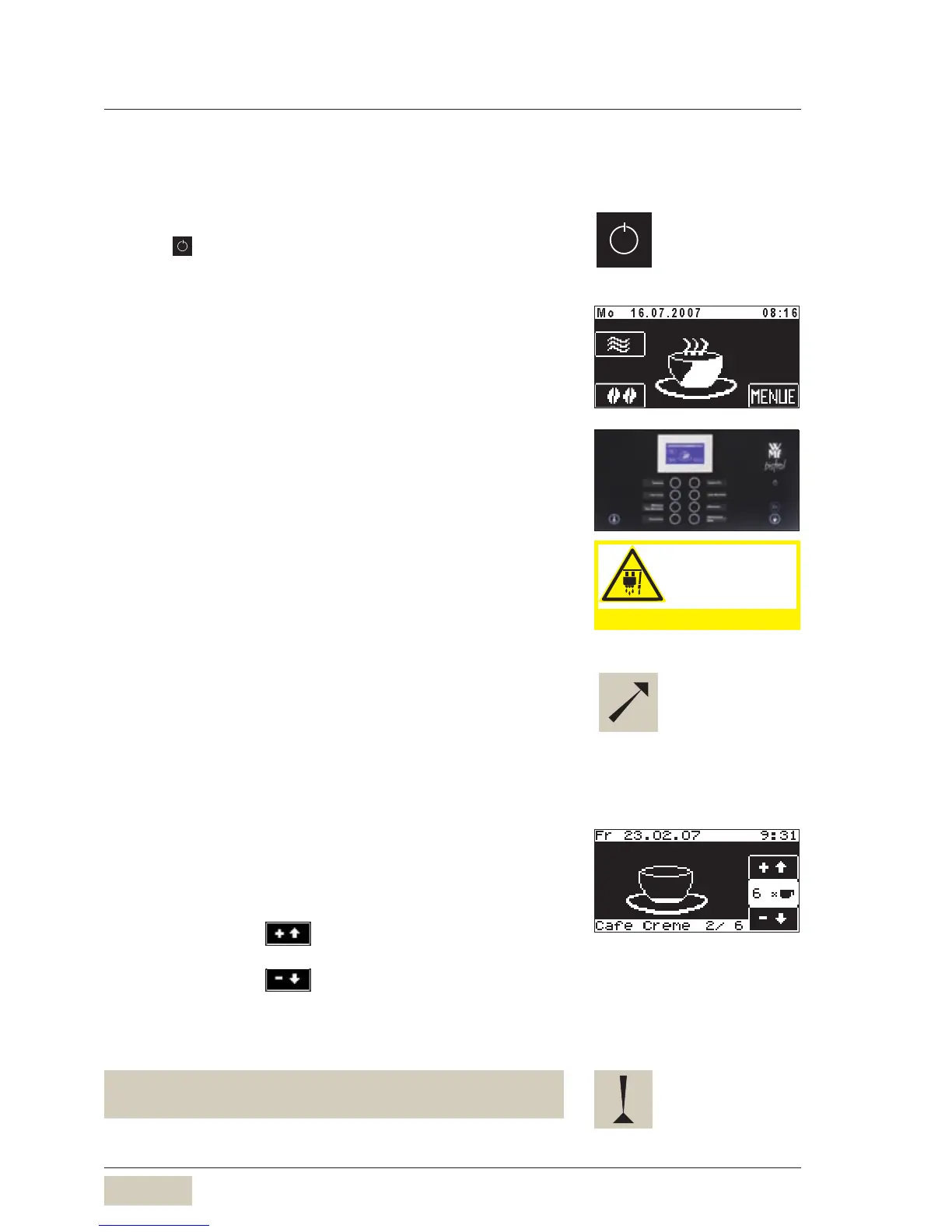
Press ON/OFF button for longer than 2 seconds.
Coffee machine switches on and heats up.
When the machine is ready to dispense beverage, the
Ready to operate display appears.
The machine can also be switched on using the timer.
2.2 Dispense beverages
Pressing the beverage button triggers dispensing of the
beverage selected.
Lit up button• = Ready to dispense
Flashing button• = Dispense beverage
Unlit button• = not ready to dispense
/ button barred
Place a suitably sized beverage receptacle below the
dispenser
Press desired beverage button
Desired beverage and progress of dispensing indicated on
the display.
2.3 Multiple preselection
After beginning brewing, the display will show a cup
symbol during dispensing.
Preselection for multiple dispensing
Increase the preselection for a beverage:
Touch on the pad
Reduce the preselection for a beverage:
Touch on the pad
The display shows the current preselection and the number
of beverages begun.
The multiple preselection for dispensing larger quantities,
for example for a pot of coffee.
Hot liquids in the
dispensing area!
Observe the chapter Safety!
Hot liquids in the
dispensing area!
Observe the chapter Safety!
For button allocations
see chapter “Settings”
recipes and beverage buttons.
For button allocations
see chapter “Settings”
recipes and beverage buttons.
Displaying the multiple
preselection:
The example shows 6 cafe cremes.
Beverage 2 of 6 is currently
being dispensed. Dispensing of a
maximum of 12 times the single
beverage is possible.
Displaying the multiple
preselection:
The example shows 6 cafe cremes.
Beverage 2 of 6 is currently
being dispensed. Dispensing of a
maximum of 12 times the single
beverage is possible.
Timer program see from page 21
Ready to operate display
PIN protection see
settings> operation
options software
chapter



 To Next Page