593064298_201507
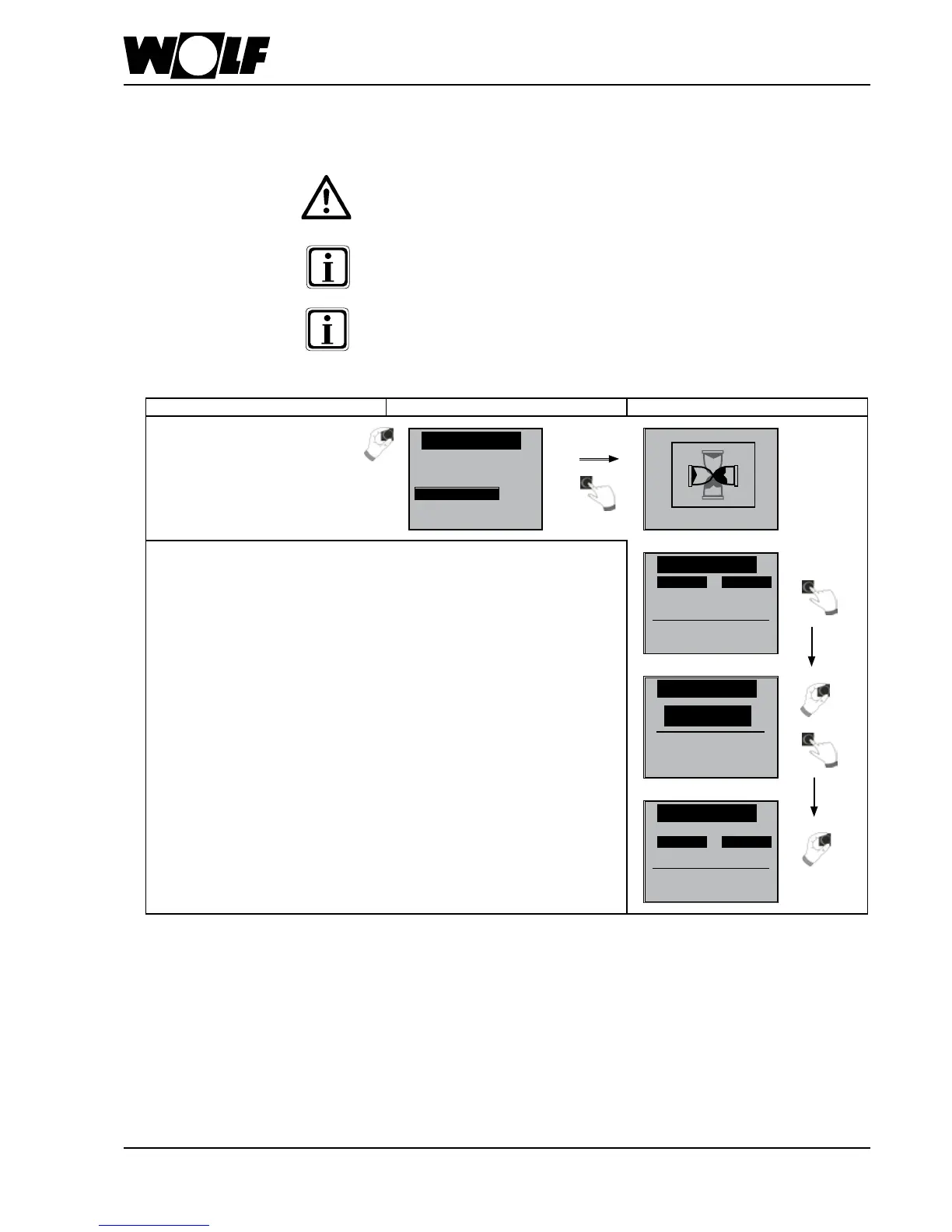
Under the menu item Contractor, turn and press the controller to access the
"Parameters" submenu. Here, the contractor can change the system's factory
settings.
Incorrect settings may result in malfunctions and damage to the system.
Also observe the information / settings in the installation instructions "AM display
module for the contractor".
If a parameter is not available, it will not be shown on the display.
31.3 Parameters
31. Contractor level
Main menu Submenu Menu item
Chapter
Password for contractor level
Contractor
←back
Relay test
System
Parameter
Parameter reset
WP001
WP002
WP003
Systemconguration
Parameter
01
none
none
WP001
01
WP001
WP002
WP003
Parameter
01
none
none


 To Next Page