10 | Page
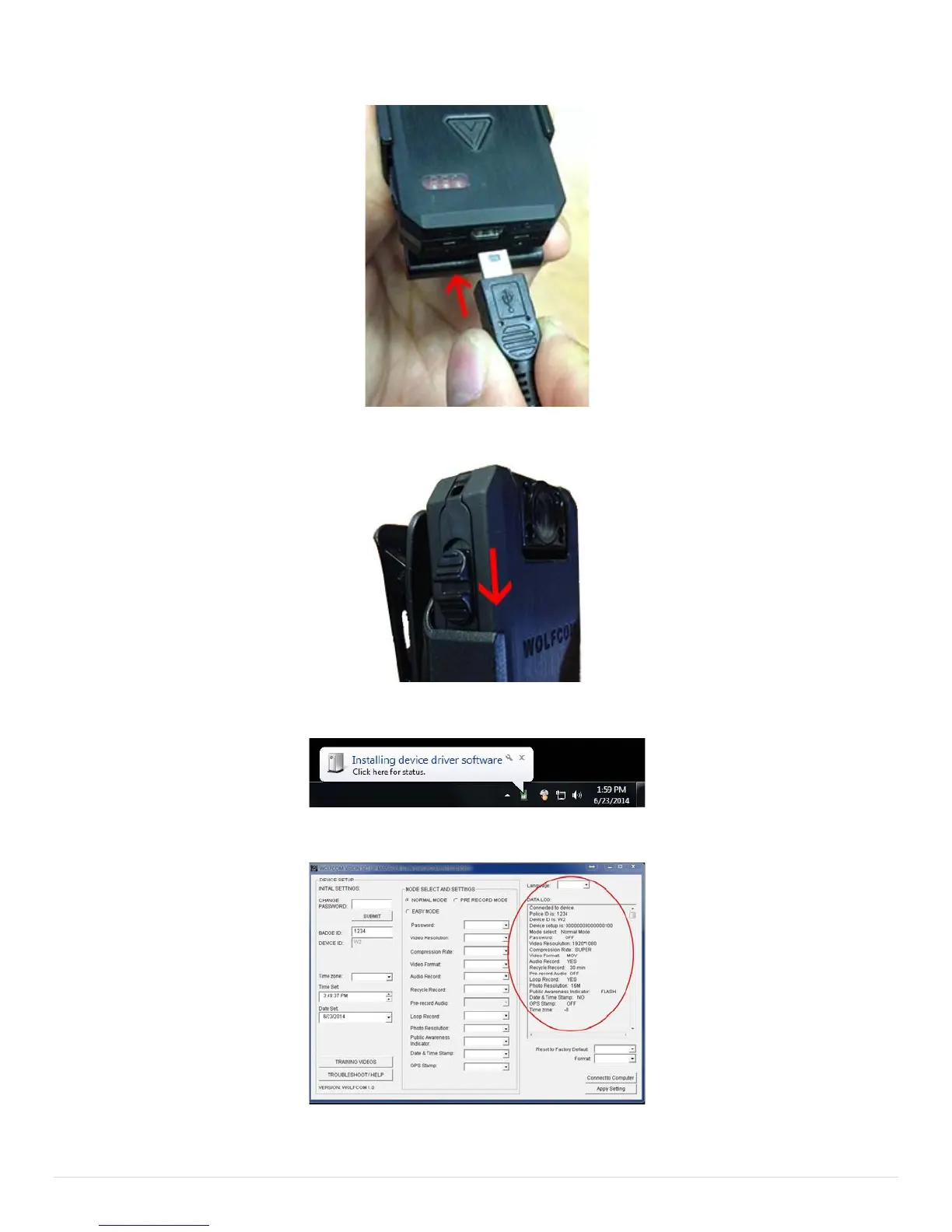
Plug the other end of the USB to your Wolfcom vision.
Power "ON" the Wolfcom Vision by sliding DOWN the OTR Switch.
A bubble will pop up at the bottom right of your screen. Allow your Windows operating system to install the drivers.
You will see the Settings populate in the data log on the set up manager window.
Your Wolfcom Vision is ready to connect to your computer or change any settings.
Please refer to Wolfcom Vision user manual to learn how to use and configure the Wolfcom Vision Set Up Manager.


 To Next Page