6
Operation
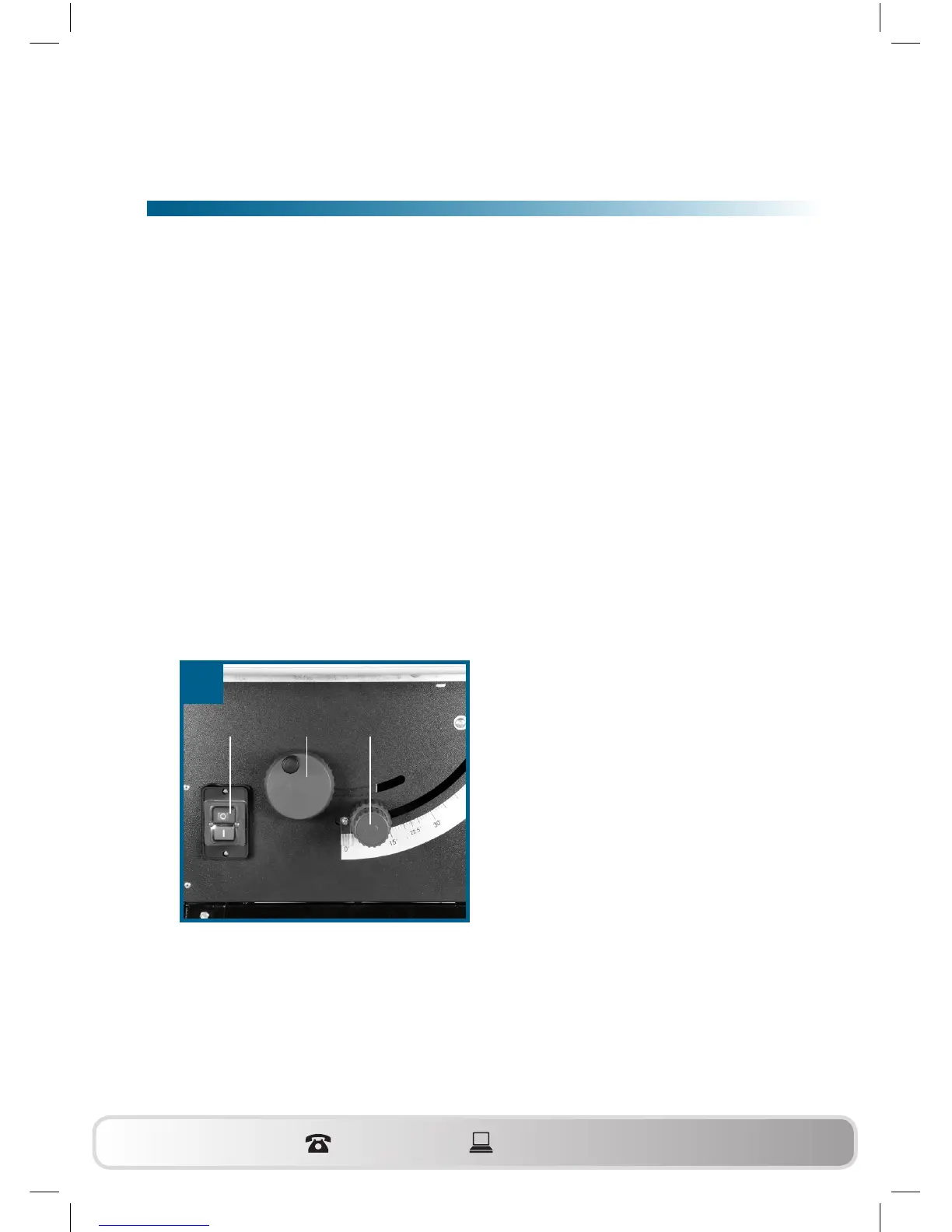
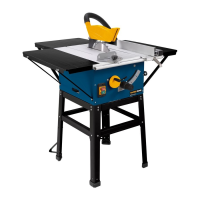
6.1. ON/OFF switch (Fig. 22/Item 11)
• To turn the saw on, press the green button “I“. Wait for the blade to
reach its maximum speed of rotation before commencing with the
cut.
• To turn the equipment off again, press the red button “0“.
6.2. Cutting depth (Fig. 22)
Turn the hand crank (8) to set the blade (5) to the required cutting depth.
Turn anti-clockwise: larger cutting depth
Turn clockwise: smaller cutting depth
6.3. Setting the angle (Fig. 22)
• Undo the fixing handle (9).
• Turn the handle to set the desired angle on the scale.
• Lock the fixing handle again in the required angle position.
22
811 9
WZTS_1700_AUS_SPK7.indb 28 21.05.12 15:56


 To Next Page