Operation Cond 3210
36
ba75794e04 04/2012
Determining the cell
constant
For this calibration procedure, the Measuring cell setting must be set to
cal in the measuring menu. Proceed as follows to determine the cell
constant:
4.4.6 Displaying calibration records
Displaying the
calibration record
The calibration record of the last calibration is to be found under the
menu item, Calibration / Calibration record. To open it in the measured
value display, press the <CAL
_> key.
The calibration records of the last calibrations (up to 10) are available
in the menu, <F1>/[Menu] / Calibration / Calibration data storage and
in the menu, <F1
_>/[Menu] / Storage & config/Data storage / Calibra-
tion data storage.
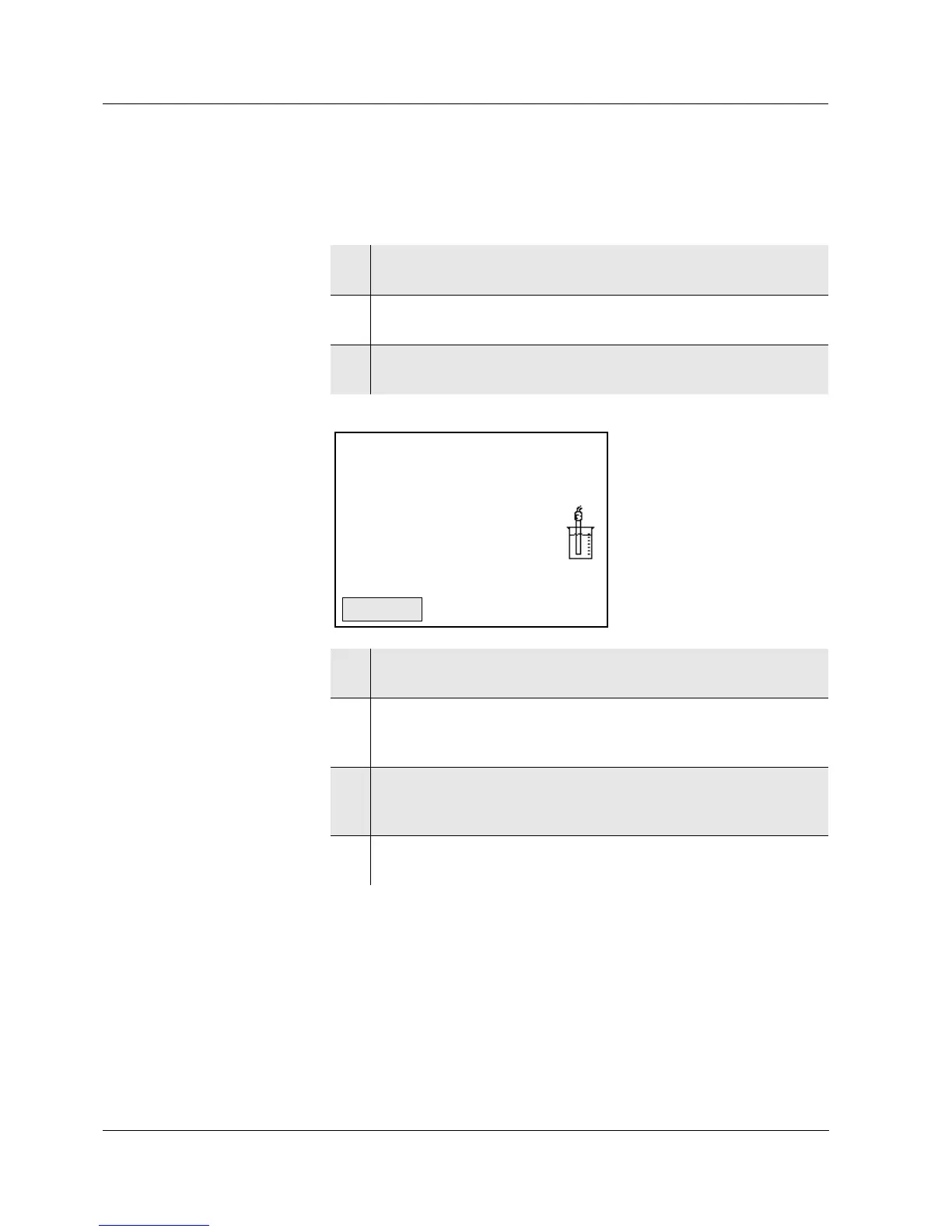
1 Connect a conductivity measuring cell to the measuring
instrument.
2 In the measured value display, select the conductivity
parameter with <M>.
3 Start the calibration with <CAL>.
The cell constant that was calibrated last is displayed.
4 Immerse the conductivity measuring cell in the control standard
solution, 0.01 mol/l KCI.
5 Start the measurement with <ENTER>.
The [AR] status indicator is displayed. The measured
parameter flashes.
6 Wait for the end of the AutoRead measurement or accept the
calibration value with <ENTER>.
The calibration record is displayed.
7Using <F1>/[Continue] or <ENTER>, switch to the measured
value display.



 To Next Page