Cond 3210 Operation
19
ba75794e04 04/2012
4.2.3 Example 1 on navigation: Setting the language
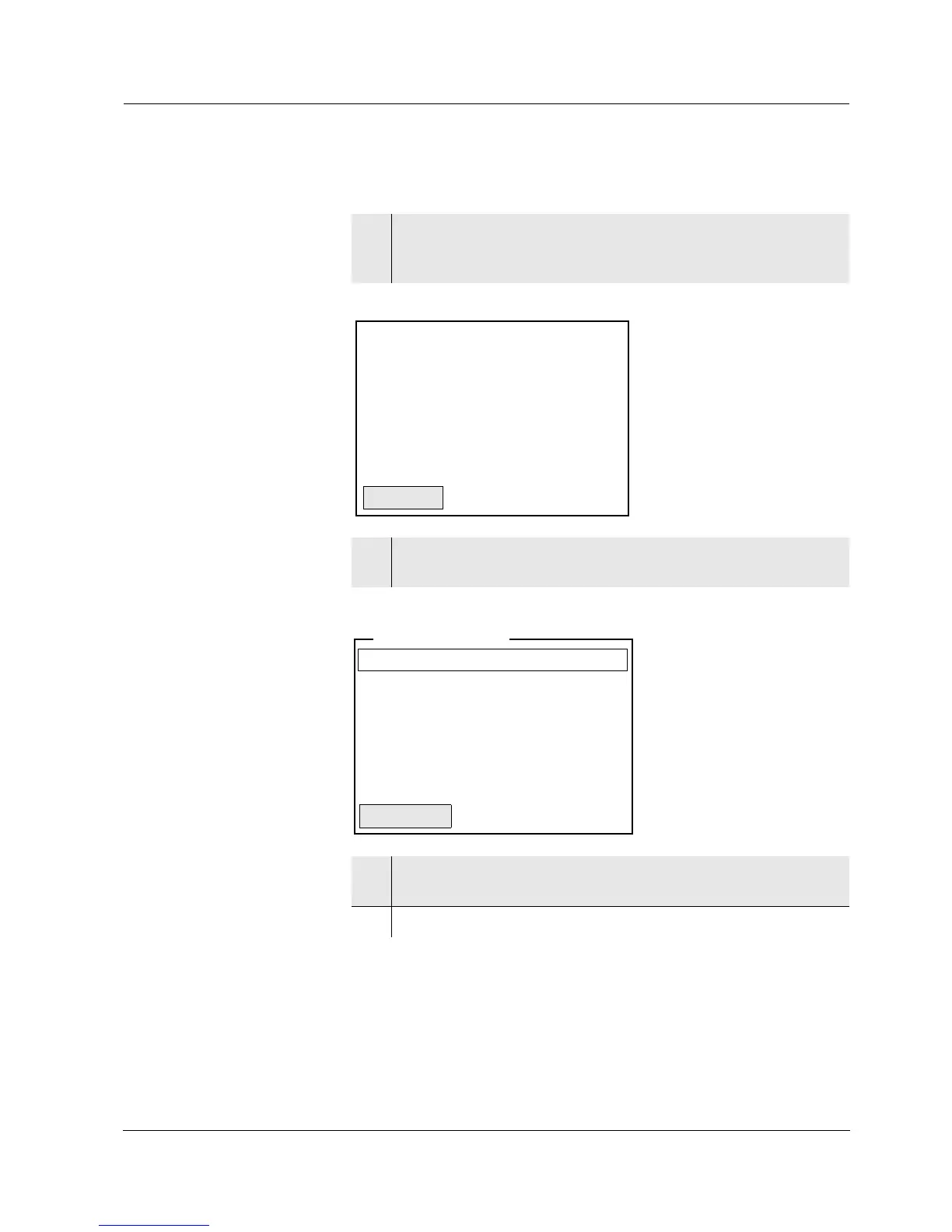
1 Press the <On/Off> key.
The measured value display appears.
The instrument is in the measuring mode.
2 Using <F1_>/[Menu] open the Storage & config menu.
The instrument is in the setting mode.
3 Select the System submenu with <▲ ><▼>.
The current selection is displayed with a frame.
4 Open the System submenu with <ENTER>.



 To Next Page