Cond 3210 Operation
17
ba75794e04 04/2012
4.2.2 Navigation
Measured value display In the measured value display, you can
Open the respective measuring menu with <F1> (short
keystroke).
Open the Storage & config menu with the sensor-independent
settings by pressing <F1
_> (long keystroke, approx. 2 s).
Change the display in the measurement window by pressing <M>
(e.g. conductivity −> resistivity −> −> −> ).
Menus and dialogs The menus for settings and dialogs in procedures contain further
submenus. The selection is made with the <▲><▼> keys. The current
selection is displayed with a frame.
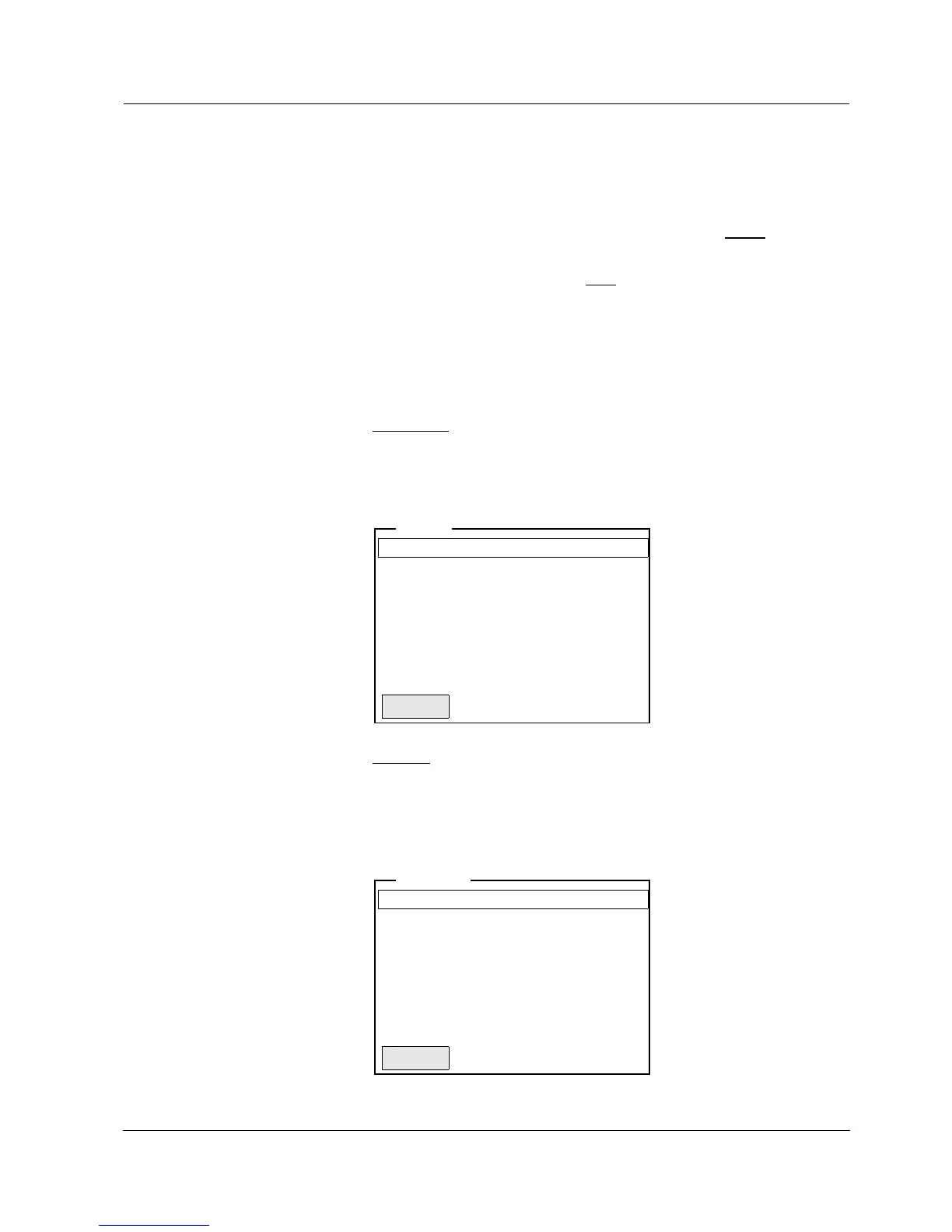
Submenus
The name of the submenu is displayed at the upper edge of the
frame. Submenus are opened by confirming with <ENTER>.
Example:
Settings
Settings are indicated by a colon. The current setting is displayed on
the right-hand side. The setting mode is opened with <ENTER>.
Subsequently, the setting can be changed with <▲><▼> and
<ENTER>. Example:



 To Next Page