EasyManua.ls Logo

wtw Cond 3210 - Display Layout and Indicators

wtw Cond 3210
58 pages
Print Icon
To Next Page IconTo Next Page
To Previous Page IconTo Previous Page
Loading...
Cond 3210 Overview
7
ba75794e04 04/2012
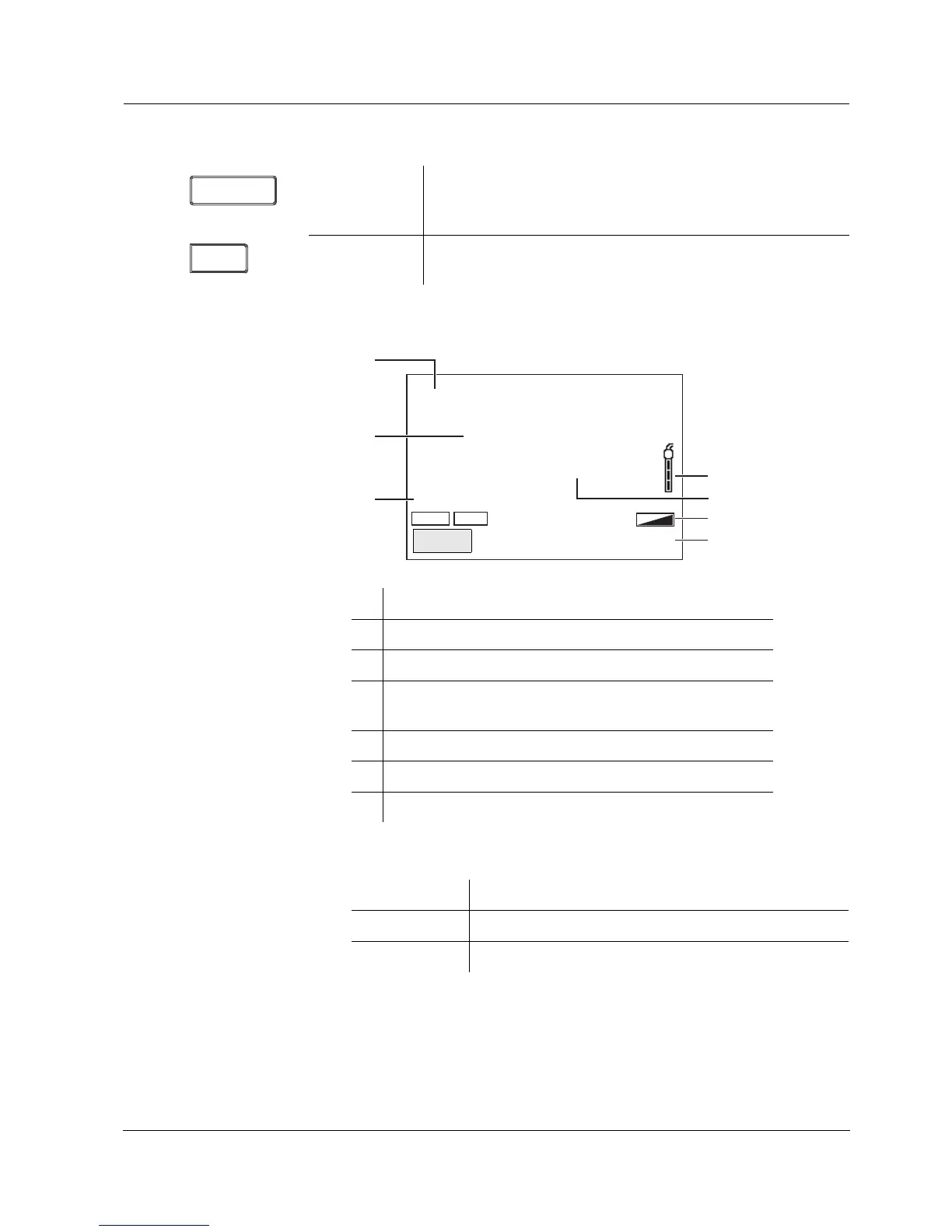
1.2 Display
Function display
indicators
<ENTER>:
<ENTER
_>:
Opens the menu for measurement settings / confirms
entries
Opens the menu for system settings
<AR> Freezes the measured value (HOLD function)
Switches the AutoRead measurement on or off
ENTER
AR
1 Status information
2 Measured value (with unit)
3 Measured parameter
4 Sensor symbol (calibration evaluation, calibration
interval)
5 Measured temperature (with unit)
6 Status line
7 Softkeys and date + time
HOLD AR
25.0
1417
°C
3
2
4
5
6
7
1
ӕ
µS/cm
[Tr25][nLF][ 0.835 1/cm]
Error An error occurred during calibration
AR Stability control (AutoRead) is active
HOLD Measured value is frozen (<AR> key)

Related product manuals