Operation Cond 3210
40
ba75794e04 04/2012
contents.
Editing the data storage The storage is edited in the menu, Storage & config/ Data storage. To
open the Storage & config menu, press the <F1
_>[Menu] key in the
measured value display. Open the manual storage directly with the
<RCL> key.
Settings
Display presentation
of a dataset
Quitting the display To quit the display of stored measurement datasets, you have the
following options:
Switch directly to the measured value display with <M>.
Quit the display and move to the next higher menu level with <F1>/
[Back].
Menu item Setting/
function
Description
Data storage /
Manual data storage /
Display
- Displays all measurement
datasets page by page.
Further options:
Scroll through the
datasets with <▲><▼>.
Quit the display with
<F1>/[Back].
Data storage /
Manual data storage /
Erase
- Erases the entire manual
measurement data
storage.
Note:
All calibration data remains
stored when this action is
performed.
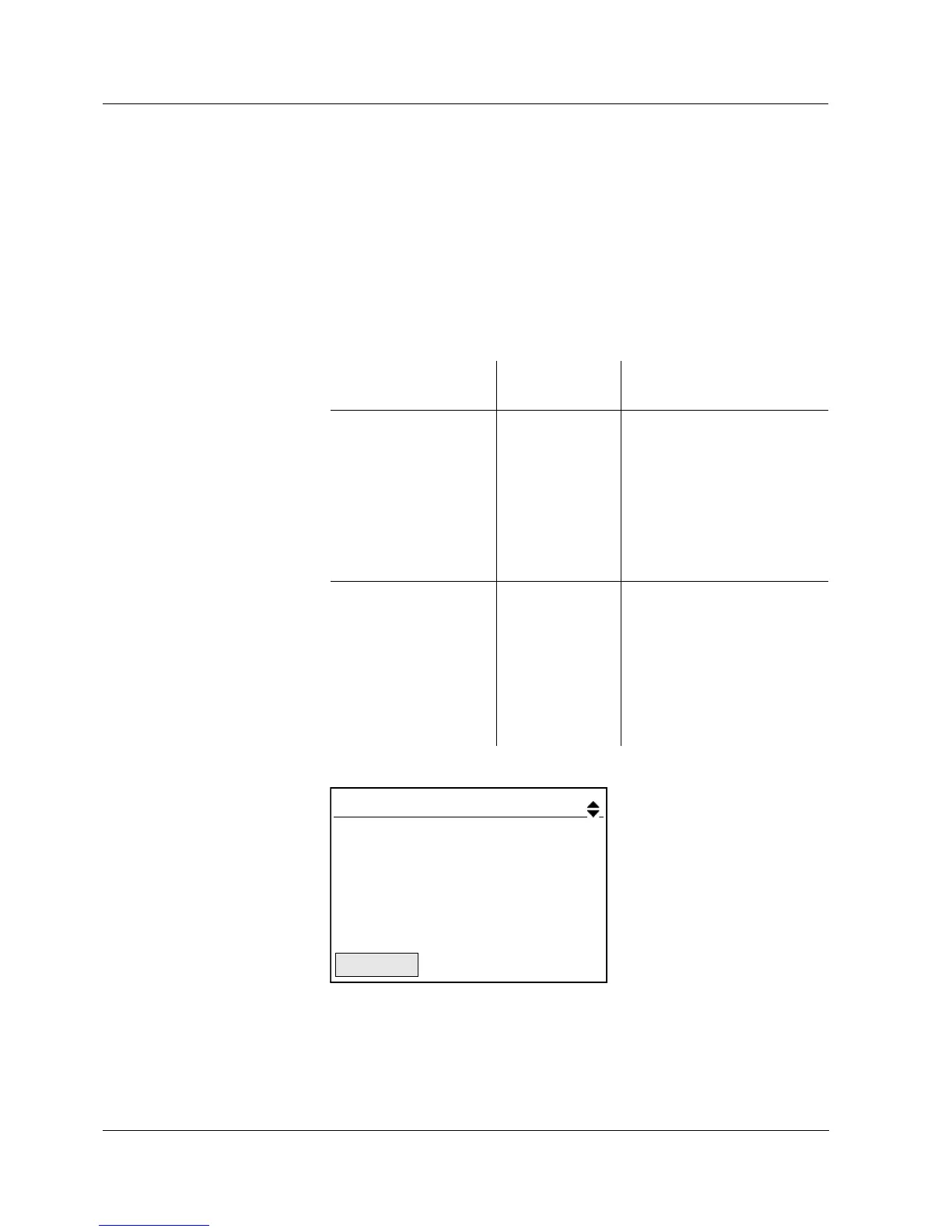
Manual data storage 3 of 64
30.10.2008 11:24:16 ID number: 1
ӕ 1415 µS/cm 25.1 °C AR +++
C = 0.835 1/cm, Tref 25, nLF
22.09.2008
08:00
Back



 To Next Page