pH 7310 Commissioning
ba75929e02 10/2011 11
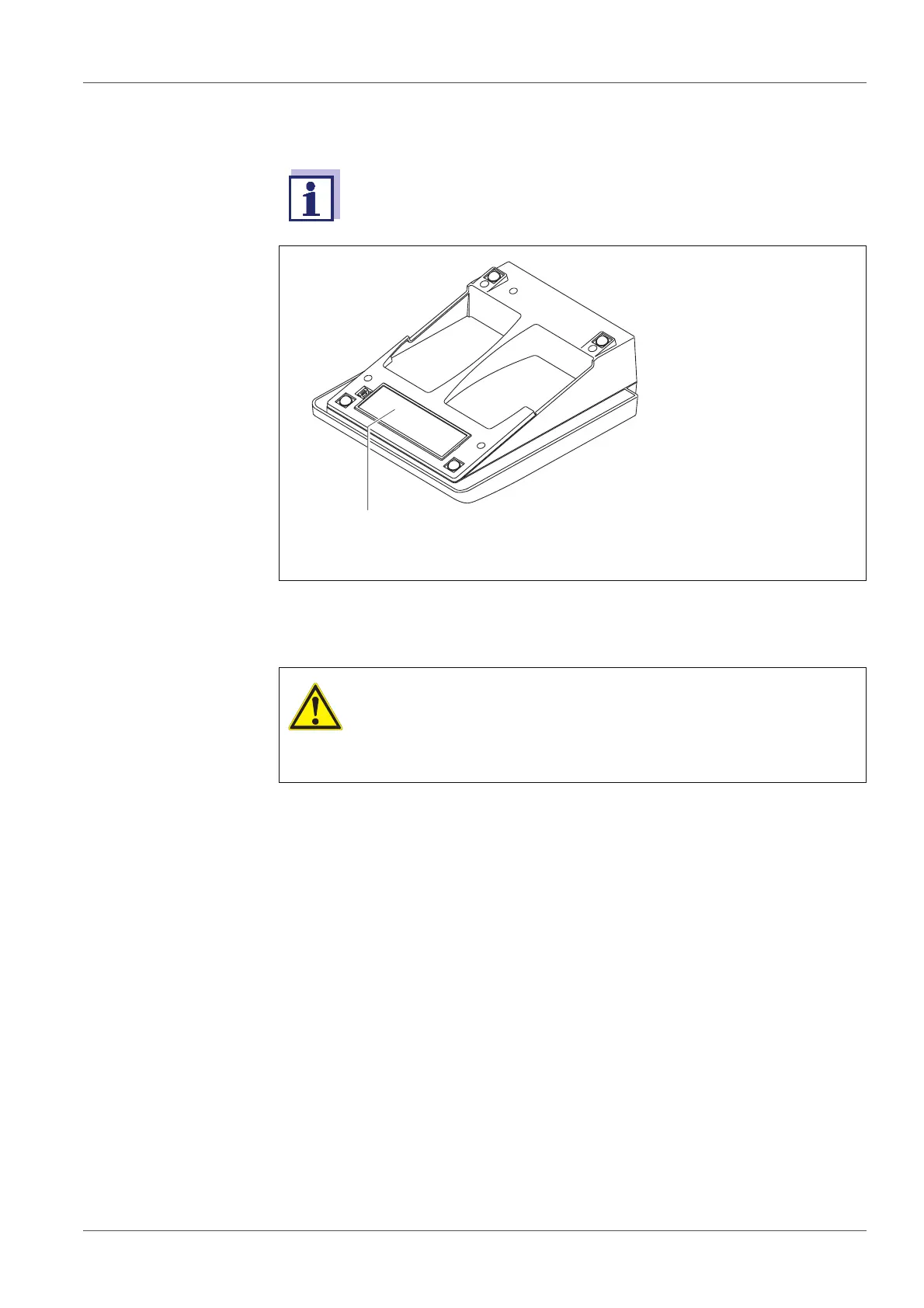
3.3.1 Inserting the batteries
You can operate the meter either with normal batteries or with
rechargeable batteries (Ni-MH). In order to charge the batteries, an
external charging device is required.
1 Battery compartment
1. Open the battery compartment (1) on the underside of the meter.
CAUTION
Make sure that the poles of the batteries are positioned cor-
rectly.
The ±-signs on the batteries must correspond to the ± signs in
the battery compartment.
2. Place four batteries (type Mignon AA) in the battery compartment.
3. Close the battery compartment (1).
4. Set the date and time
(see section 4.4.6 EXAMPLE 2 ON NAVIGATION: SETTING THE DATE AND
TIME, page 20).



 To Next Page