Transmitting data (USB interface) pH 7310
52 ba75929e02 10/2011
9 Transmitting data (USB interface)
9.1 Options for data transmission
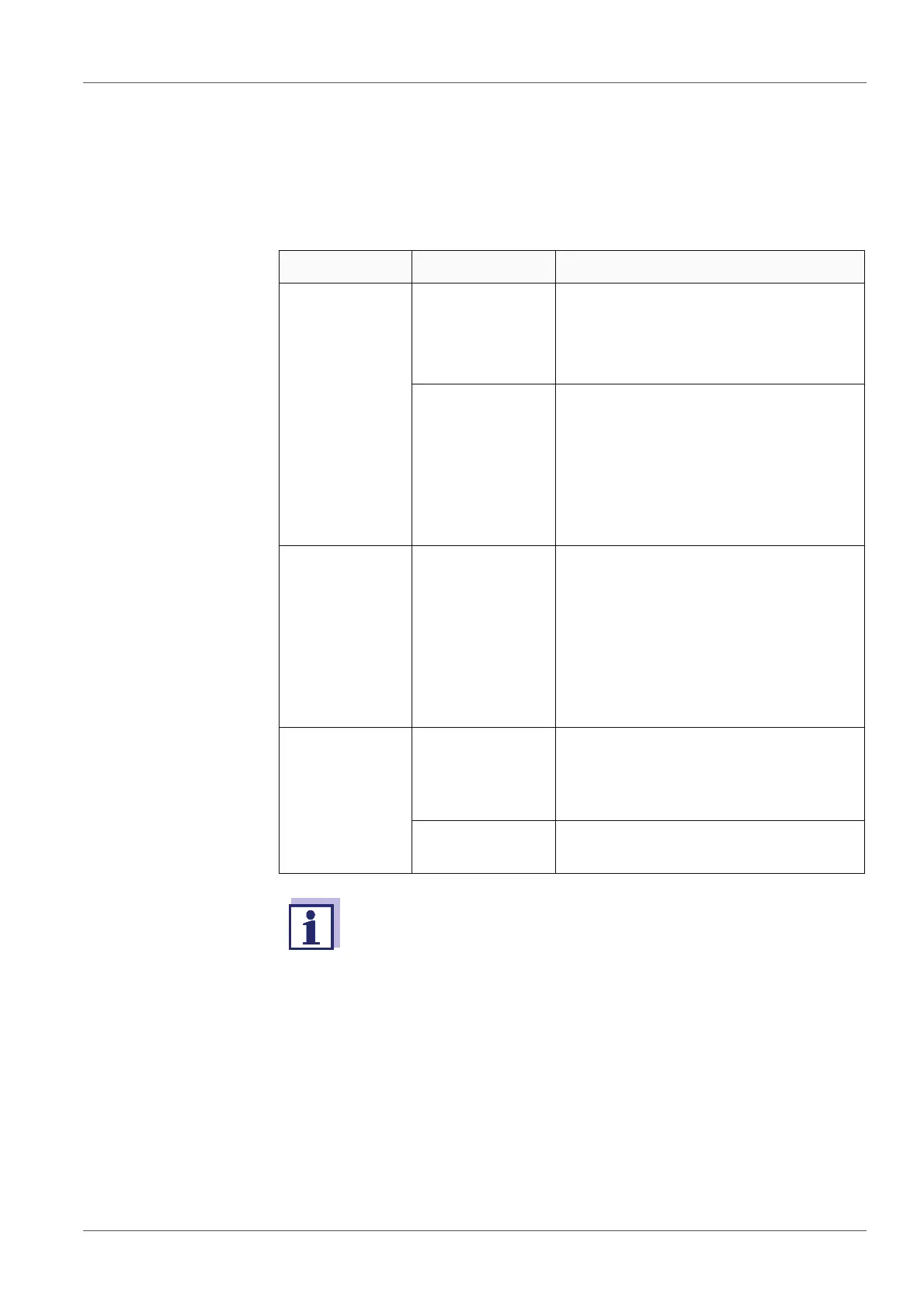
Via the USB interface you can transmit data to a PC. The following table shows
which data are transmitted to the interface in which way:
Data Control Operation / description
Current
measured val-
ues of all con-
nected
sensors
Manual With <F2>/[USB output].
Simultaneously with every manual
storage process (see section 8.1
M
ANUAL STORAGE, page 46).
Automatic, at
intervals
With <F2__>/[USB output].
Then you can set the transmission
interval.
Simultaneously with every auto-
matic storage process (see section
8.2 A
UTOMATIC STORAGE AT INTER-
VALS, page 47).
Stored mea-
sured values
Manual Displayed dataset with <F2>[USB
output] after calling up from the
storage.
All datasets with the Output to USB
function.
(see section 8.3.1 E
DITING THE
MEASURED VALUE STORAGE, page
49).
Calibration
records
Manual Calibration record with <F2>/[USB
output]
(see section 5.2.6 C
ALIBRATION
DATA, page 32).
Automatic At the end of a calibration proce-
dure.
The following rule applies: With the exception of the menus, shortly
pressing the <F2>[USB output] key generally outputs the display
contents to the interface (displayed measured values, measure-
ment datasets, calibration records).



 To Next Page