Operation pH 7310
20 ba75929e02 10/2011
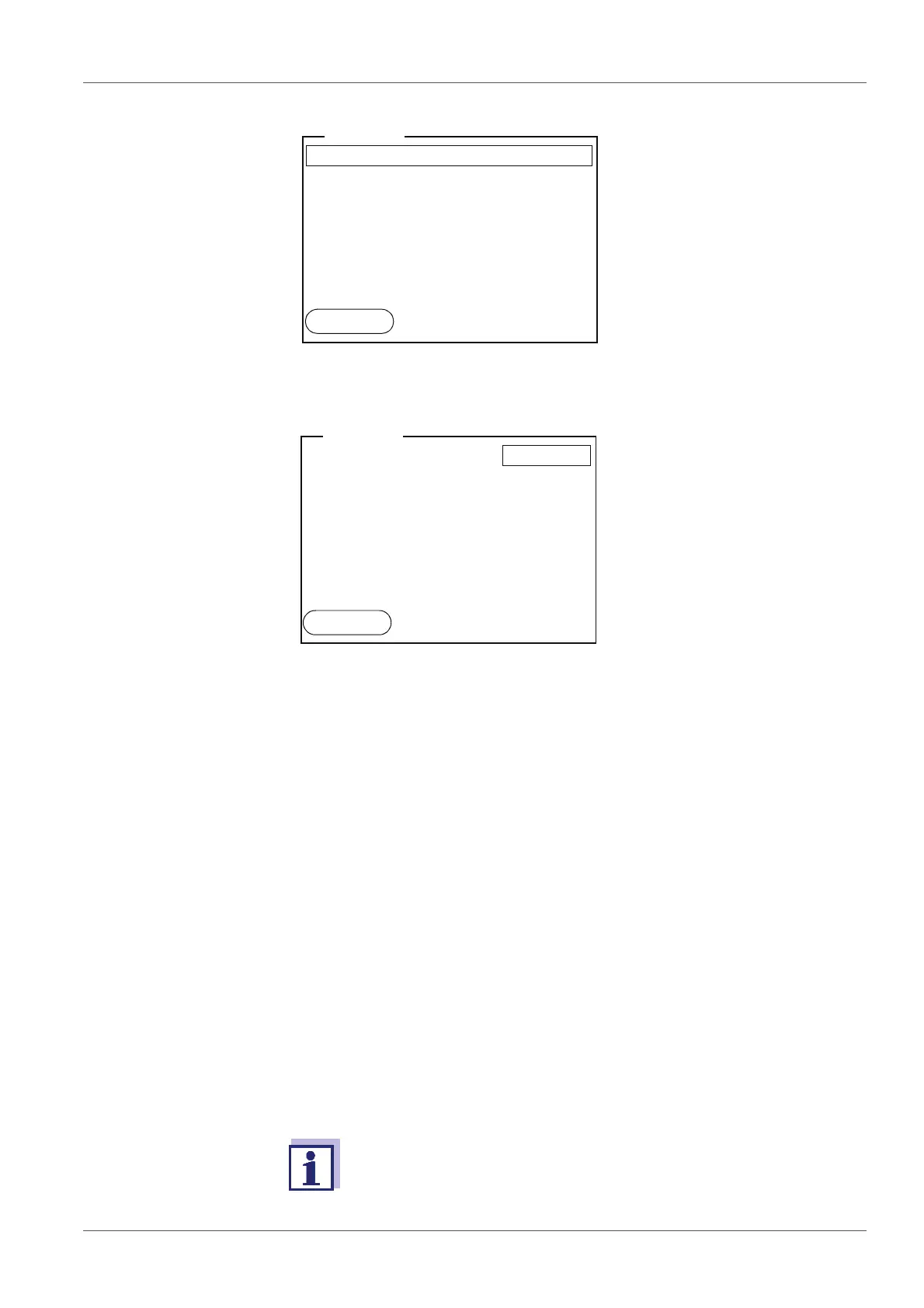
4.4.6 Example 2 on navigation: Setting the date and time
The measuring instrument has a clock with a date function. The date and time
are shown in the measured value display.
When storing measured values and calibrating, the current date and time are
automatically stored as well.
The correct setting of the date and time and date format is important for the fol-
lowing functions and displays:
Current date and time
Calibration date
Identification of stored measured values.
Therefore, check the time at regular intervals.
7. Open the setting mode for the Language with <ENTER>.
8. Select the required language with <><>.
9. Confirm the setting with <ENTER>.
The meter switches to the measuring mode.
The selected language is active.
After a fall of the supply voltage (empty batteries), the date and time
are reset to 01.01.2011 00, 00:00 hours.
Language: English
Beep
: Off
Illumination: On
Contrast: 50 %
Switchoff time
: 1 h
General
01.07.2011
08:00
Back
Language: English
Beep
: Off
Illumination
: On
Contrast
: 50 %
Switchoff time
: 1 h
General
01.07.2011
08:00
Back



 To Next Page