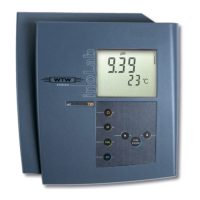
Data storage pH 7310
50 ba75929e02 10/2011
Settings
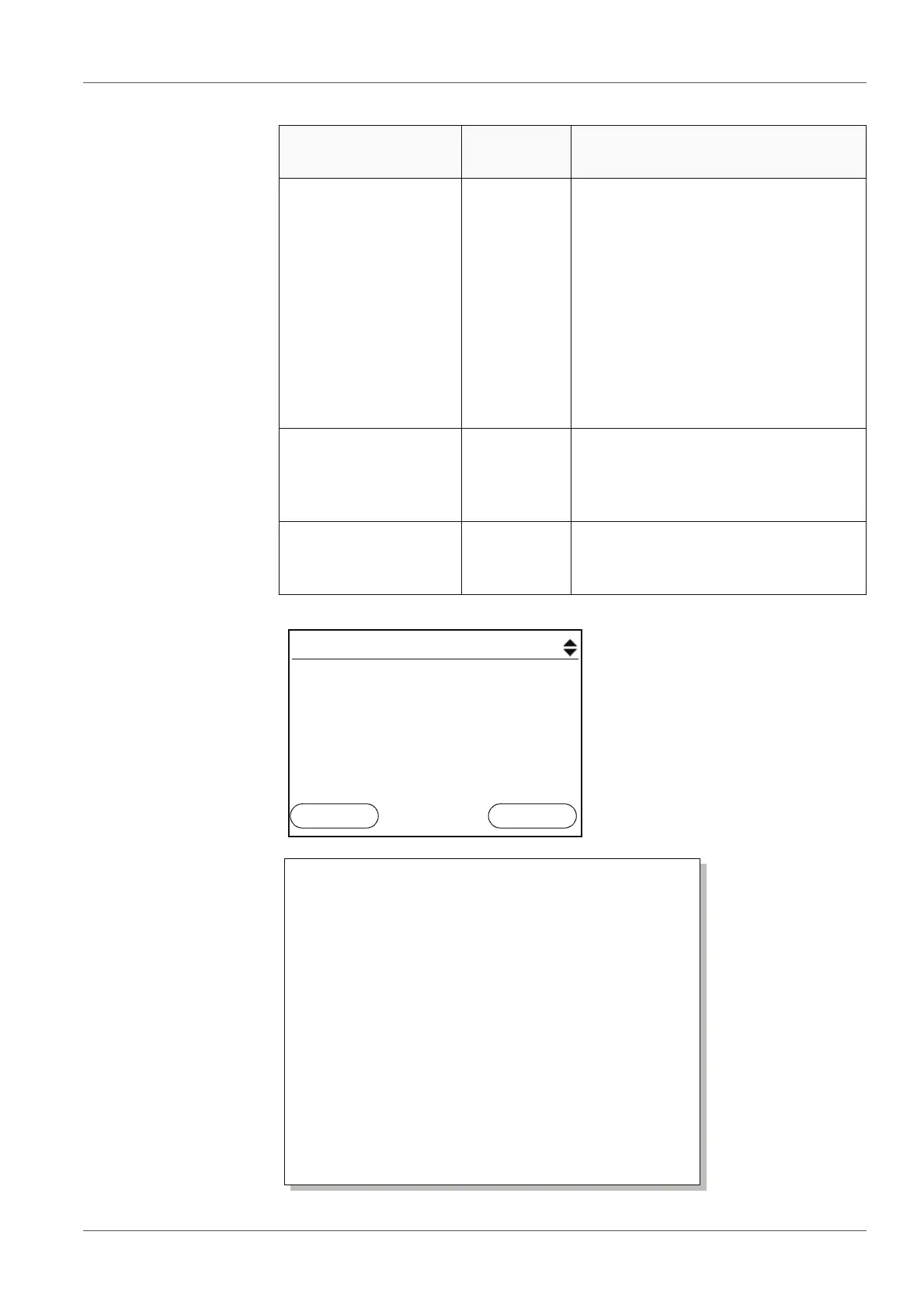
Display presentation
of a dataset
Representation of a
dataset
(USB output)
Menu item Setting/
function
Description
Data storage /
Manual data storage /
Display
- Displays all measurement datasets
page by page.
Further options:
Scroll through the datasets with
<><>.
Output the displayed dataset to
the interface with <F2>/[USB
output].
Quit the display with <F1>/
[Back].
Data storage /
Manual data storage /
Erase
- Erases the entire manual measure-
ment data storage.
All calibration data remains stored
when this action is performed.
Data storage /
Manual data storage /
Output to USB
- Outputs all stored measurement
data to the interface.
Manual data storage 3 of 64
30.06.2011 11:24:16 ID number: 2
pH 7.000 24.8 °C AR +++
01.07.2011
08:00
Back USB output
30.06.2011 09:56:20
inoLab pH 7310
Ser. no. 08502113
ID number 2
pH 6.012 24.8 °C, AR, S: +++
________________________________________
30.06.2011 10:56:20
inoLab pH 7310
Ser. no. 08502113
ID number 2
pH 6.012 24.8 °C, AR, S: +++
________________________________________
etc...


 To Next Page