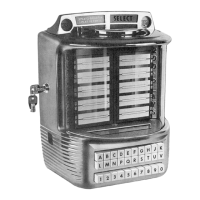
How to select a track
PRINCESS – Edition: 17.02.2005
14
OPERATING INSTRUCTIONS
4 Track selections
4.1 How to select a track
If credit exists or free play is set you can select tracks
by means of the buttons 0 - 9 of the keyboard.
First enter the number of the CD with two digits, then
the track number with two digits too.(track numbers
higher than 35 will not be accepted).
Example: CD 2, track 9: Enter 0 - 2 - 0 - 9.
(Exception: CD 100 = 00.)
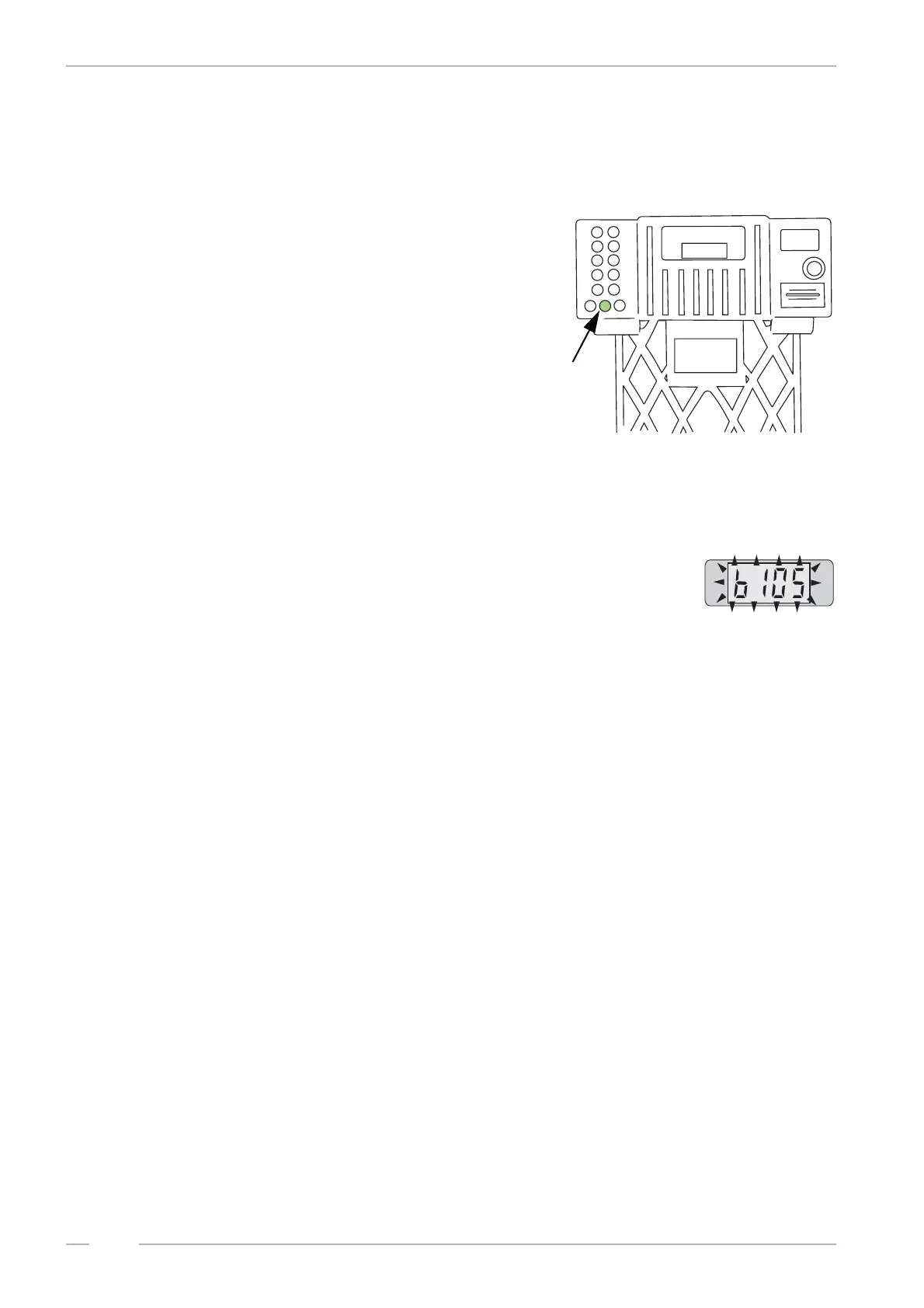
The button R
You can delete wrong entered numbers up to the third
digit by means of the button R (Reset). But after ha-
ving entered the fourth digit the jukebox stores and executes a selection also made by mistake. By
pressing the button R the available credit will be displayed for a few seconds.
The display flashes
After entering the fourth digit of a selection the jukebox starts to search
and play the selected CD immediately. If the display flashes the entered
selection was not valid. Check:
! if credit is available
! if the selection is higher than the programmed number of CDs in magazines
If you select a higher track number as available on a CD, the jukebox overcounts the tracks and
starts at the beginning.
Example:
CD 03 contains 17 tracks. But selected track is 0 - 3 - 1 - 9. The jukebox plays track 02 of CD 03.
Maximum 35 tracks per CD can be selected!
P
R
IC
E
O
F
S
E
L
E
C
T
IO
N
S
1 play for 50 cts
S
elect
9999
for
T
op
T
en
18 plays for $ 5
3
plays for
$
1
R
button R


 To Next Page