Operator data
PRINCESS – Edition: 17.02.2005
38
OPERATING INSTRUCTIONS
10 Data retrieval
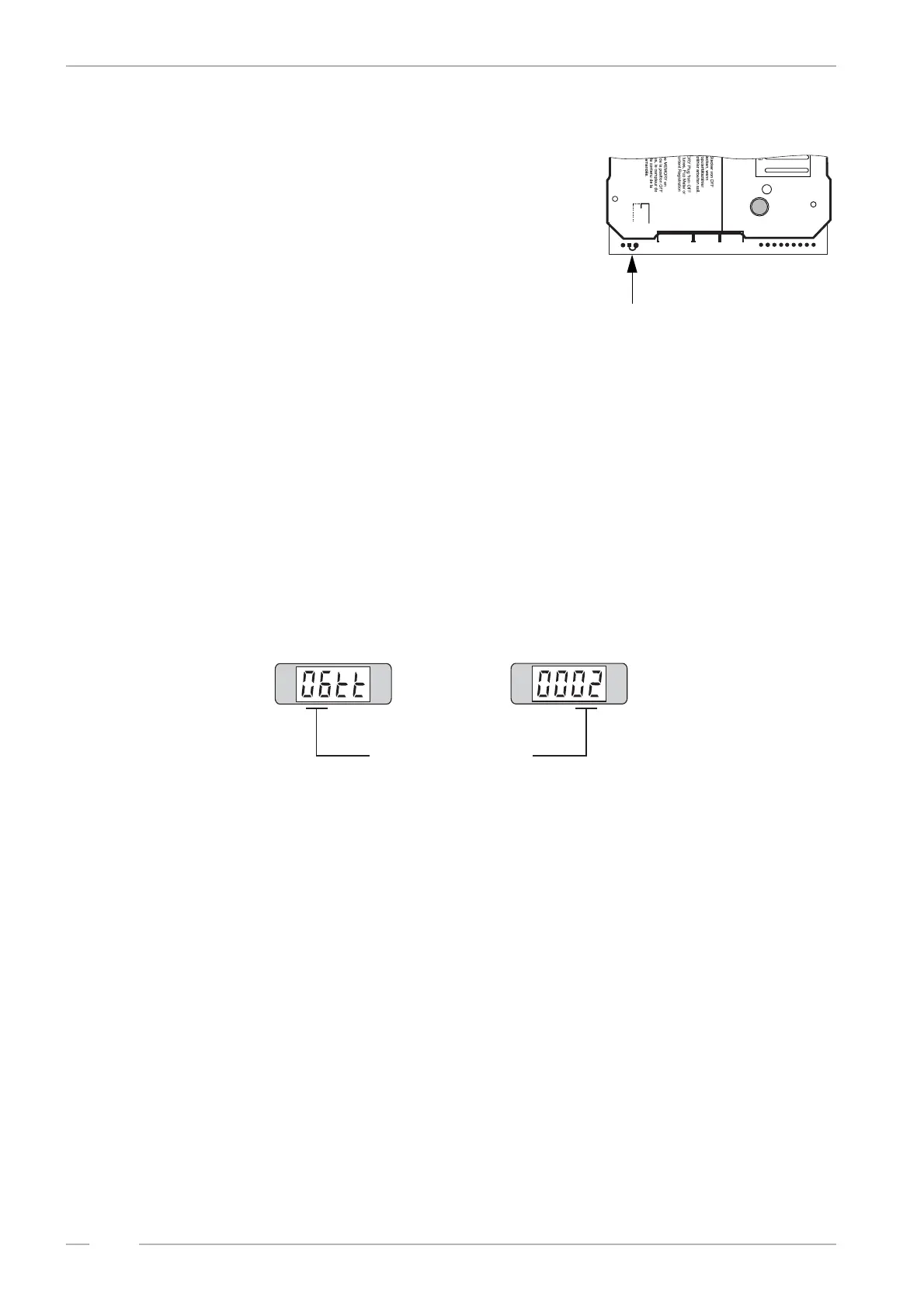
The data retrieval memory stores data only if the plug ‘ME-
MORY’ is always in the position ON (on the buttom side of the
SCC unit).
10.1 Operator data
You can read out statistical data in the service program level 1
over the display.
1. Set the slide switch ‘service’ at the SCC-unit to ON.
2. Press ‘LT’ button.
3. Press selection button R -hold down- and press selection button 0 than release both buttons.
4. Press selection button 1. Service level 1 is reached. Display shows: 1_ _ _.
10.1.1 Retrieval of least popular discs (flops), level 1 button 0
1. Press selection button 0 once.
# At first the least played CD is shown. The last two digits are simply a code confirming the
least played status. The display shows alternately the disc number and the number of plays
e.g.:
# If the counter shows 0 0 0 0, this means the disc has not been played. Press selection but-
ton 0 to continue the process for the second least played disc, and so on. At first the CD
with the lowest number of plays will be displayed. Press button 0 again, the display shows
the CD with the second lowest number of plays etc. If the calculation needs a little longer a
‘1’ scrolls starting from RH. digit over the display.
2. To cancel the procedure press selection button R.
Memory
ON
OFF
Memory
0045411
P8
P5
P6
1
6
1
5
1
8
B1
6
5
4
3
2
1
0
1
2
4
5
T1
10
20
+B
T
M
LT
CD no. 66 played twice


 To Next Page