Service data, level 4 button 8
PRINCESS – Edition: 17.02.2005
62
FIELD SERVICE MANUAL
14 Technician Statistics
14.1 Service data, level 4 button 8
Special data for the jukebox service are displayed in service level 4 button 8. By pressing the button
8 several times you can call up the contents of up to 18 different storage locations stored in the be-
low explained statistical values.
These data are useful to assess the condition of the jukebox and its mechanism.
1. Set the slide switch ‘service’ at the SCC-unit to ON.
2. Press ‘LT’ button.
3. Press selection button R -hold down- and press selection button 0 than release both buttons.
4. Press selection button 4. Service level 4 is reached. Display shows: 4_ _ _.
14.1.1 Retrieval of the last occured mechanism faults
The SCC unit stores up to 9 of the last occurred mechanism error codes (procedure step codes) If
more errors have occured only the latest 9 are stored.
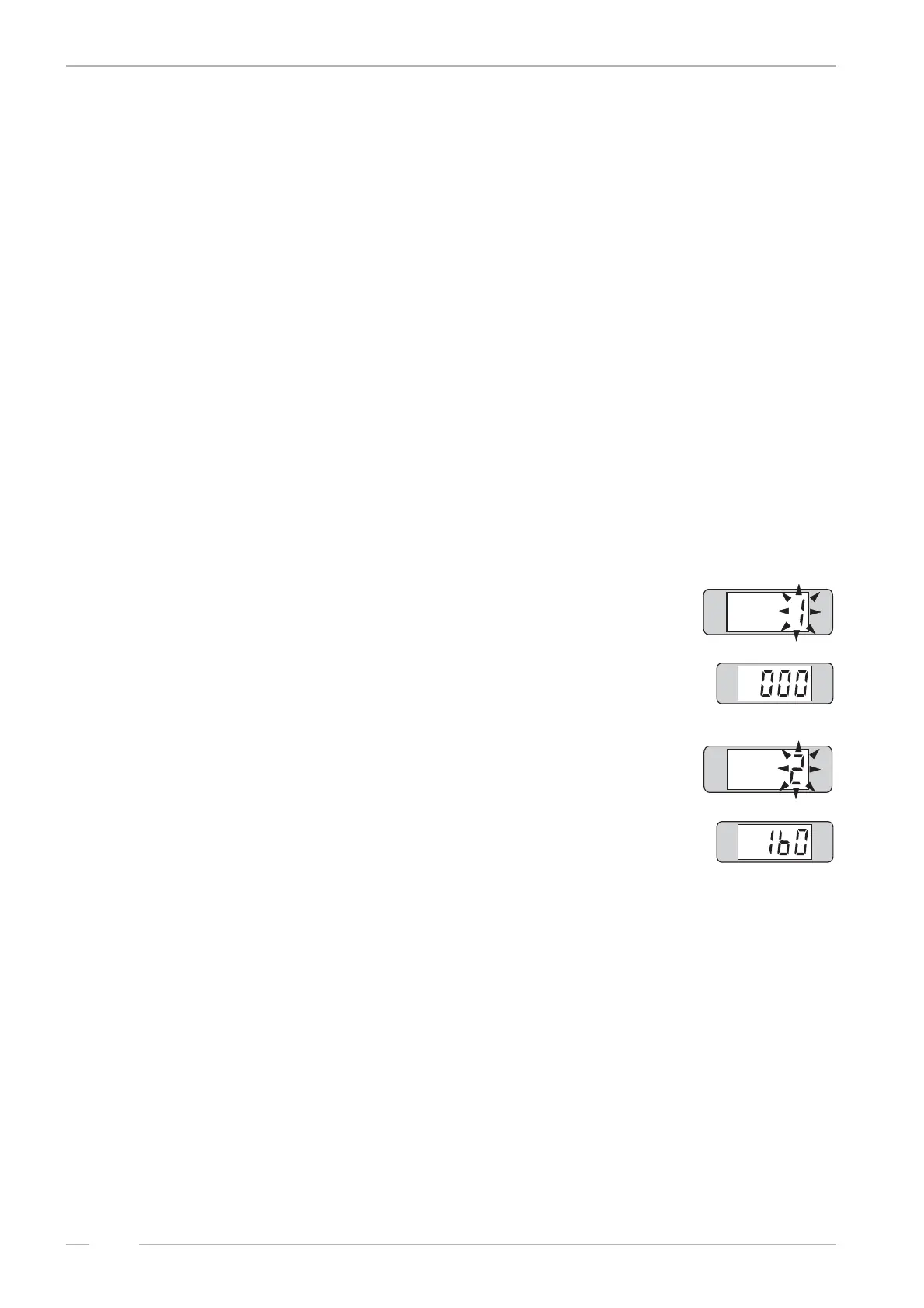
1. Press selection button 8, display shows flashing:
# 1 = 1st error code
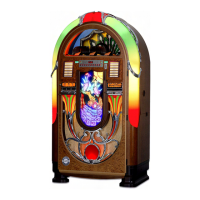
then eg.
# 1st error code is always 000
(memory check).
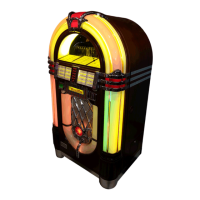
2. Press selection button 8 again, display shows flashing:
# 2 = last occured error code
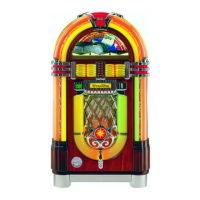
then e.g.
# Error 160: Error when reaching the vertical take out position.
3. Press selection button 8 once more to display the next error code etc.
After displaying the 10th code, special values will be displayed (ref to the following chapters).
4. DELETE this data: Press selection button 8 - hold - and press button R.
5. Exit: Press button R.


 To Next Page