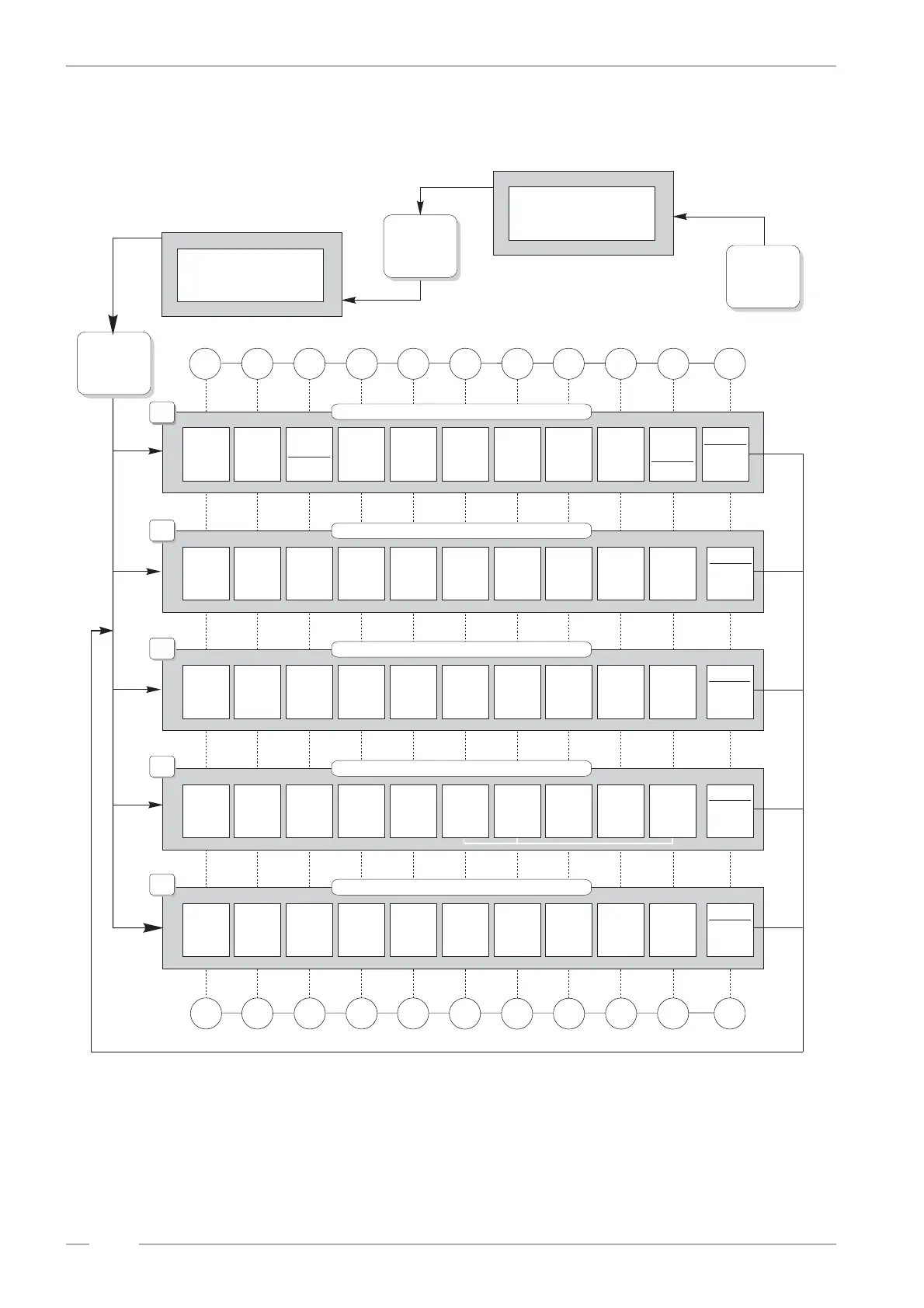
Selecting, displaying and programming of top tunes
PRINCESS – Edition: 17.02.2005
26
OPERATING INSTRUCTIONS
8 Programming short view
BGM BGM BGM BGM
BGM BGM BGM BGM Printer
BGM
reserved
for
Selection Selection
Get CD Get CD
Test prg. Test prg.
Gates test
CD2 Test
NEXT Anzeige: Anzeige: STOP Anzeige: Anzeige: Anzeige: Anzeige: Anzeige:
PREVIOUS
times times times times
times times times
no. of CD's,
Interval
time
settings
start
110 baud
position
sledge sledge
from LH from RH
single step single step
VH.V.HV errors
programs
track reserved reserved and reserved STOP START reserved reserved
TRACK
weekday 0 weekday 1 weekday 2 weekday 3
weekday 4 weekday 5 weekday 6
9600 baud
options
in steps in steps
change to change to
ON OFF LL.L.LL button 9
1. CD 1. CD 1. CD
back to
1. CD 1. CD 1. CD 1. CD 1. CD
1. CD
to reach
service
level 1.
...press
button 1
to reach
service
level 2.
...press
button 2
to reach
service
level 3.
...press
button 3
to reach
service
level 4.
...press
button 4
to reach
service
level 5.
...press
button 5
to level 1
to level 2
to level 3
to level 4
to level 5
+ button 0:
+ button 0:
+ button 0:
+ button 0:
+ button 0:
Top hits Cash box total Display CDs in
memory
Box
sel. memory
Display: contents
number
of plays
test
magazines
bad
reserved
ID reset
1. CD no. printer start program CDs
Albumsel.
Display:
Flops
1. CD no.
2. plays
Month
Weekday
per CD tracks reserved Hour Hour stimulator stimulator
Time Day Year tracks disabled Happy Happy Play Play
HH:MM DD:MM YY:WW CD:TT
time
price start Interval
stop
2. plays button2+R version 01 - 99
8digits
enter
enter
enter
enter
enter
new level
new level
new level
new level
new level
Sunday Monday Tuesday Wednesday
Thursday Friday Saturday
downwards upwards
level 5 level 5
NEXT LL.C.RR 2. Spiele + no. of prg.
NEXT
Programming: Press according button - hold down - and press selection button R , release both buttons and enter the new value.
2. Spiele 2. Spiele level 4 2. Spiele 2. Spiele 2. Spiele 2. Spiele 2. Spiele
PREVIOUS
01234
589
R
Statistics
Time, Bonus, Playstimulator
Time, Bonus, Playstimulator
Back Ground Music, BGM
CD2 mechanism tests
CD player tests
Start of serviceprogram
Jukebox in normal
operation mode
display of program
version
Press button R
-hold down-
and press
button 0,
then...
012345678
9
R
3
4
5
1
Slide switch
'SERVICE'
to ON
and press LT
button once.
Slide switch
'SERVICE'
to OFF
and press LT
button once.
2
67
selection buttons
CD to
turntable


 To Next Page