Programming of the Playstimulator (random selections without
PRINCESS – Edition: 17.02.2005
30
OPERATING INSTRUCTIONS
A more precise programming in conjunction with the internal clock and the start, stop and repeat
time is posssible if the digit CONTINUOUS PLAY is set to ‘0’. A correct programming of all these
items is necessary.
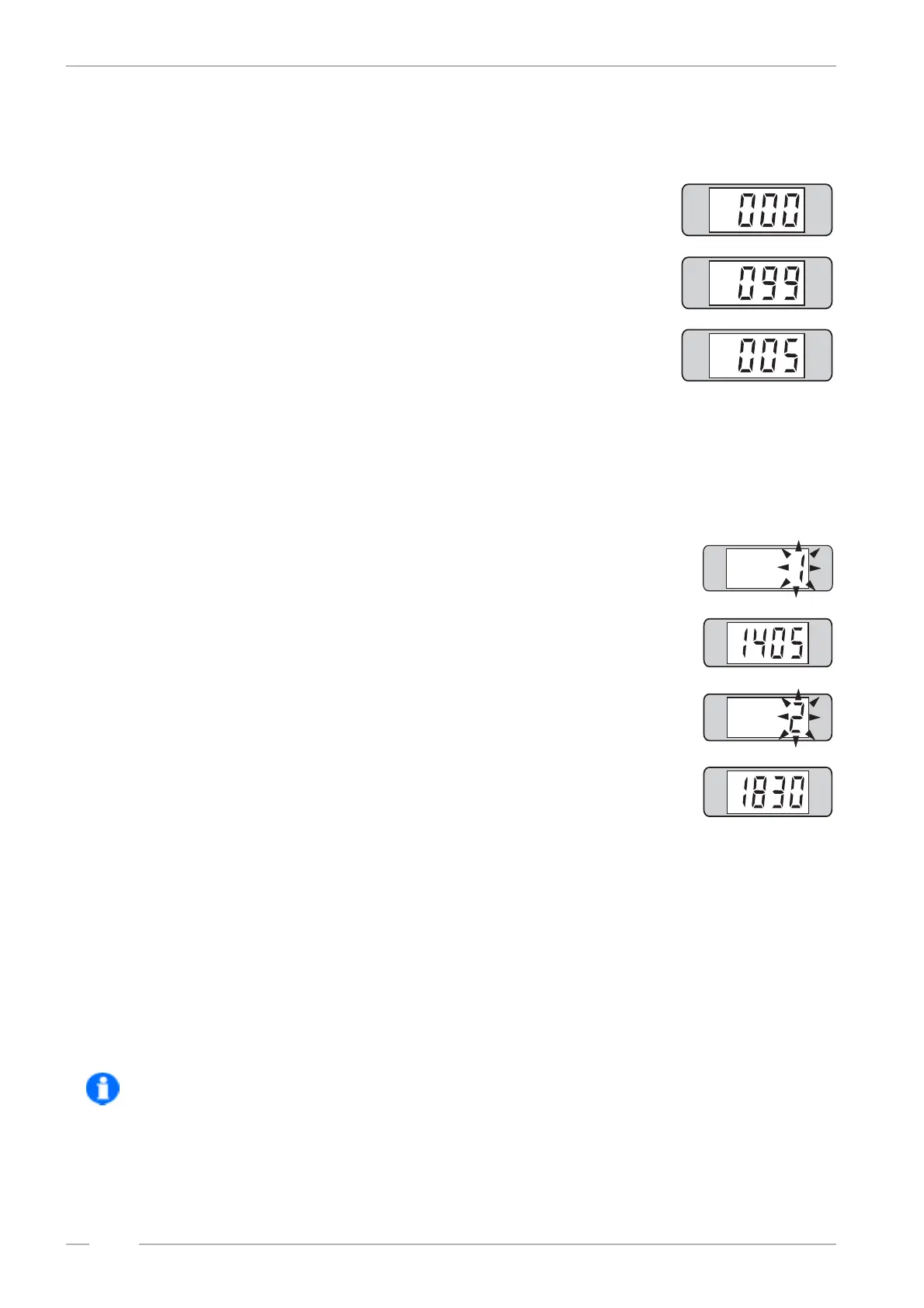
NO random plays
Continuous random plays, however in conjunction with start and
stop time.
After a played random track the jukebox waits about 5 minutes
before it starts the next one. Random tracks will only be played
in the programmed Playstimulator time interval. The program-
ming of this 'time window' is described as follows.
To program press selection button 9 -hold down- and press selection button R. Release both but-
tons. Now enter the digit for CONTINUOUS PLAY and the REPEAT TIME with three digits.
To check the settings: Press button 9 again.
9.3.2 Programming start and stop time, level 2 button 8
Press selection button 8. The display shows at first a flashing 1.
This means 'start time'.
Then the time will be displayed, here 14.05 o' clock (2.05 p.m.).
Press selection button 8 once again. The display shows now a
flashing 2. This means 'stop time'.
Then the time will be displayed, here 18.30 o' clock (6.30 p.m.).
To reprogramme press selection button 8 - hold - and press selection button R. Release both but-
tons. The digital display goes dark. Enter the start and stop time with eight digits.
Example: The jukebox should play random tracks from 09.00 in the morning to 17.00 in the af-
ternoon.
Enter: 0 - 9 - 0 - 0 - 1 - 7 - 0 - 0 (0900 = start time, 1700 = stop time)
Then press selection button R. The display shows 2 _ _ _ .
To check the start time: Press selection button 8.
To check the stop time: Press selection button 8 again.
NOTE: You can not programme the playstimulator over 24.00 o’clock (e.g. 23.00 to 2.00 o'clock) !


 To Next Page