User’s Manual | 44
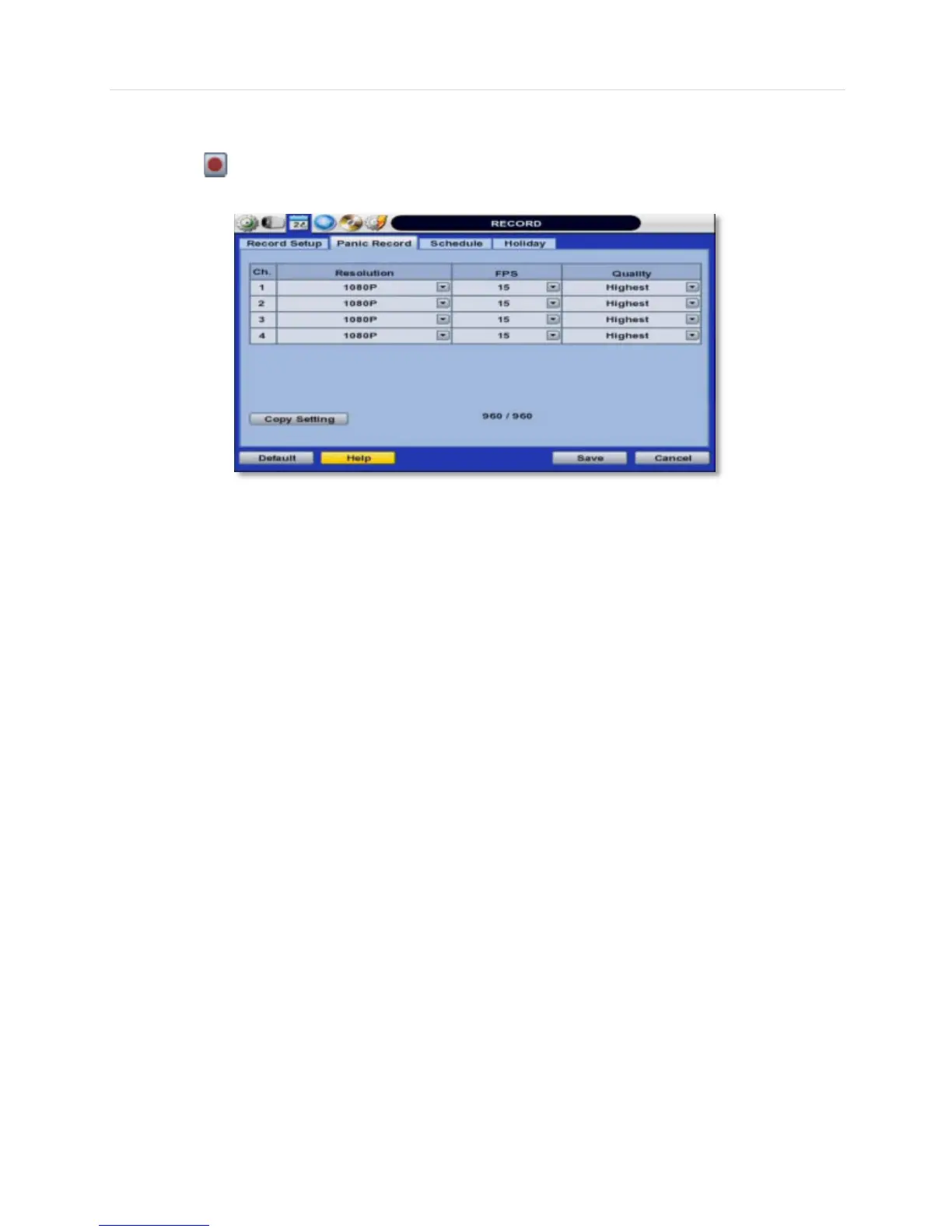
Users also have the option to configure Panic Record settings. The Panic Record setting is intended to be used under
emergency situations. You engage Panic recording by pressing the “Instant Record” button on the frontal keypad, or
clicking the icon from the control panel in live mode. It is highly recommended to use the maximum resolution, FPS,
and quality for this record type.



 To Next Page