45 | Full HD Digital Video Recorder
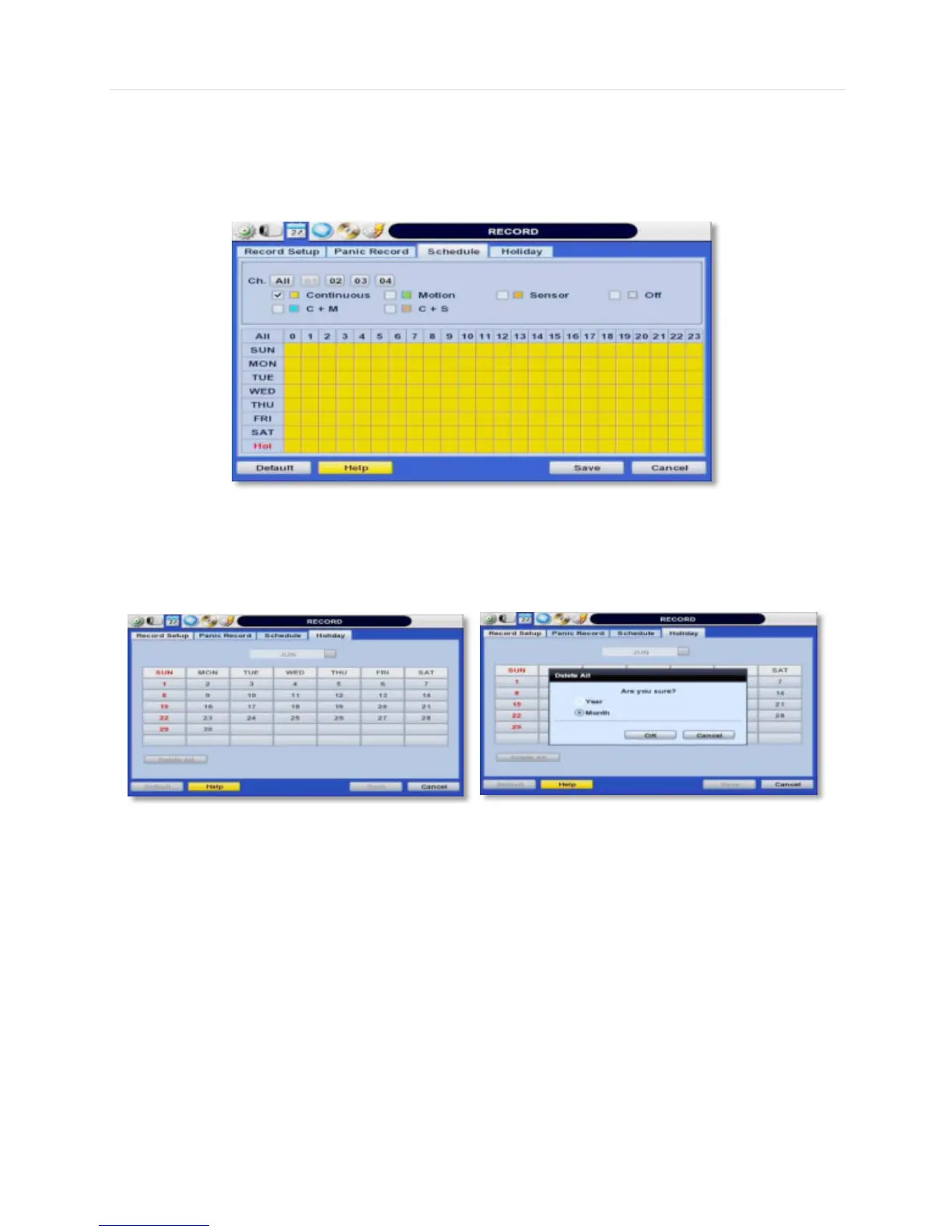
4.3.2 Schedule
You can set up the record schedule by applying a various record modes to each date and time. Simply select a record mode
by mouse and drag it to the desired date and time.
4.3.3 Holiday
Users can setup a specific day of a month or day of week as a holiday as shown below. Once holiday is selected, the
recording setup for those holidays will be affected by the schedule setting in the schedule.



 To Next Page