59 | Full HD Digital Video Recorder
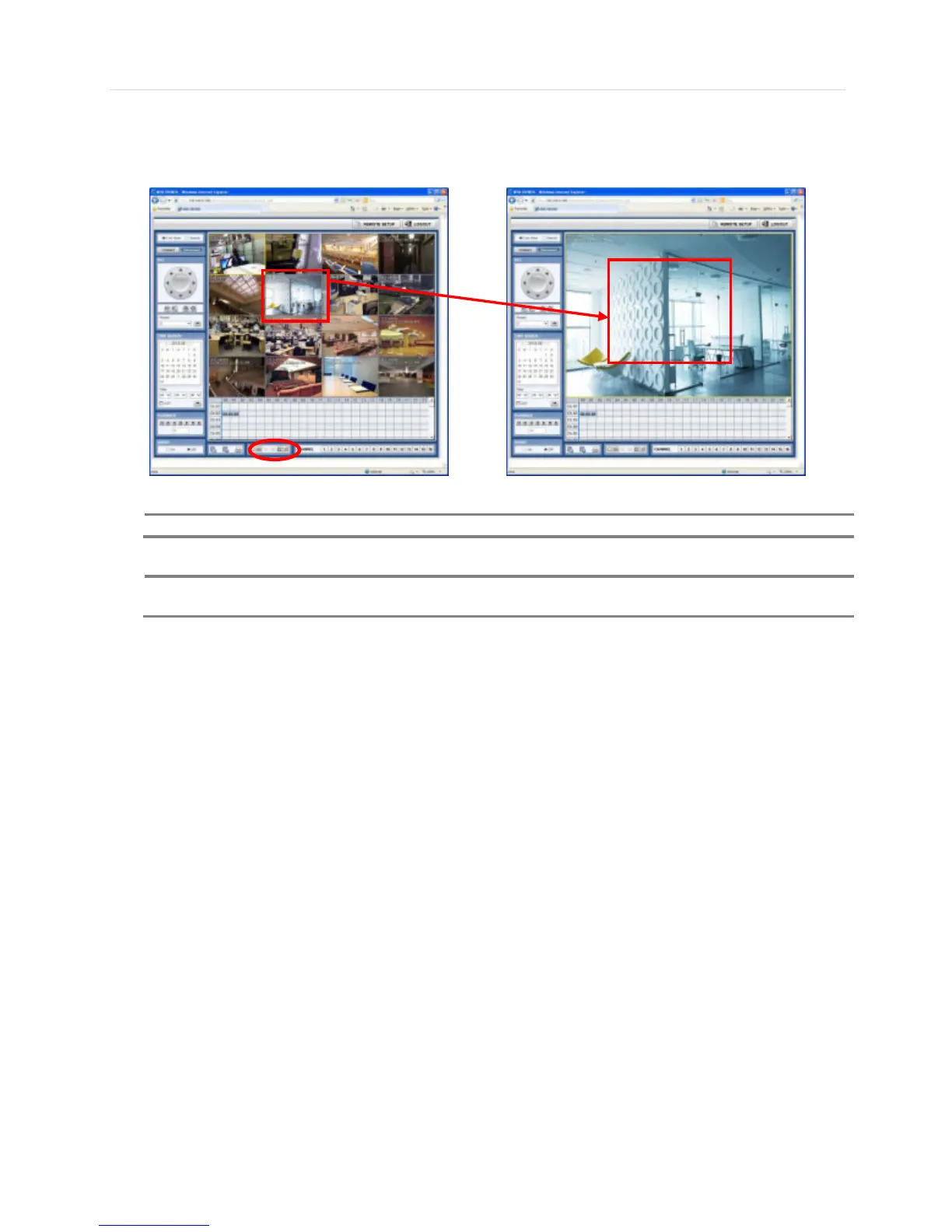
User can monitor live video in 1, 4, 9 or 16 screen modes. If user wants to see single channel in full screen, user can double-
click on the left mouse button when the cursor is positioned on the live video screen. User can change to single mode by
clicking the mode icon located at the bottom left.
If live image is not properly shown on IE web browser due to network traffic jam or narrow bandwidth, it is
recommended to close and re-open the IE web browser.



 To Next Page