User’s Manual | 86
Title: Able to turn on/off the DEVICE title with the channel number.
Date/Time: Able to turn on/off the Date/Time of the site.
DEVICE Name: Able to turn on/off the name of the site.
Time Format Sync: Synchronize the DEVICE time format to CMS.
Record Status: Able to turn on/off the Record Status of the site.
Live/Search: Able to turn on/off the Live/Search of the site.
Sequence: Able to set Sequence interval.
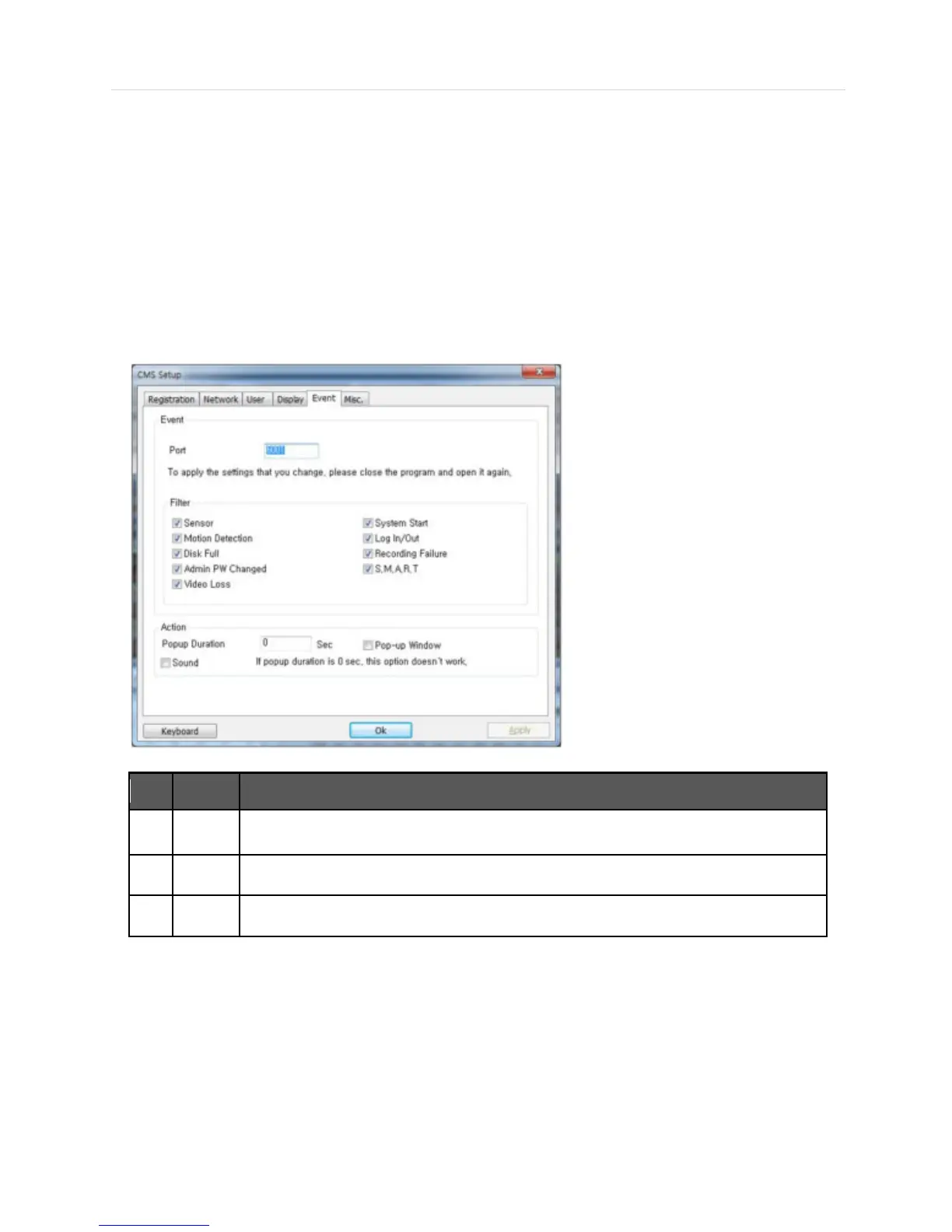
6.6.5 Event
Setup the event port, event type and popup settings for event.



 To Next Page