87 | Full HD Digital Video Recorder
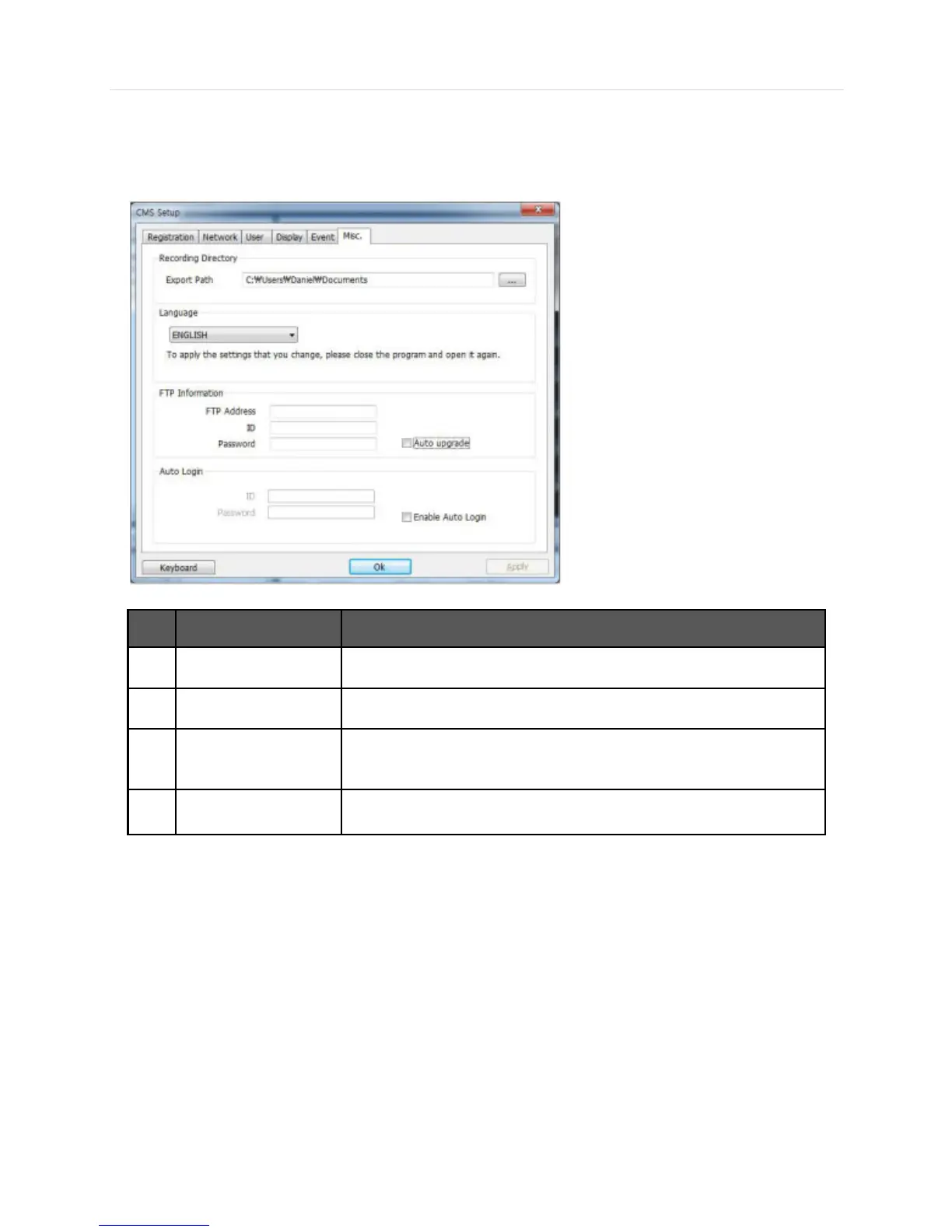
6.6.6 Misc.
Setup the Recording Directory, Language, Auto Upgrade, and Auto Login.
Decide the recording directory to save images and moving images.
Select a desired language.
In order to have Auto Upgrade, input FTP information. Once the FTP setup is
done, CMS will detect the latest firmware is in the FTP and start upgrading
automatically.
If you enable the auto login after inputting ID and Password, next time when
you login, you don’t need to type in the ID and Password again.



 To Next Page