84 I-Class
5.4.1 Updating from the Ready Mode
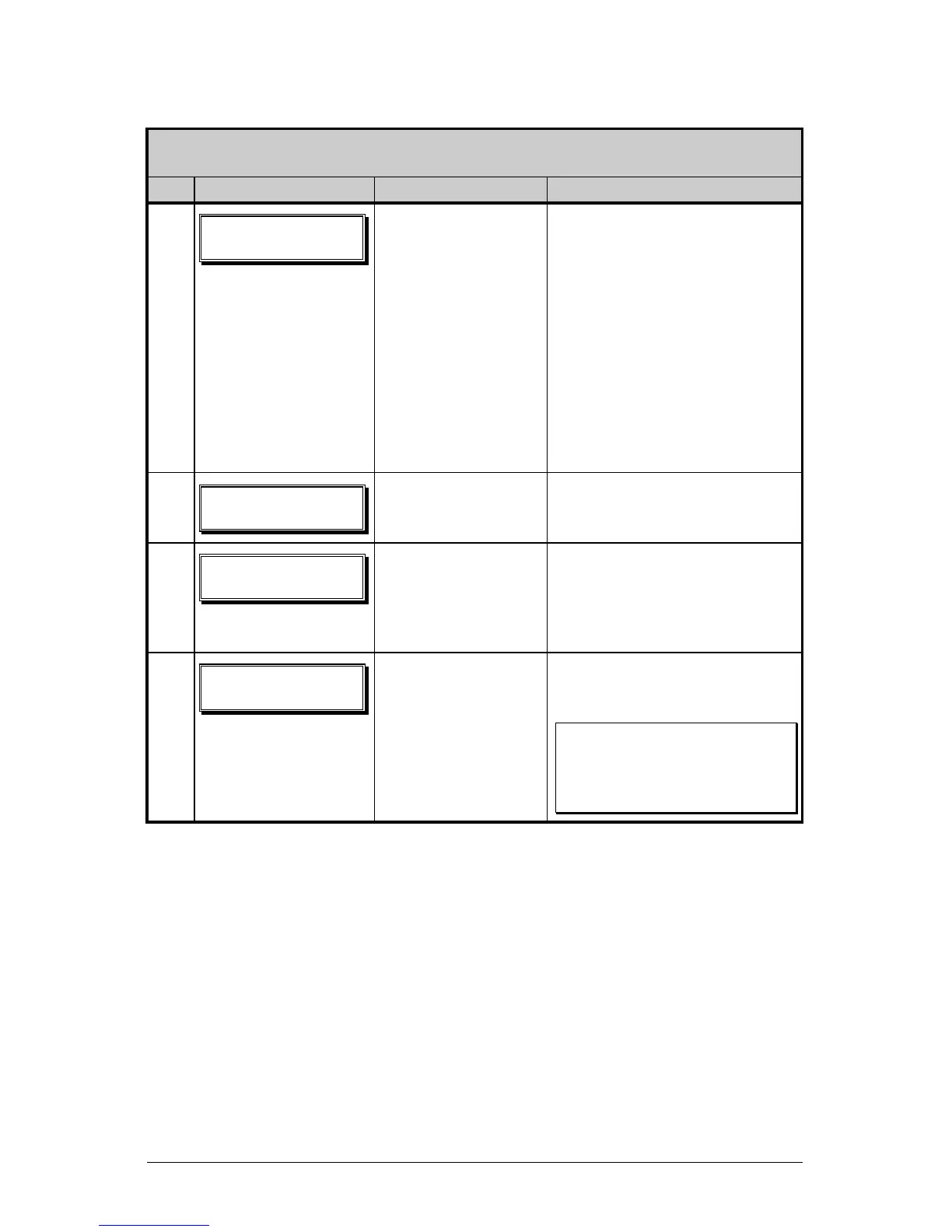
Update Procedure for Application Version 2.091 or greater
Step Displayed Message Operator Action Comment(s)
1
Using the DOS
copy command
(where ‘filename’
is the program to be
loaded and ‘lpt1’ is
the selected
interface port),
enter the following:
copy filename lpt1:
As an example, this would be
entered as:
copy 4212tb
~
1.zs lpt1
(Where ‘lpt1’ is the host
computer’s port; however,
this selection can differ to
include a serial or other port,
as the printer is equipped.)
The Ready Indicator will
flash as data is received.
2
No action required. The new application program
is being stored and verified.
3
No action required. The printer has reset
automatically and is now
displaying the new firmware
version.
4
No action required. The new application is now
running.
þ Note: If ‘Uncalibrated’ is
displayed, the printer must
be calibrated (see Section
5.0).








 To Next Page