GPSChartPlotter&EchoSounder
14
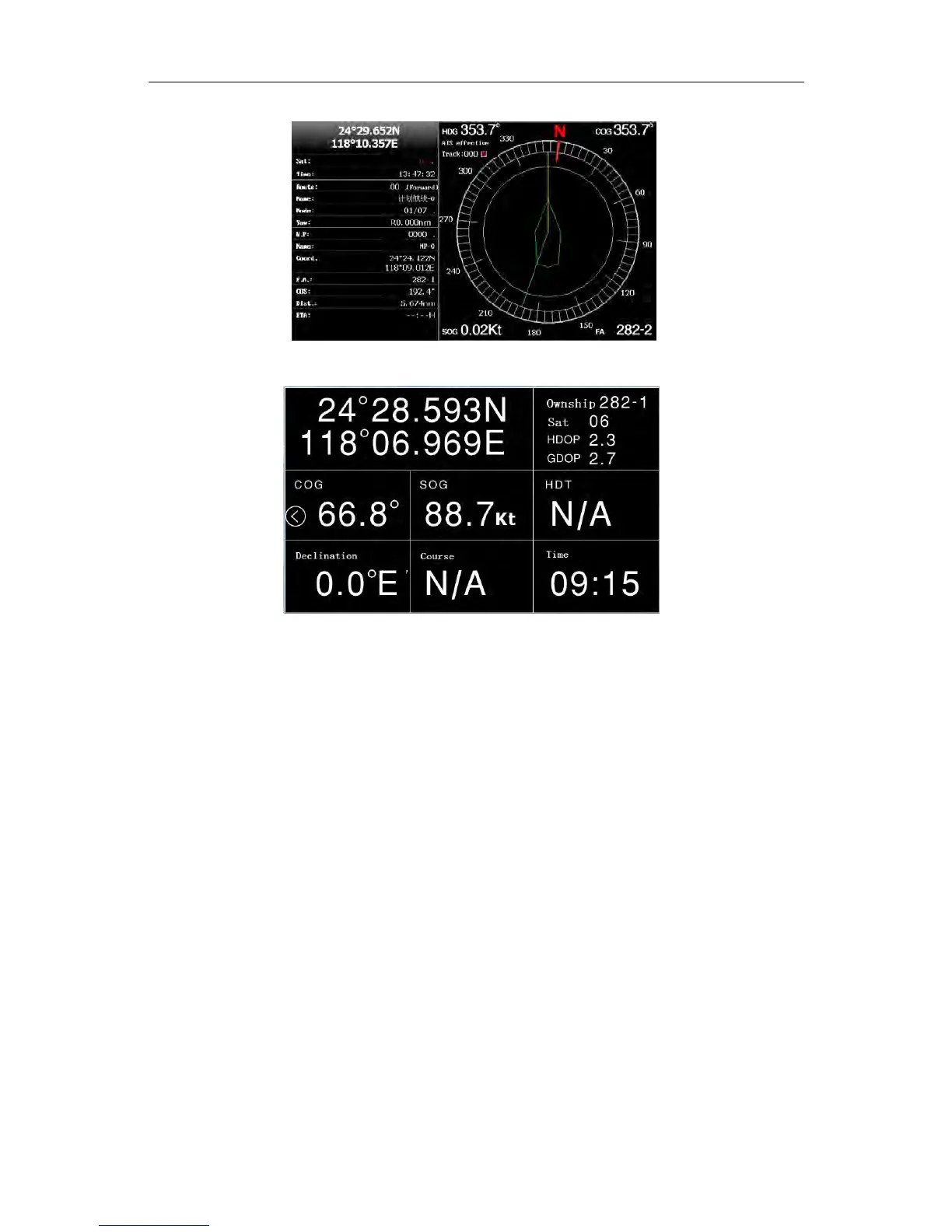
2-1-2-3CompassScene
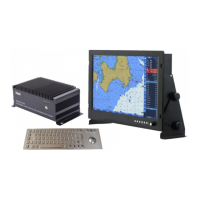
2-1-2-4DataScene
2-2ChartOperation
2-2-1MoveChart
Press〖ARROW〗tomovecursortoviewthechart.Whencursorismovedtotheedgeofthe
page,thechartwillrefreshautomatically.
2-2-2ZoomIN/OUTtheChart
Press
〖
ZOOMIN
〗
toenlargethechart,and
〖
ZOOMOUT
〗
tonarrowthechart.
2-2-3BacklightAdjustment
Press〖BACKLIGHT〗 toadjustthebrightness.Thesystemprovides16levelsofbrightness
value.
Operation: Press〖BACKLIGHT〗tocallbrightnesssettingmenu,thenpress〖←〗〖→〗toadjust
screenbacklight.Themodificationwillbetakeneffectimmediately.Press〖QUIT〗
toexit【Brightnesssettings】box.
2-2-4ChangetheChartDisplayMode
Thesystemprovidesfivescenes(Auto,Norm.,Day,GrayandNight).Youcanchangeit
accordingtothetimeoryourhabit.
Operation: Press〖MENU〗twice,enter【Displayandsound】andsetthe【Scene】.


 To Next Page