GPSChartPlotter&EchoSounder
36
〖←〗、〖→〗toselectechopallet.
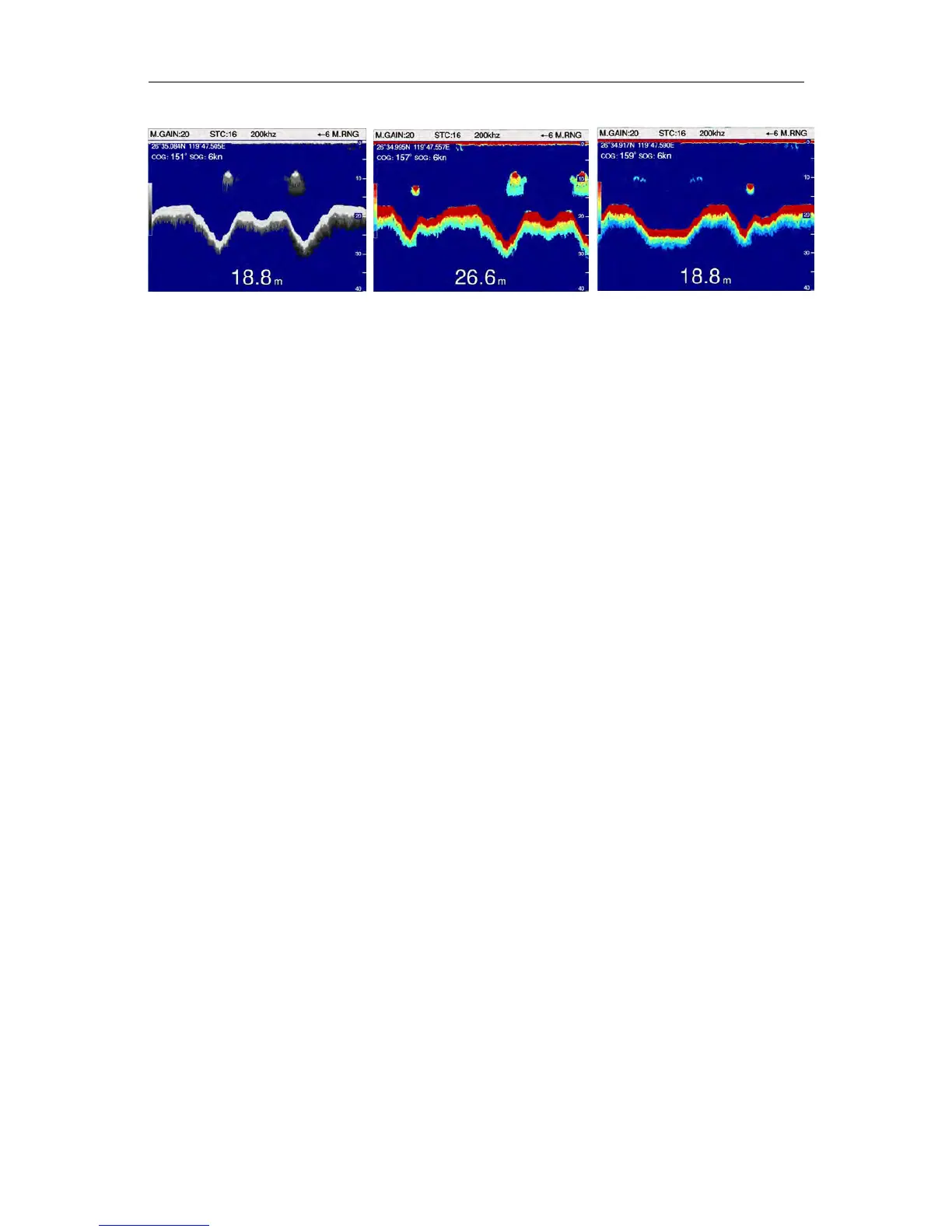
Monochrome 8colors 16colors
4-1-6Decoloration
Decolorationismainlyusedtoeliminatethecolorthatisundercorrespondingsettinglevel,that
is,eliminatetheweakechoclosetothefish,andmakingthefishshowmoreobviously.The
usercanaccordingtotheactualsituationofachromaticlevelsettings:1,2,3,4.。
Onmapscreen:
Press〖MENU〗toenter【MainMenu】,select 【FishFinder】.Select 【17Decoloration】in
【FishFinder】 ,press 〖←〗、〖→〗tosetdecolorationmode..
Onfishfinderscreen:
Press〖MENU〗toenter【FishFinder】,Select 【17Decoloration】in【FishFinder】 ,press
〖←〗、〖→〗tosetdecolorationmode.
4-1-7DepthUnit
Threedepthunitcanbeselected:meter,FT,FM.
Onmapscreen:
Press〖MENU〗toenter【MainMenu】,select 【FishFinder】.Select 【07depthunit】in【Fish
Finder】 ,press 〖←〗、〖→〗toselectdepthunit..
Onfishfinderscreen:
Press〖MENU〗toenter【FishFinder】,Select 【07depthunit】in【FishFinder】 ,press 〖←〗、
〖 → 〗 toselectdepthunit.
4-1-8VRMdisplay.
VRMisasetofhorizonlines,whichisusedtomeasuredepthtoaparticularobject,orusedto
setthealarmvalueofdepth.VRMcanbesettingto “show\hide\auto”.
Onmapscreen:
Press〖MENU〗toenter【MainMenu】,select 【FishFinder】.Select 【08VRMdisplay】in
【FishFinder】 ,press 〖←〗、〖→〗toselectVRMdisplaymode..
Onfishfinderscreen:
Press〖MENU〗toenter【FishFinder】,Select 【08VRMdisplay】in【FishFinder】 ,press
〖←〗、〖→〗toselectVRMdisplaymode.
1】show
VRMwillbedisplayedonthescreenallthetime.


 To Next Page