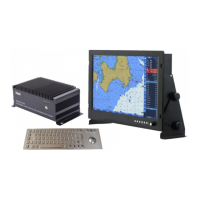
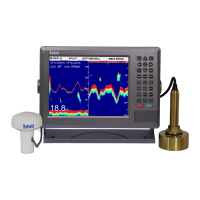
GPSChartPlotter&EchoSounder
31
4-1FunctionIntroduction
4-1-1ImageSplit
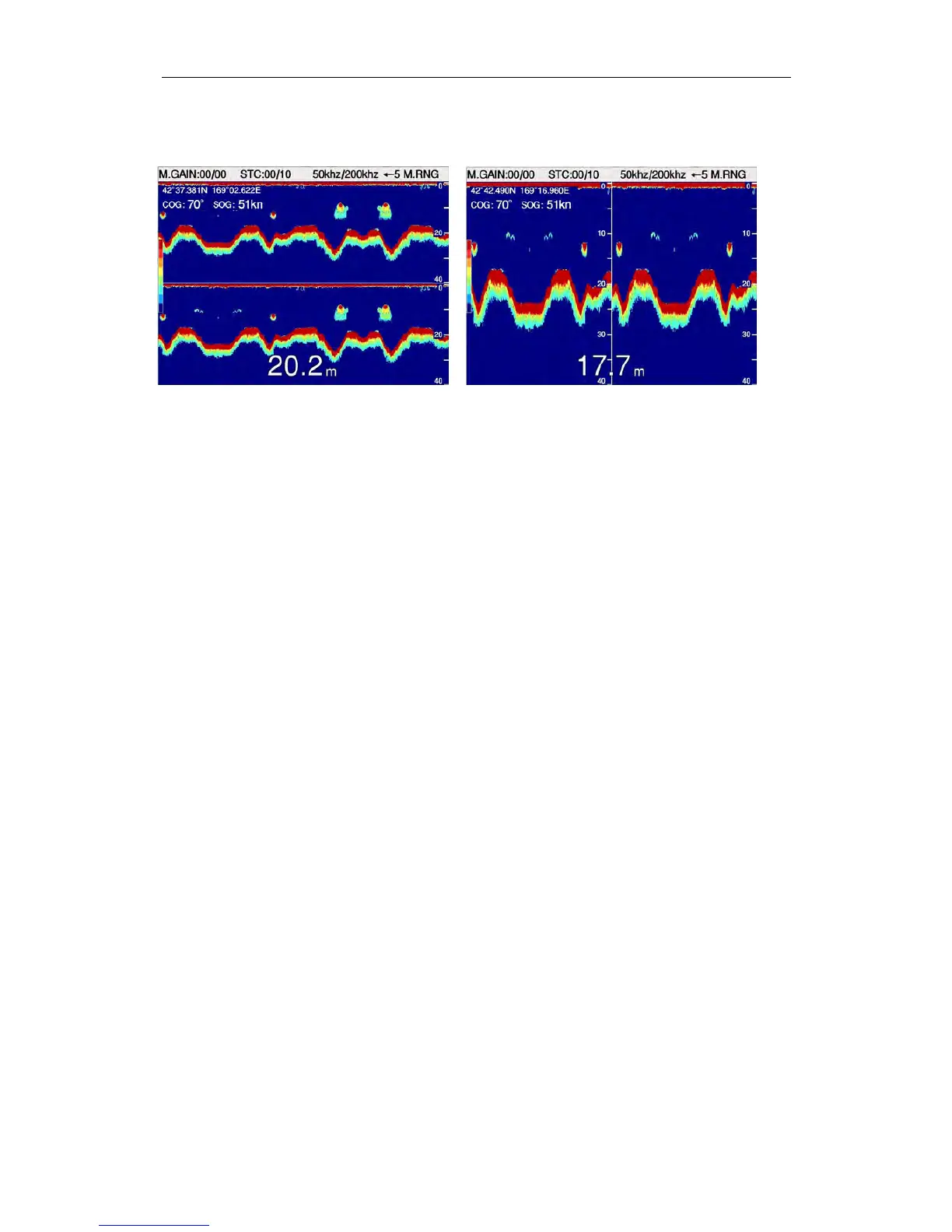
Horizontal Vertical
Onmapscreen:
Press〖MENU〗toenter【MainMenu】,select 【FishFinder】.Select 【01ImageSplit】in
【FishFinderMenu】,press 〖←〗、〖→〗toselectimagepartitionmode.
Onfishfinderscreen:
Press〖MENU〗toenter【FishFinder】,Select 【01ImageSplit】in【FishFinder】,press 〖←〗、
〖 → 〗 toselectimagepartitionmode.。
1】HorizontalPartitiondisplaymode:
1)DualFrequency:50khz/200khzdoubledisplay
2)Singlefrequencydisplaydown,otherimagedisplayup:normalzoominpictureor
bottomlockedorseabedzoomin.
2】VerticalPartitiondisplaymode:
1)DualFrequency:50khz/200khzdoubledisplay
2)Singlefrequencydisplayright,otherimagedisplayleft:normalzoominpictureor
bottomlockedorseabedzoomin.
4-1-2ImageSpeed
Onmapscreen:
Press〖MENU〗toenter【MainMenu】,select 【FishFinder】.Select 【02ImageSpeed】in
【FishFinder】,press 〖←〗、〖→〗toadjustimagepartition.
Onfishfinderscreen:
Press〖MENU〗toenter【FishFinder】,Select 【02ImageSpeed】in【FishFinder 】 ,press
〖←〗、〖→〗toadjustimagespeed.。
1】0:stop
2】1:1framefor16datacollection
3】2:1framefor8datacollection
4】3:1framefor4datacollection
5】4:1framefor2datacollection
6】5:1framefor1datacollection


 To Next Page