XP0100 Enterprise IP Phone Overview
Xorcom Ltd. 8 www.xorcom.com
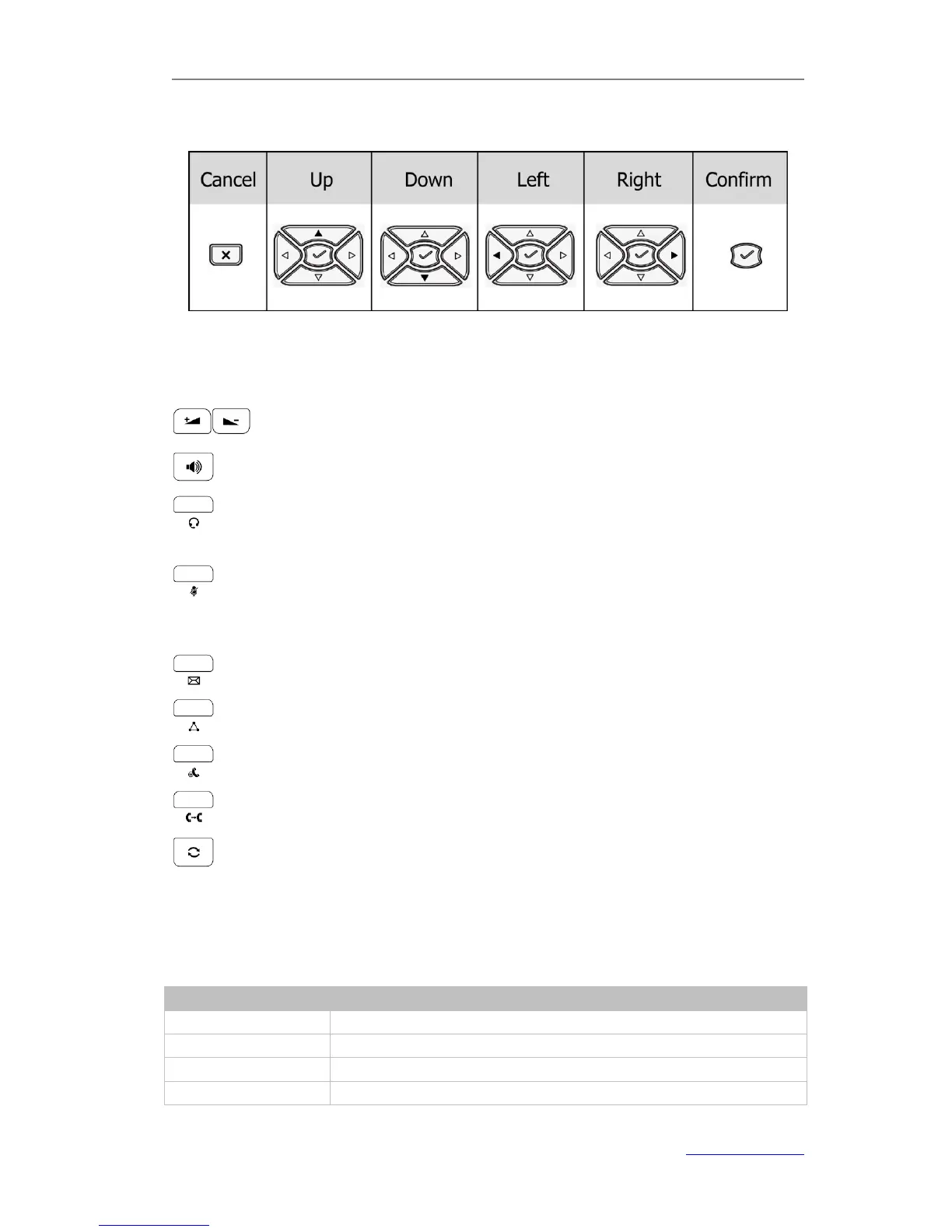
Navigation Keys
Press the navigation keys to navigate in the display menus, confirm or cancel actions.
Audio Device Control Keys
Use the audio device control keys to perform the following actions depending on your
phone type:
: Adjust the volume of the handset, headset, speaker and ring tone;
: Allows for hands-free communication during calls;
: Place and receive calls through an optionally connected headset, the LED will
be on when the phone is in Headset mode;
: Mute audio transmission locally during calls;
Hard Feature Keys
: Allow users to access the voicemail directly;
: Enable a setup of conference;
: Place a call on hold or resume it;
: During a call, press to transfer the current call to the third party;
: Press to enter the Dialed Calls interface, then select a record to call out.
LED Instruction
Table 1 DSS Keys set as BLF



 To Next Page