XP0100 Enterprise IP Phone Overview
Xorcom Ltd. 9 www.xorcom.com
Table 2 DSS Keys set as BLA (Bridged Line Appearances)
All of the members are in idle status
Some part(s)is seizing the line
Some part(s) is ring-back
Some part(s) is on the phone
Some part(s) is under the public hold status, and all of the
members can retrieve the call
Some part(s) is under the private hold status, and only the
initiator can retrieve the call
In three way conference, all of the parts press hold.
Table 2 Power Indication LED
There is incoming call to the device, or there is a call on mute
You can configure to disable the Power Indication LED via web user interface, click on
Phone-> Features, and select Enabled from the pull-down list of Close Power Light.
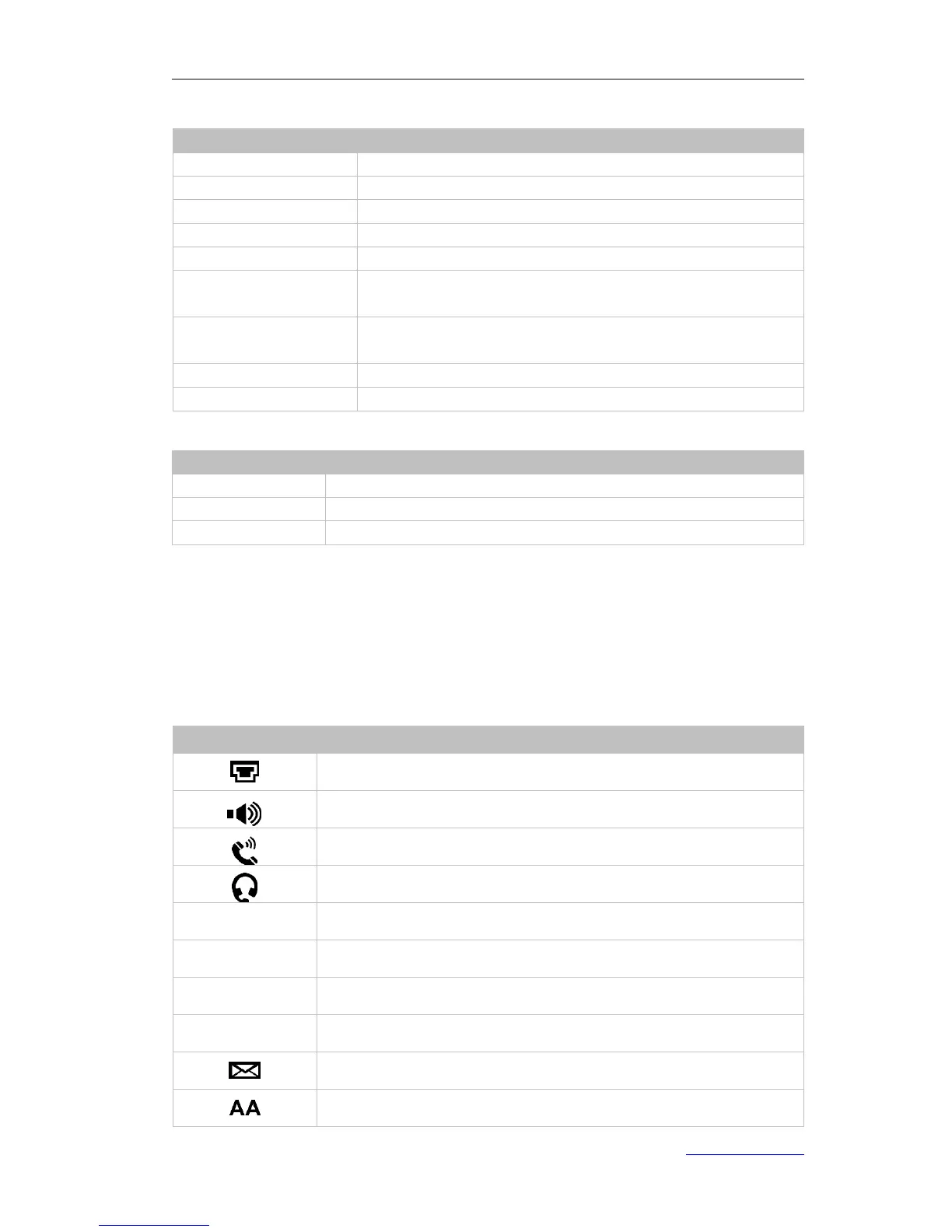
Icon Instruction
The IP Phone displays different kinds of icons on its LCD. You can refer to the following
table for their meanings:
Hands-free speakerphone mode
Multi-lingual lowercase letters input mode
Multi-lingual uppercase letters input mode



 To Next Page