XP0100 Enterprise IP Phone Getting Started
Xorcom Ltd. 2 www.xorcom.com
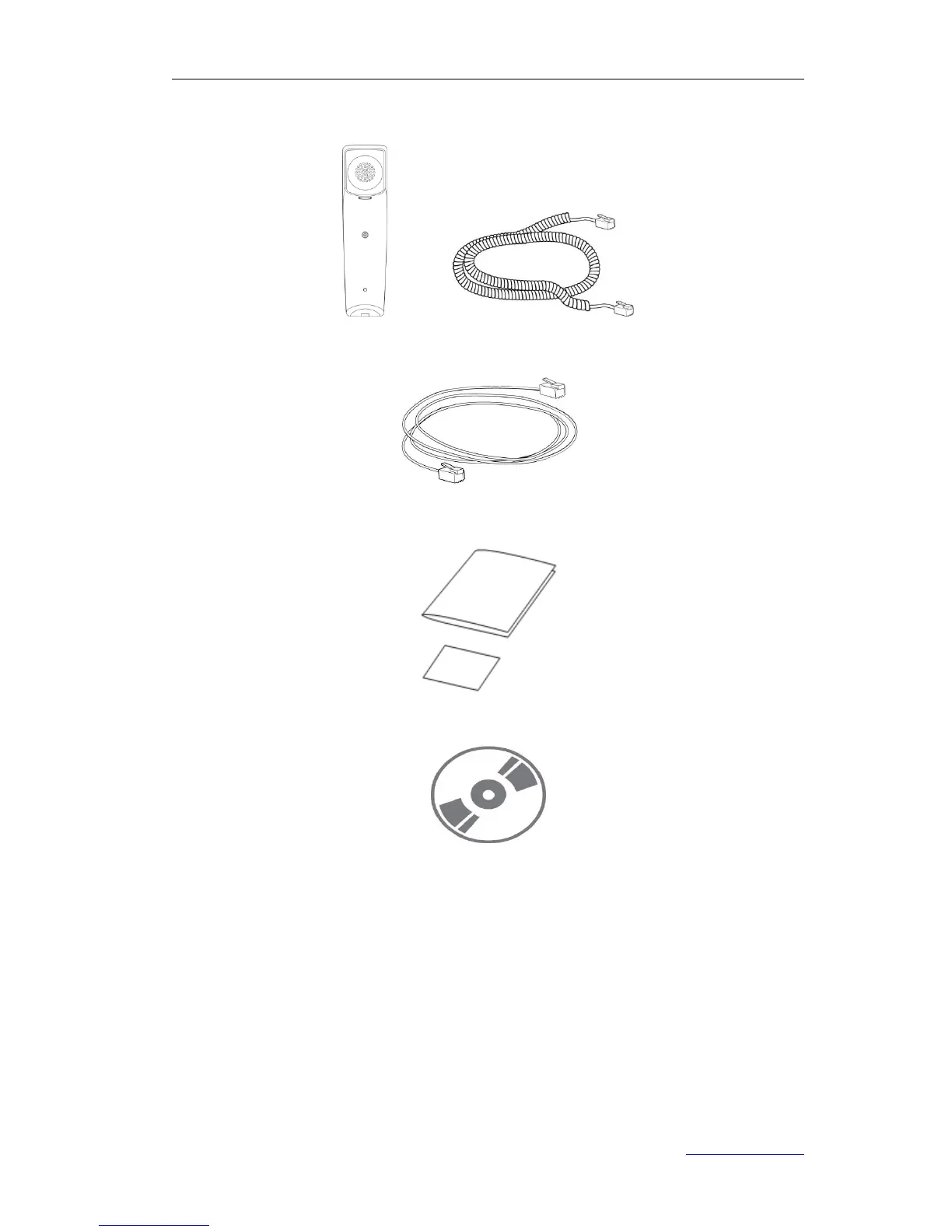
Handset & Handset Cord
Ethernet Cable
Quick Installation & Quick Reference
CD-ROM (Optional)
Check this list before installation to ensure that you have received each item. If you are
missing any items, contact your IP phone reseller.
Assembling the Phone
This section introduce how to assemble the phone with the components in the packing
list:
Attach the Stand
Connect Handset and Headset
Connect Network and Power



 To Next Page