ADPROPROE by Xtralis Installation Guide
27386_05 17
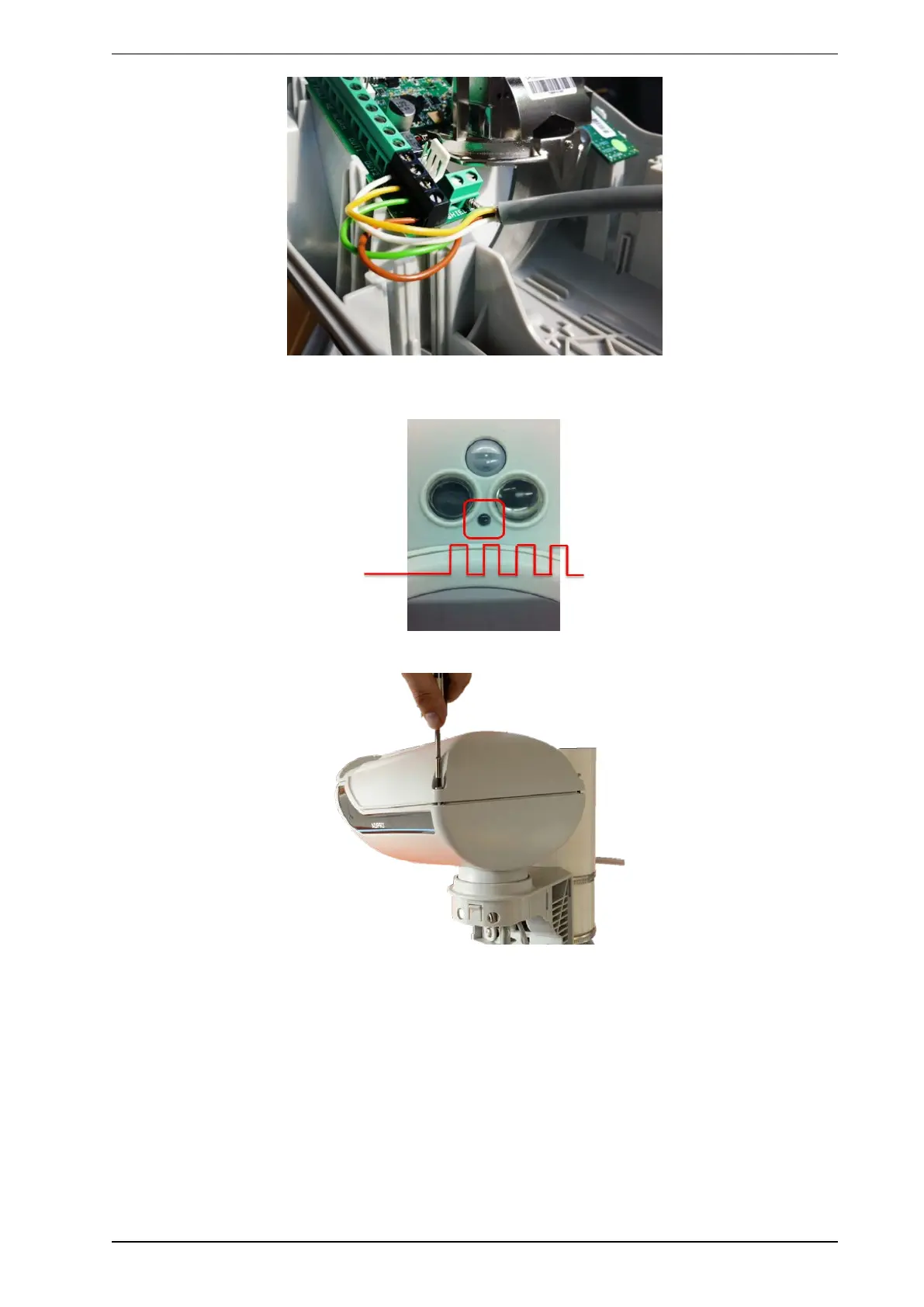
11. Connect the power supply and bus cable as shown, the red Front LED blinks slowly to indicate that the
power supply is connected, as long as the cover is open.
12. Close the housing cover, torque 0.5 Nm.
Closing the cover activates the Test mode. The red front LED stops blinking and flashes during alarms.



 To Next Page