XC Camera Setup and OSD Guide
Preset: Alarm input to link the preset.
Snap Interval: Set the snapshot interval time
Snap Count: Set the snapshot count in every second
After all parameter settings are completed, click “Save” these settings will take
immediate effect.
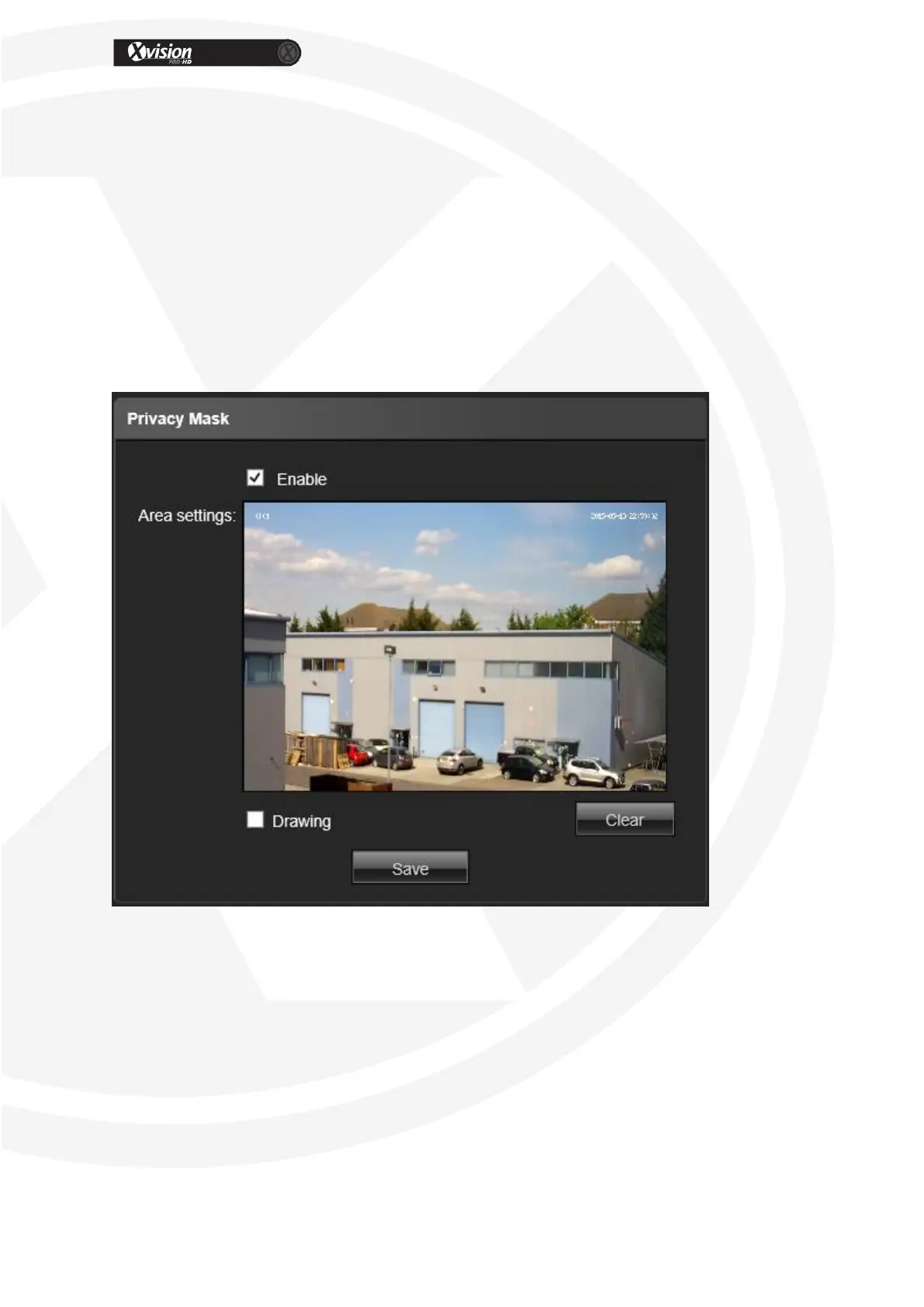
Privacy Mask
Enable: Click to enable the video mask function
Drawing: Click drawing to select the mask area.
Clear: Click Clear to delete the current channel video mask setting
After all parameter settings are completed, click “Save” these settings will take
immediate effect.


 To Next Page