XC Camera Setup and OSD Guide
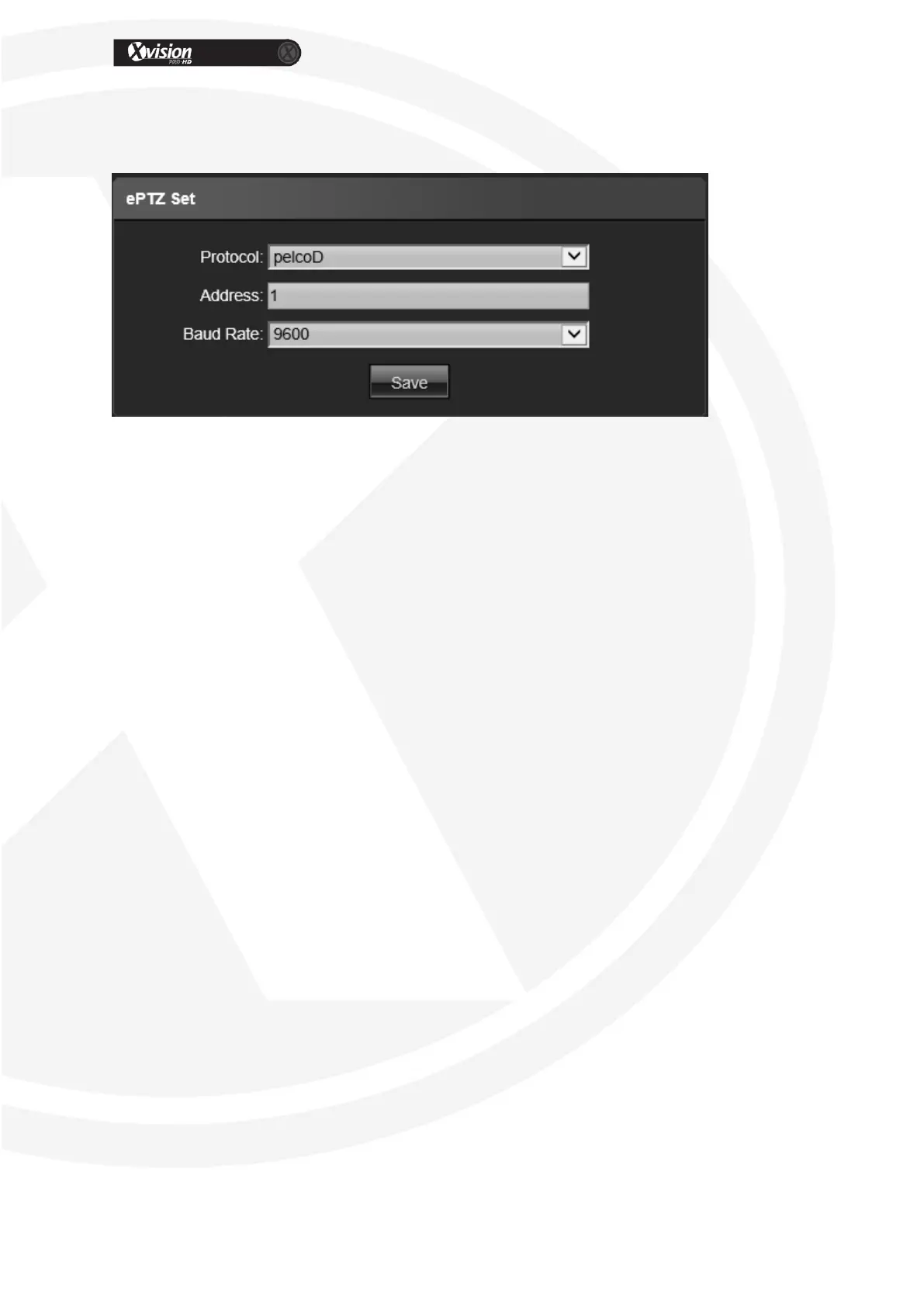
PTZ Settings
Protocol: Support Pelco D,Pelco P,Pelco F protocol
Address: 0-255 adjustable
Baud Rate: Baud rate selectable
Operation method: Connect analog high speed dome at the IP camera AB port, set the
protocol and baud rate, and control the high speed dome through IPC preview interface
After all parameter settings are completed, click “Save” these settings will take
immediate effect.


 To Next Page