XC Camera Setup and OSD Guide
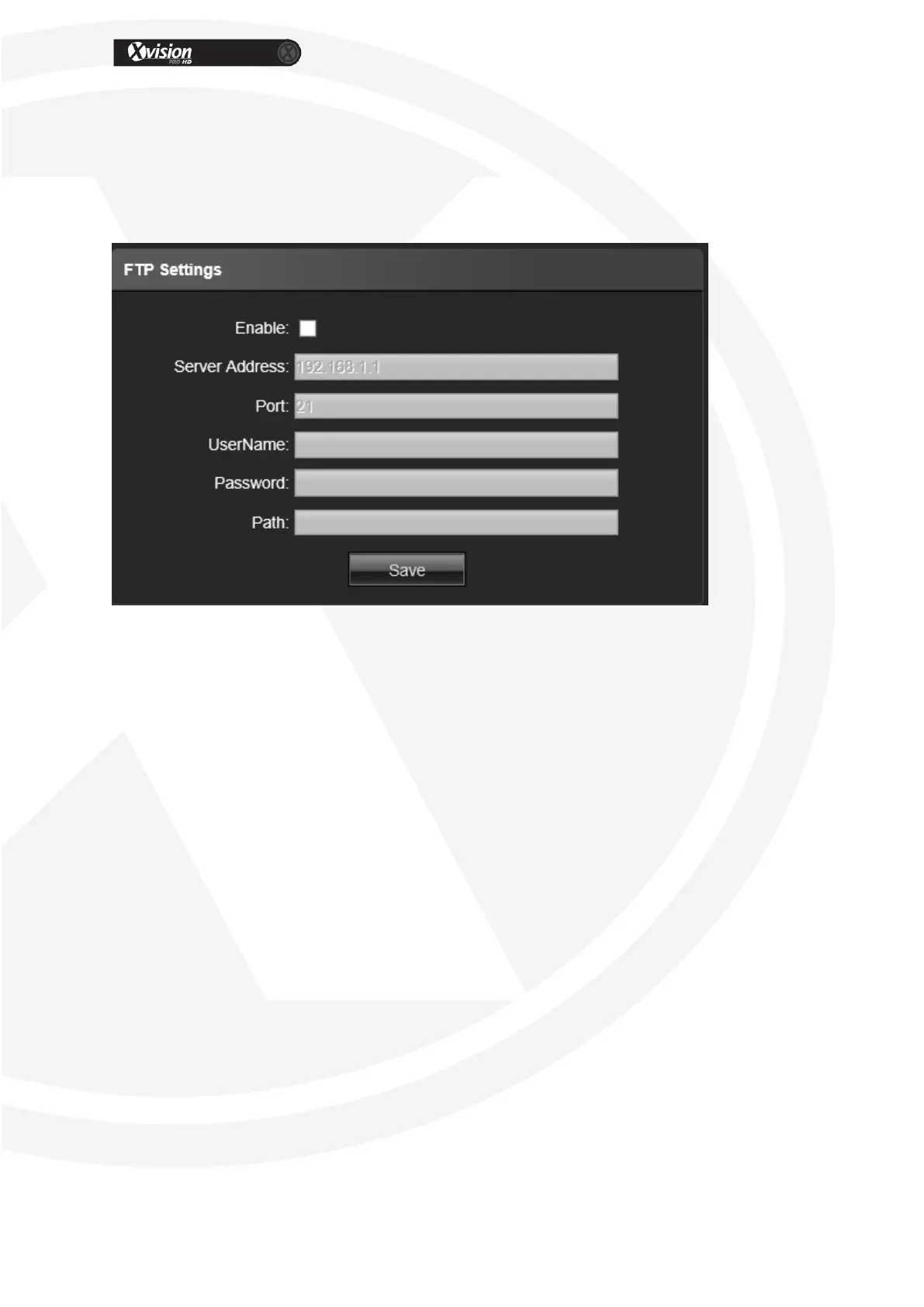
FTP Settings
Please contact your FTP Server supplier or your network Administrator for more information
on how to use the FTP feature.
Enable: Click to enable the FTP service
Server Address: Input the upload server address
Port: Input the server port, default is 21
Username: Input the upload username
Password: Input the upload password
Path: Input the upload file path
After all parameter settings are completed, click “Save” these settings will take
immediate effect.


 To Next Page